
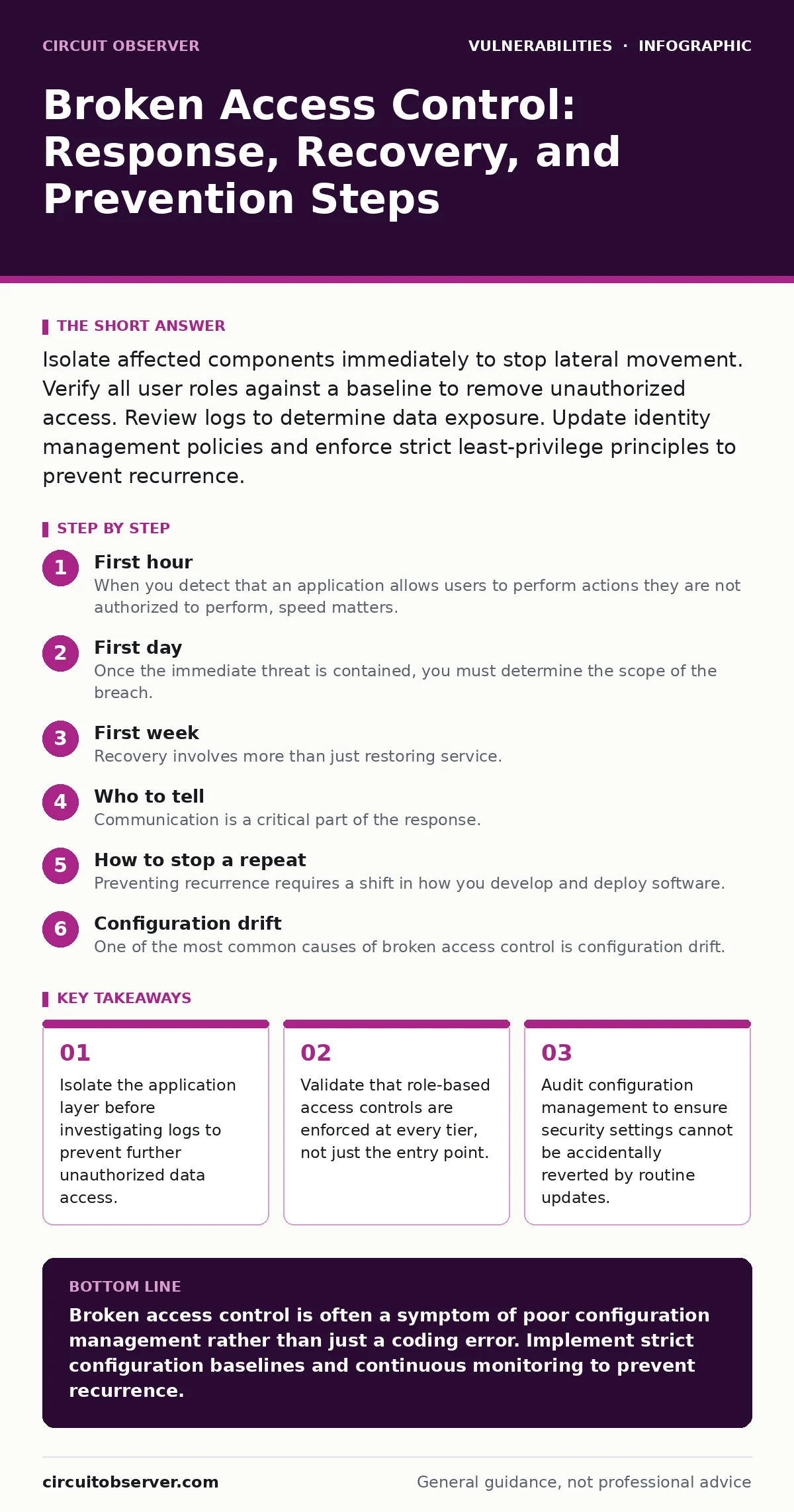
Isolate affected components immediately to stop lateral movement. Verify all user roles against a baseline to remove unauthorized access. Review logs to determine data exposure. Update identity management policies and enforce strict least-privilege principles to prevent recurrence.
First hour
When you detect that an application allows users to perform actions they are not authorized to perform, speed matters. Broken access control means the system fails to restrict what a user can do based on their assigned role. This failure allows an attacker to view or modify data belonging to another user, or to execute administrative functions.
Your primary goal is to limit the blast radius. You must assume the attacker has already moved laterally within the network. Lateral movement is the process of moving from one part of a network to another to gain further access.
- Disable the specific endpoint or API route that exhibits the vulnerability.
- Revoke active sessions for all users with elevated privileges.
- Isolate the database servers from direct external access if the application layer is compromised.
- Capture memory dumps from the affected application servers for forensic analysis.
- Notify the incident response team and legal counsel if sensitive personal data is involved.
First day
Once the immediate threat is contained, you must determine the scope of the breach. You need to know who accessed what and when. This requires a thorough review of access logs and application logs. Access logs record who accessed the system, while application logs record what actions were performed.
Look for patterns that indicate automated scanning or brute-force attempts. Automated scanning is the use of software to systematically probe a system for weaknesses. If you find evidence of mass assignment vulnerabilities, where an attacker overwrites object properties by submitting extra parameters, you must check every related endpoint. Mass assignment occurs when a framework automatically binds user input to object properties without validation.
You should also check for remote code execution vulnerabilities. If an attacker gained administrative access, they may have installed a backdoor or a web shell. A web shell is a script uploaded to a web server to allow remote control of the system. Use static application security testing (SAST) tools to scan the source code for any other instances of improper authorization checks. SAST analyzes source code without executing it to find security flaws.
First week
Recovery involves more than just restoring service. You must rebuild trust in the system’s security controls. Start by reviewing all user accounts and their associated roles. Remove any accounts that are no longer necessary. This practice is known as least privilege, which means granting users only the access they need to perform their job functions.
Update your identity and access management policies. Ensure that multi-factor authentication is enforced for all administrative actions. Multi-factor authentication requires two or more verification methods to confirm a user's identity. You should also review your network segmentation. Network segmentation divides a network into smaller sub-networks to limit the spread of an attack.
If your application relies on a VPN appliance for remote access, review its configuration. VPN appliance vulnerabilities can provide an alternative entry point for attackers if the primary application is secured. Ensure that the VPN enforces strict access controls and that logs are centralized for monitoring.
Who to tell
Communication is a critical part of the response. You must inform internal stakeholders, including management, legal, and human resources. Management needs to understand the business impact. Legal needs to assess regulatory obligations. Human resources may need to notify employees if their data was exposed.
If personal data was compromised, you may need to notify affected individuals and regulatory bodies. Check local laws for specific requirements. Transparency builds trust, but you must ensure that the information you share is accurate and does not reveal sensitive security details that could help attackers.
How to stop a repeat
Preventing recurrence requires a shift in how you develop and deploy software. You must integrate security into the development lifecycle. This is known as DevSecOps. DevSecOps integrates security practices into the continuous integration and continuous delivery pipeline.
Use dynamic application security testing (DAST) to test the running application for vulnerabilities. DAST simulates attacks against a running application to find security flaws. Combine this with regular penetration testing. Penetration testing is an authorized simulated attack against a system to evaluate its security.
Review your server-side template injection protections. Server-side template injection occurs when an attacker can inject malicious code into a template engine. If your application uses template engines, ensure that user input is properly escaped and sanitized.
See also: Identity Theft Protection for Employees: The Hidden Cost of Shared Credentials · How to Prevent Data Exfiltration: Stop Silent Data Loss
Configuration drift
One of the most common causes of broken access control is configuration drift. Configuration drift occurs when the configuration of a system deviates from its secure baseline over time. This can happen through manual changes, automated updates, or emergency patches.
You must implement configuration management tools to enforce secure baselines. These tools ensure that systems remain in a known, secure state. Regularly audit configurations to detect and correct drift. This reduces the risk of accidental exposure of sensitive data or functionality.
Monitoring and alerting
Finally, you must improve your monitoring capabilities. You need to detect unauthorized access attempts in real-time. Implement intrusion detection systems and security information and event management solutions. Intrusion detection systems monitor network traffic for suspicious activity. Security information and event management solutions collect and analyze log data from various sources.
Set up alerts for unusual behavior, such as a user accessing resources outside their normal pattern. This allows you to respond quickly to potential incidents. Continuous monitoring is essential for maintaining security in a dynamic environment.
Key takeaways
- Isolate the application layer before investigating logs to prevent further unauthorized data access.
- Validate that role-based access controls are enforced at every tier, not just the entry point.
- Audit configuration management to ensure security settings cannot be accidentally reverted by routine updates.
Broken access control is often a symptom of poor configuration management rather than just a coding error. Implement strict configuration baselines and continuous monitoring to prevent recurrence.
Frequently asked questions
How do I know if my application has broken access control?
Look for instances where users can access data or perform actions intended for other roles, such as viewing another user's profile or editing administrative settings.
What is the difference between broken authentication and broken access control?
Broken authentication involves issues with verifying user identity, while broken access control involves issues with verifying what an authenticated user is allowed to do.
Can firewalls prevent broken access control?
No, firewalls control network traffic but cannot enforce application-level authorization rules. You must implement access controls within the application logic.
How often should I review access controls?
Review access controls regularly, at least quarterly, and whenever there are significant changes to the application or organizational structure.
How this guide was produced: written by the Circuit Observer editorial team with AI assistance, checked against the public references listed below, and reviewed when the facts change. See our editorial policy or report an error.