
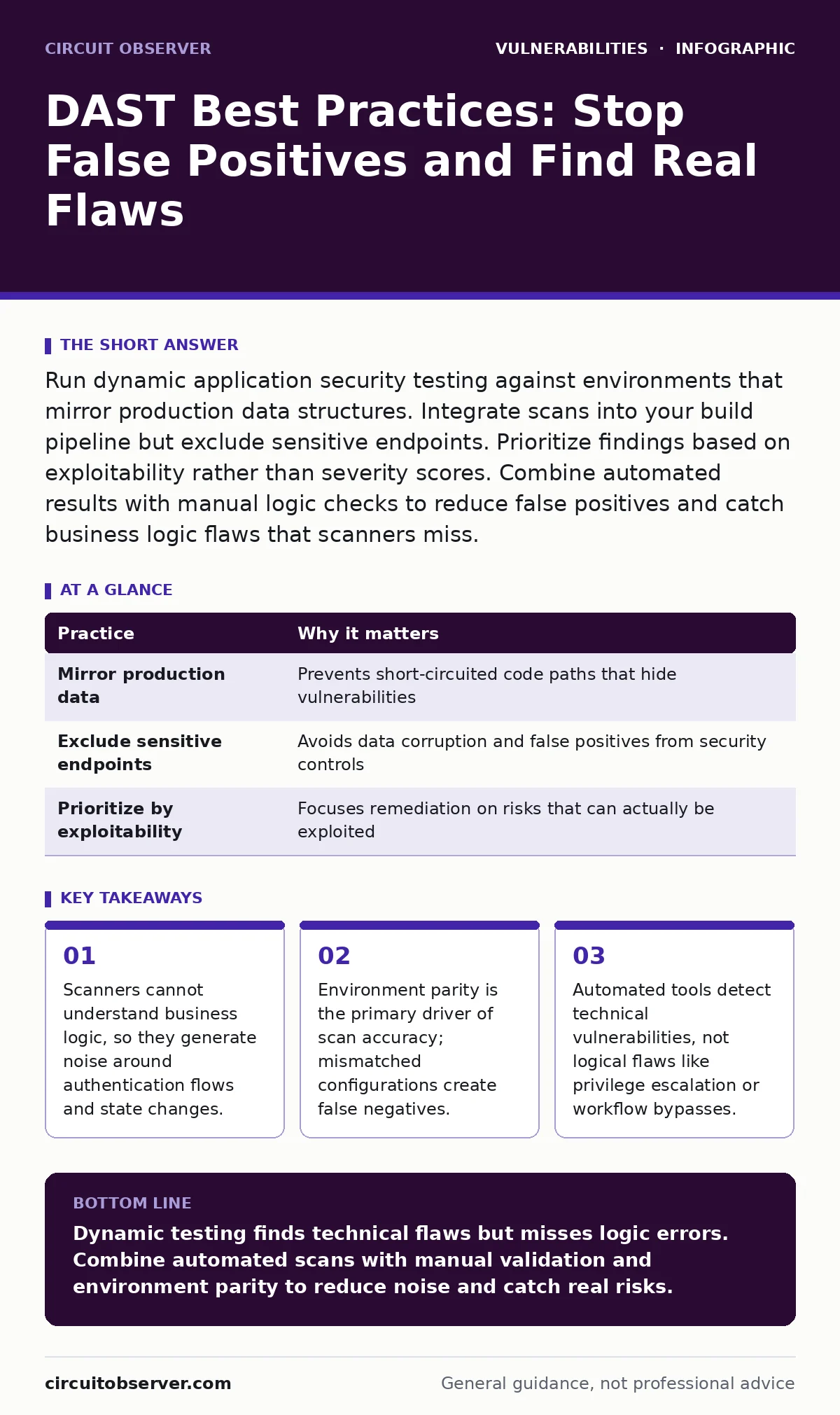
Run dynamic application security testing against environments that mirror production data structures. Integrate scans into your build pipeline but exclude sensitive endpoints. Prioritize findings based on exploitability rather than severity scores. Combine automated results with manual logic checks to reduce false positives and catch business logic flaws that scanners miss.
The Black Box Limitation
Dynamic application security testing (DAST) interacts with a running application, sending malicious inputs to observe how the system responds. It is a black-box approach, meaning the scanner knows nothing about the underlying code structure or architecture. This mirrors how an attacker behaves, but it also means the tool cannot distinguish between a dangerous input and a harmless one if the application handles both similarly.
You must accept that DAST will never see the full picture. It identifies symptoms of vulnerabilities, not the root cause in the source code. For a deeper look at code-level issues, review our guide on static application security testing (SAST), which complements DAST by analyzing the source directly.
1. Mirror Production Data Structures
A scanner operates on the principle of variation. If your test environment uses empty databases or generic placeholder data, the application may short-circuit certain code paths. This causes the scanner to miss vulnerabilities that only trigger when specific data conditions are met. For example, a query might optimize differently when a table is empty versus when it contains millions of rows. Ensure your staging environment uses anonymized production data that reflects the volume and variety of real user inputs. This parity ensures the application behaves as it would under actual load and logic constraints.
| Practice | Why it matters |
|---|---|
| Mirror production data | Prevents short-circuited code paths that hide vulnerabilities |
| Exclude sensitive endpoints | Avoids data corruption and false positives from security controls |
| Prioritize by exploitability | Focuses remediation on risks that can actually be exploited |
2. Exclude Security Controls from Scans
Web application firewalls and intrusion detection systems are designed to block the exact payloads DAST tools inject. If you scan through these controls, the scanner will report that the application is secure because the attack never reached the code. This creates a false sense of security. Configure your scanner to bypass these perimeter defenses or run the scan from inside the network where these controls are absent. This allows the tool to test the application code directly. Remember, bypassing these controls in a test environment does not mean they are ineffective; it means you are testing the right layer.
3. Isolate Sensitive Endpoints
Automated scanners do not understand context. They may attempt to delete records, modify user roles, or trigger financial transactions during a scan. Even in a test environment, this can corrupt data integrity or trigger alerting systems that disrupt operations. Create a whitelist of endpoints that the scanner must ignore. This typically includes administrative interfaces, payment gateways, and any API that performs state-changing actions. By restricting the scan to read-only or low-impact endpoints, you reduce the risk of collateral damage. This also helps in tuning the scanner to focus on input validation flaws rather than business logic disruption.
4. Validate Authentication Flows Manually
DAST tools struggle with complex authentication mechanisms. They often fail to maintain session state correctly or understand multi-factor authentication flows. As a result, they may report that authentication is broken when it is actually working, or miss vulnerabilities that require a valid session. You must manually verify any finding related to login, session management, or access control. Imagine a scanner reporting a server-side template injection vulnerability. If the scanner cannot authenticate properly, it cannot exploit the template engine. A human tester must confirm the session persists and the injection is possible within that context.
See also: Proof-of-Concept Exploits: How Small Teams Manage Public Code Risks
5. Tune for Your Technology Stack
Generic scan profiles send thousands of payloads, many of which are irrelevant to your technology. If you run a Java-focused scan against a Python application, the tool will waste time on payloads that the runtime ignores. This increases scan duration and generates false positives. Configure the scanner to match your specific framework and language. Most tools allow you to select profiles based on common frameworks. This targeted approach reduces noise and increases the likelihood of finding relevant vulnerabilities. It also speeds up the scan, allowing for more frequent testing cycles.
6. Prioritize by Exploitability, Not Severity
CVSS scores provide a standardized measure of severity, but they do not account for exploitability in your specific environment. A vulnerability might have a high score but be impossible to exploit due to network segmentation or input validation elsewhere. Conversely, a low-score issue might be trivially exploitable and lead to remote code execution vulnerabilities if combined with other flaws. Review findings based on how easily an attacker can leverage them. Consider the context of the application and the attacker's potential access. This prioritization ensures your team spends time fixing risks that matter, rather than chasing theoretical flaws.
7. Integrate into the Build Pipeline
Running DAST only before major releases allows vulnerabilities to accumulate. By the time you find them, fixing them may require significant refactoring. Integrate DAST into your continuous integration and continuous deployment pipeline. Run lightweight scans on every commit or nightly builds. This shifts security left, catching issues early when they are cheaper to fix. Use incremental scanning to test only the changed components. This keeps the feedback loop short and prevents security from becoming a bottleneck. The goal is continuous verification, not periodic audits.
8. Combine with Logic Testing
Automated tools cannot understand business logic. They cannot detect if a user can access another user's data by changing an ID parameter, or if a discount can be applied twice. These are logic flaws that require human intuition. Supplement DAST with manual penetration testing focused on business workflows. Review our guide on mass assignment vulnerabilities to understand how automated tools often miss these subtle logic errors. A scanner sees a parameter; a tester sees a privilege escalation. This combination ensures you cover both technical and logical attack surfaces.
9. Document False Positives
Every scanner generates false positives. These are findings that are not actual vulnerabilities. If you do not document and suppress these, your team will waste time investigating them repeatedly. Create a process to review and validate each finding. Mark confirmed false positives in your scanner configuration. This reduces noise over time and improves the signal-to-noise ratio. Regularly review your suppression list to ensure new code changes have not reintroduced the vulnerability. This discipline turns a noisy tool into a precise instrument.
Key takeaways
- Scanners cannot understand business logic, so they generate noise around authentication flows and state changes.
- Environment parity is the primary driver of scan accuracy; mismatched configurations create false negatives.
- Automated tools detect technical vulnerabilities, not logical flaws like privilege escalation or workflow bypasses.
Dynamic testing finds technical flaws but misses logic errors. Combine automated scans with manual validation and environment parity to reduce noise and catch real risks.
Frequently asked questions
Can DAST replace manual penetration testing?
No, DAST cannot understand business logic or complex workflows. It is an automated aid that must be supplemented with manual testing to find logic flaws and context-specific vulnerabilities.
How often should I run DAST scans?
Run lightweight scans on every build or nightly. Perform full scans before major releases. Frequent scanning catches issues early and reduces the cost of remediation.
Is DAST safe for production environments?
Generally, no. DAST can cause data corruption or service disruption. Run scans against staging environments that mirror production. If you must scan production, use read-only modes and exclude sensitive endpoints.
How do I reduce false positives in DAST?
Tune the scanner to your technology stack, exclude security controls, and validate findings manually. Document and suppress confirmed false positives to improve accuracy over time.
How this guide was produced: written by the Circuit Observer editorial team with AI assistance, checked against the public references listed below, and reviewed when the facts change. See our editorial policy or report an error.