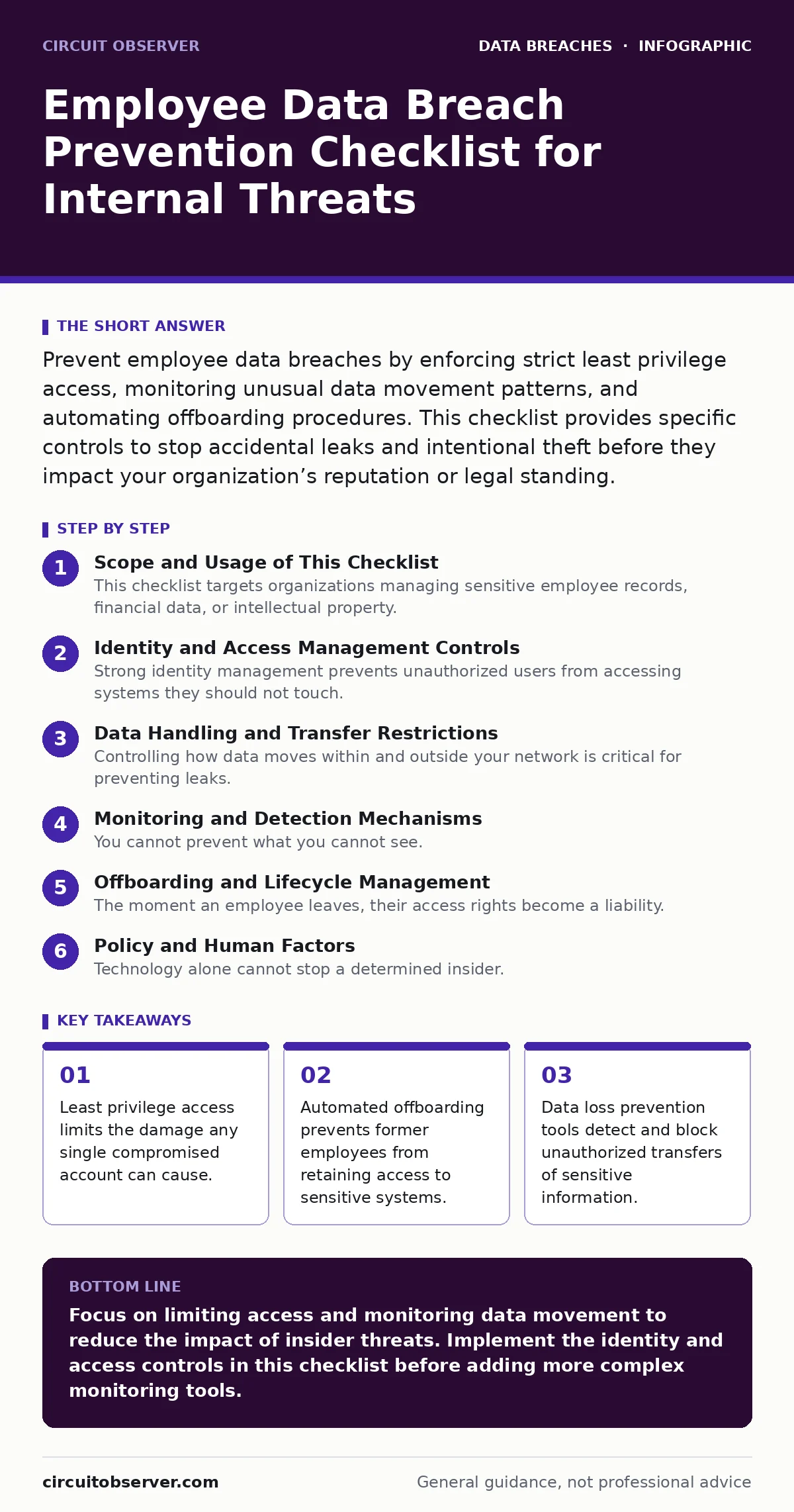
Prevent employee data breaches by enforcing strict least privilege access, monitoring unusual data movement patterns, and automating offboarding procedures. This checklist provides specific controls to stop accidental leaks and intentional theft before they impact your organization’s reputation or legal standing.
Scope and Usage of This Checklist
This checklist targets organizations managing sensitive employee records, financial data, or intellectual property. You use these controls to reduce the attack surface created by human error and malicious insiders. The items are grouped by function to help you audit specific areas of your infrastructure. You do not need to implement every item immediately, but you must address the highest risk items first. Regular reviews ensure that new threats do not bypass your existing defenses.
Identity and Access Management Controls
Strong identity management prevents unauthorized users from accessing systems they should not touch. These controls ensure that only the right people have the right level of access at any given time.
- Enforce multi-factor authentication for all administrative accounts: This adds a second layer of verification that stops attackers who have stolen passwords from logging in.
- Implement role-based access control: This ensures users only see data necessary for their specific job functions, reducing the volume of data exposed in a breach.
- Conduct quarterly access reviews for privileged accounts: This catches permissions that were granted for temporary tasks but never removed, a common source of insider risk.
- Disable legacy authentication protocols: Older protocols often lack modern security features, making it easier for attackers to bypass standard login protections.
Data Handling and Transfer Restrictions
Controlling how data moves within and outside your network is critical for preventing leaks. You must define what constitutes sensitive data and restrict how it can be shared.
- Classify data based on sensitivity levels: Clear labels help employees understand which documents require extra protection and which can be shared freely.
- Encrypt sensitive data at rest and in transit: Encryption ensures that even if data is intercepted or stolen, it remains unreadable without the proper decryption keys.
- Disable USB ports on workstations: Physical media is a common vector for data theft, as files can be copied to removable drives without network detection.
- Restrict printing of sensitive documents: Printed documents are often left unattended, creating a physical security risk that is harder to monitor than digital files.
Monitoring and Detection Mechanisms
You cannot prevent what you cannot see. Monitoring systems allow you to detect unusual behavior that might indicate an insider threat or a compromised account.
- Deploy data loss prevention software: DLP tools scan outgoing traffic for sensitive data patterns and block transfers that violate your security policies.
- Monitor for large data downloads by single users: Sudden spikes in data consumption often indicate an employee preparing to leave or an account being used for exfiltration.
- Alert on login attempts from unusual locations: Geographic anomalies can signal that an attacker has taken control of a legitimate user’s credentials.
- Log all access to sensitive databases: Detailed logs provide the evidence needed for digital forensics if a breach occurs, helping you understand the scope and method.
Offboarding and Lifecycle Management
The moment an employee leaves, their access rights become a liability. Delayed revocation is a leading cause of data breaches involving former staff.
- Automate account disablement on termination date: Automated scripts ensure that access is revoked immediately, removing the risk of human error or delay.
- Revoke all API keys and tokens issued to the user: These credentials often bypass standard login controls and can remain active long after the user’s primary account is disabled.
- Retrieve all company devices and media: Physical devices may contain cached credentials or unencrypted data that can be accessed without network connectivity.
- Change shared service account passwords: If the departing employee knew the password for a shared service, changing it prevents continued unauthorized access.
See also: USB Security Mistakes: 7 Hidden Risks and How to Fix Them · BitLocker Encryption: Real Benefits and Hidden Limitations
Policy and Human Factors
Technology alone cannot stop a determined insider. Clear policies and regular training reinforce the security culture and provide legal grounds for disciplinary action.
- Define clear data handling policies: Employees need written guidelines on what data they can access, copy, and share, both during and after employment.
- Conduct regular security awareness training: Training helps employees recognize social engineering attempts and understand the consequences of mishandling sensitive information.
- Establish a clear incident reporting process: Employees who suspect a breach or accidental leak need a safe, easy way to report it without fear of immediate punishment.
- Review insider threat indicators with HR: Human resources teams can provide early warnings of disgruntled employees or those facing personal crises that might increase risk.
Related Security Considerations
Protecting employee data intersects with several other security domains. You should align these controls with your broader security strategy to ensure consistent protection across all data types.
Understanding the differences between accidental leaks and intentional theft helps you tailor your response. For example, measures to prevent insider data theft often differ from those designed to stop unauthorized access by external hackers. You should also consider how these controls interact with regulatory requirements. If you handle protected health information, your data handling restrictions must meet stricter standards than general business data. Similarly, if you operate in regions with strict privacy laws, you must understand the GDPR breach notification rule and how it applies to employee data.
Credential leaks often serve as the initial entry point for more sophisticated attacks. By securing identities, you reduce the likelihood that a stolen password leads to a major incident. When a breach does occur, having clear procedures for breach notification ensures you meet legal obligations and maintain trust with your workforce. Finally, proper user access provisioning ensures that new hires start with the correct permissions from day one, preventing the accumulation of unnecessary access rights over time.
Key takeaways
- Least privilege access limits the damage any single compromised account can cause.
- Automated offboarding prevents former employees from retaining access to sensitive systems.
- Data loss prevention tools detect and block unauthorized transfers of sensitive information.
Focus on limiting access and monitoring data movement to reduce the impact of insider threats. Implement the identity and access controls in this checklist before adding more complex monitoring tools.
Frequently asked questions
How do I balance security with employee productivity?
Implement least privilege access so employees only have what they need, and use automated tools to handle routine security tasks without slowing down workflows.
What is the first step if I suspect an insider threat?
Isolate the user’s account and devices from the network immediately to prevent further data access, then begin a formal investigation.
Do I need separate controls for remote workers?
Yes, remote workers often use less secure networks and devices, so you must enforce stricter encryption and authentication requirements for their access.
How often should I update my data classification policy?
Review and update your data classification policy annually or whenever you introduce new types of sensitive data into your systems.
How this guide was produced: written by the Circuit Observer editorial team with AI assistance, checked against the public references listed below, and reviewed when the facts change. See our editorial policy or report an error.