
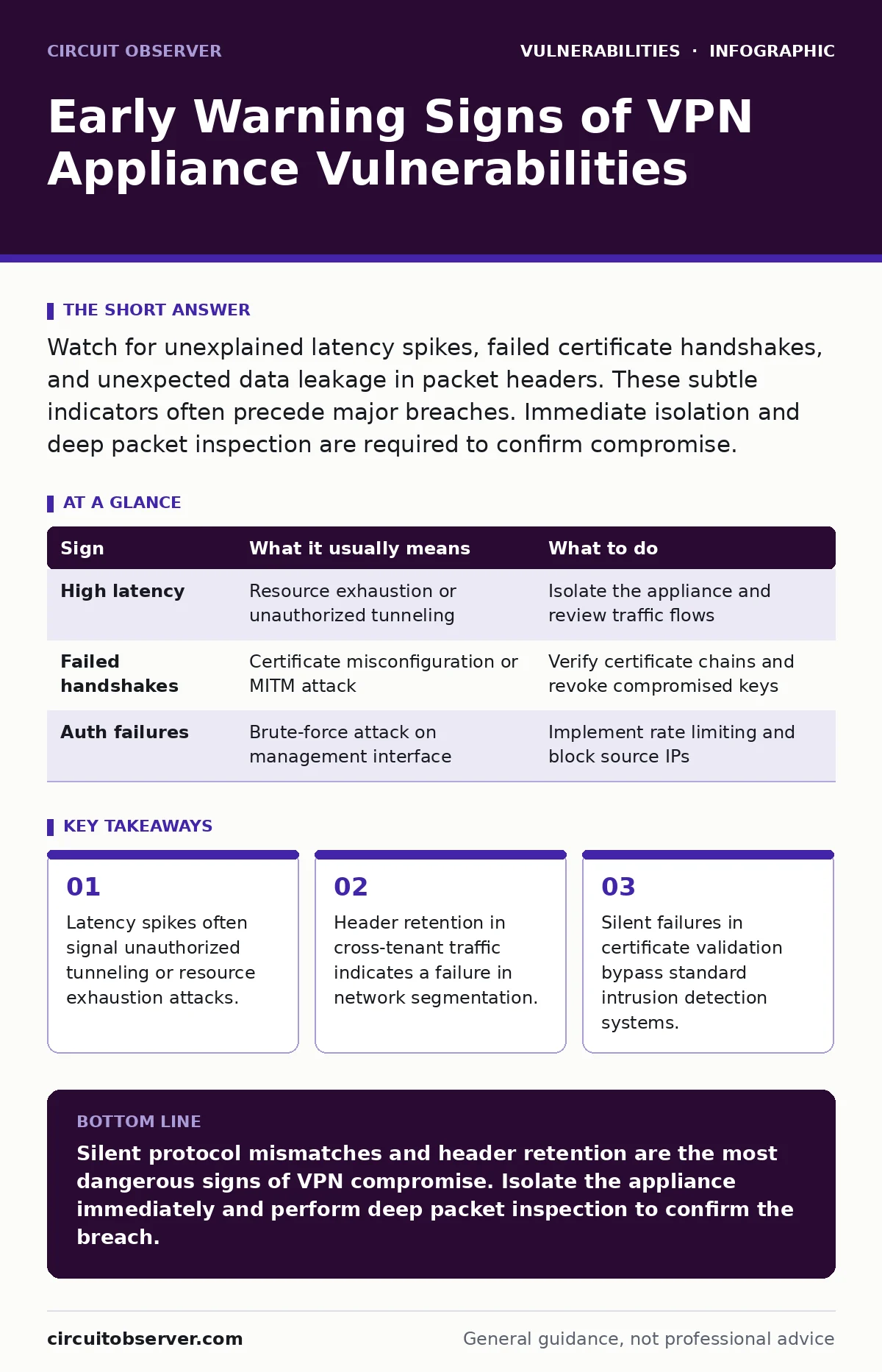
Watch for unexplained latency spikes, failed certificate handshakes, and unexpected data leakage in packet headers. These subtle indicators often precede major breaches. Immediate isolation and deep packet inspection are required to confirm compromise.
The Illusion of Secure Connectivity
Virtual private networks create encrypted tunnels over public networks. You assume this encryption hides all internal traffic from external observers. This assumption is dangerous when the appliance itself is misconfigured. The device managing the tunnel often exposes more data than you realize.
Imagine a scenario where the VPN appliance fails to strip internal metadata before routing traffic. The tunnel remains encrypted, but the control plane leaks information. You see normal throughput, but an attacker maps your internal topology. This happens because the appliance prioritizes speed over strict isolation.
Signs You Notice Immediately
Latency spikes are the most common early warning. When users report slow connections, you might blame internet service providers. Often, the appliance is struggling with unauthorized traffic or cryptographic overhead. This strain suggests the device is processing more than legitimate user sessions.
Check your authentication logs for repeated failures. A sudden surge in failed login attempts indicates brute-force attacks. These attempts target the management interface, not just the user portal. If the appliance lacks rate limiting, these attacks can degrade performance for everyone.
Failed certificate handshakes are another clear signal. Modern appliances use mutual authentication to verify both client and server. When these handshakes fail repeatedly, the appliance may be rejecting valid clients or accepting invalid ones. This breaks the trust model of the entire remote access strategy.
| Sign | What it usually means | What to do |
|---|---|---|
| High latency | Resource exhaustion or unauthorized tunneling | Isolate the appliance and review traffic flows |
| Failed handshakes | Certificate misconfiguration or MITM attack | Verify certificate chains and revoke compromised keys |
| Auth failures | Brute-force attack on management interface | Implement rate limiting and block source IPs |
Subtle Indicators Most Admins Miss
The hardest vulnerabilities to spot are those that do not break functionality. Silent protocol mismatches occur when the appliance supports deprecated encryption standards. You might not notice until an attacker exploits the weaker protocol. This is a form of remote code execution vulnerabilities where the exploit chain relies on legacy support.
Header retention is a critical hidden risk. When traffic passes through the VPN, internal headers should be stripped. If they remain, an attacker can infer internal IP schemes. This relates to broken access control because the appliance fails to enforce boundary rules. You must inspect packet payloads, not just metadata.
Suppose your appliance allows split tunneling by default. This means some traffic bypasses the encryption tunnel. If not configured correctly, this exposes internal services to the public internet. This is a classic case of mass assignment vulnerabilities where the system accepts more routing rules than intended.
The Cost of Silent Failures
When an appliance fails silently, it often drops packets without logging the reason. This creates a blind spot in your monitoring. You see reduced throughput but no error messages. This silence is deceptive. It suggests the system is working when it is actually discarding critical data.
This behavior often stems from buffer overflows in the packet processing engine. The appliance crashes the specific session to protect the core system. You lose connectivity, but the device stays up. This partial failure is harder to detect than a total outage. It requires deep packet inspection to identify the dropped segments.
Immediate Containment Steps
When you detect these signs, stop trying to fix them live. Isolate the appliance from the network immediately. Keep it powered on to preserve memory forensics. Pulling the power destroys volatile evidence that could identify the attack vector.
Capture a full packet dump before isolation. This gives you a baseline of what traffic was passing through. Analyze this dump for anomalies in header structures or encryption patterns. Look for packets that do not match the expected protocol definitions.
Configuration Hardening
After containment, review the configuration against a baseline. Disable all unused protocols and ports. This reduces the attack surface significantly. Ensure that only modern encryption ciphers are enabled. Older standards like DES or RC4 must be removed entirely.
Implement strict certificate validation policies. Do not allow self-signed certificates in production environments. Use a private certificate authority to manage trust. This prevents man-in-the-middle attacks where an attacker presents a fake certificate.
Long-Term Monitoring Strategies
Continuous monitoring is required to catch new vulnerabilities. Deploy dynamic application security testing (DAST) tools to scan the appliance regularly. These tools simulate attacks to find configuration errors. They check for open ports and weak authentication methods.
Integrate static application security testing (SAST) into your update process. This checks the firmware code for known flaws before deployment. It ensures that new versions do not introduce regressions. This is part of a coordinated vulnerability disclosure strategy where you verify patches before applying them.
Key takeaways
- Latency spikes often signal unauthorized tunneling or resource exhaustion attacks.
- Header retention in cross-tenant traffic indicates a failure in network segmentation.
- Silent failures in certificate validation bypass standard intrusion detection systems.
Silent protocol mismatches and header retention are the most dangerous signs of VPN compromise. Isolate the appliance immediately and perform deep packet inspection to confirm the breach.
Frequently asked questions
How do I know if my VPN appliance is leaking data?
Check for internal IP addresses or headers in external traffic dumps. Use deep packet inspection tools to analyze packet contents.
What is the first step after detecting a vulnerability?
Isolate the appliance from the network to prevent further data exfiltration. Keep it powered on for forensic analysis.
Can latency spikes indicate a security breach?
Yes, unauthorized tunneling or resource exhaustion attacks often cause noticeable latency increases. Correlate latency with authentication logs.
Why are silent failures more dangerous than outages?
Silent failures do not trigger alerts, allowing attackers to operate undetected for longer periods. They require active monitoring to detect.
How this guide was produced: written by the Circuit Observer editorial team with AI assistance, checked against the public references listed below, and reviewed when the facts change. See our editorial policy or report an error.