
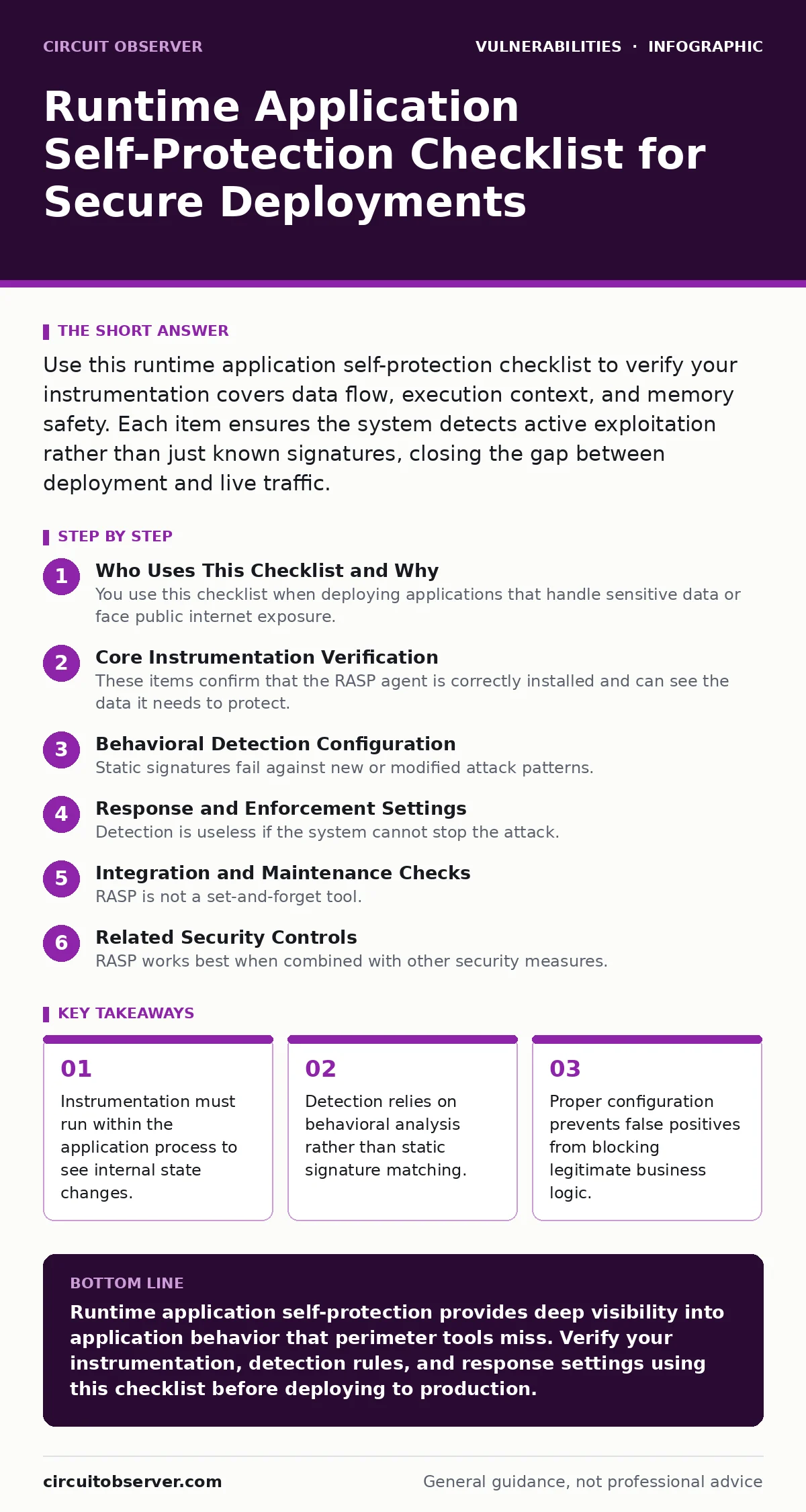
Use this runtime application self-protection checklist to verify your instrumentation covers data flow, execution context, and memory safety. Each item ensures the system detects active exploitation rather than just known signatures, closing the gap between deployment and live traffic.
Who Uses This Checklist and Why
You use this checklist when deploying applications that handle sensitive data or face public internet exposure. Runtime application self-protection (RASP) differs from traditional web application firewalls because it sits inside the application runtime. It sees the actual data and code execution path. This checklist helps you verify that your RASP implementation is configured to detect real threats without breaking functionality. It applies to any environment where you need deep visibility into application behavior.
Core Instrumentation Verification
These items confirm that the RASP agent is correctly installed and can see the data it needs to protect. If the agent cannot read the data, it cannot protect it.
- Agent hooks into the application framework: The agent must intercept calls at the framework level to see request data before it reaches business logic.
- Data flow tracing is enabled: Tracking how user input moves through the application allows the system to identify when tainted data reaches a dangerous function.
- Context awareness is active: The system must understand the difference between safe internal data and unsafe external input to reduce noise.
- Database query instrumentation is present: Intercepting queries before execution allows the system to block SQL injection attempts at the source.
Imagine a developer writes a query using string concatenation. A network firewall sees only the final HTTP request. RASP sees the constructed query string and the original user input. This distinction allows for precise blocking of SQL injection attacks that might otherwise bypass perimeter defenses.
Behavioral Detection Configuration
Static signatures fail against new or modified attack patterns. Behavioral detection looks for anomalies in how the application runs. These settings ensure the system recognizes malicious intent rather than just known bad strings.
- Anomaly baselines are established: The system needs a model of normal application behavior to flag deviations that indicate an attack.
- Execution path monitoring is active: Tracking which functions are called and in what order helps identify unauthorized code execution attempts.
- Memory access checks are enabled: Monitoring memory operations helps detect buffer overflows and other memory corruption vulnerabilities before they cause crashes.
- File system interaction rules are set: Restricting which files the application can read or write prevents attackers from accessing sensitive system files.
Suppose an attacker tries to exploit a logic flaw that does not involve standard malicious payloads. Behavioral detection spots the unusual sequence of function calls. This approach catches zero-day exploits that signature-based tools miss entirely.
Response and Enforcement Settings
Detection is useless if the system cannot stop the attack. These items verify that the RASP solution can take action when it finds a threat. You must define what happens when an attack is detected.
- Blocking mode is configured for critical paths: The system must be able to terminate malicious requests immediately to prevent data theft or system compromise.
- Alerting thresholds are tuned: Alerts must trigger on high-confidence events to avoid alert fatigue, which leads to ignored warnings.
- Logging includes full context: Logs must contain the input data, the code path, and the reason for the block to aid in forensic analysis.
- Fail-open settings are disabled: The system must default to blocking if it cannot determine safety, rather than allowing potentially dangerous traffic through.
Integration and Maintenance Checks
RASP is not a set-and-forget tool. It requires ongoing maintenance to stay effective as the application changes. These items ensure the protection evolves with your codebase.
- Dependency scanning is integrated: New libraries may introduce vulnerabilities that the RASP must monitor. Keeping the agent updated with library versions is necessary.
- Performance impact is measured: Instrumentation adds overhead. Regular checks ensure the application remains responsive under load.
- Rule updates are automated: New attack patterns emerge constantly. Automated updates ensure the system recognizes the latest threats without manual intervention.
- False positive review process exists: Developers must regularly review blocked requests to refine rules and ensure legitimate traffic is not interrupted.
Imagine a new library introduces a function that looks like a dangerous call. Without reviewing false positives, the RASP might block valid functionality. Regular maintenance keeps the balance between security and usability.
Related Security Controls
RASP works best when combined with other security measures. It does not replace secure coding practices or other defenses. You should review your overall strategy to ensure no gaps remain.
- Least privilege access is enforced: The application should run with minimal permissions to limit the impact of any successful breach.
- Authorization bypass vulnerabilities are addressed: RASP can detect unauthorized access attempts, but proper authorization logic in code is the primary defense.
- Broken access control is prevented: Ensuring users can only access their own data reduces the attack surface that RASP must monitor.
- File upload vulnerabilities are mitigated: Validating file types and contents at the application level complements RASP detection of malicious uploads.
Final Verification Steps
Before considering your deployment secure, perform these final checks. They ensure the system is ready for real-world traffic and threats.
- Penetration testing includes RASP validation: Attackers should test against the live system to verify detection and blocking capabilities.
- Incident response plans include RASP alerts: Your team must know how to react when the system blocks a request or triggers an alert.
- Documentation reflects current rules: Accurate documentation helps developers understand why certain requests are blocked and how to fix underlying issues.
- Mass assignment vulnerabilities are checked: Ensure that user input cannot overwrite internal object properties, a common issue that RASP can help detect.
Summary of Actions
You have reviewed the core components of runtime application self-protection. The checklist ensures your system can see, detect, and respond to attacks in real time. Regular maintenance and proper configuration are key to long-term effectiveness. Use this guide to verify your setup and identify gaps in your current defense strategy.
Key takeaways
- Instrumentation must run within the application process to see internal state changes.
- Detection relies on behavioral analysis rather than static signature matching.
- Proper configuration prevents false positives from blocking legitimate business logic.
Runtime application self-protection provides deep visibility into application behavior that perimeter tools miss. Verify your instrumentation, detection rules, and response settings using this checklist before deploying to production.
Frequently asked questions
Does RASP replace a web application firewall?
No. RASP complements firewalls by detecting attacks that bypass perimeter defenses. It sees inside the application, while firewalls filter traffic at the network edge.
How much performance overhead does RASP add?
Overhead varies by implementation and traffic volume. Most modern solutions add minimal latency, but you must measure impact in your specific environment during testing.
Can RASP detect all types of attacks?
RASP detects attacks that manifest during runtime. It cannot see issues in code that never executes or attacks that do not trigger monitored functions.
How do I handle false positives from RASP?
Review blocked requests regularly. Adjust rules to allow legitimate traffic while maintaining security. This process requires ongoing collaboration between security and development teams.
How this guide was produced: written by the Circuit Observer editorial team with AI assistance, checked against the public references listed below, and reviewed when the facts change. See our editorial policy or report an error.