
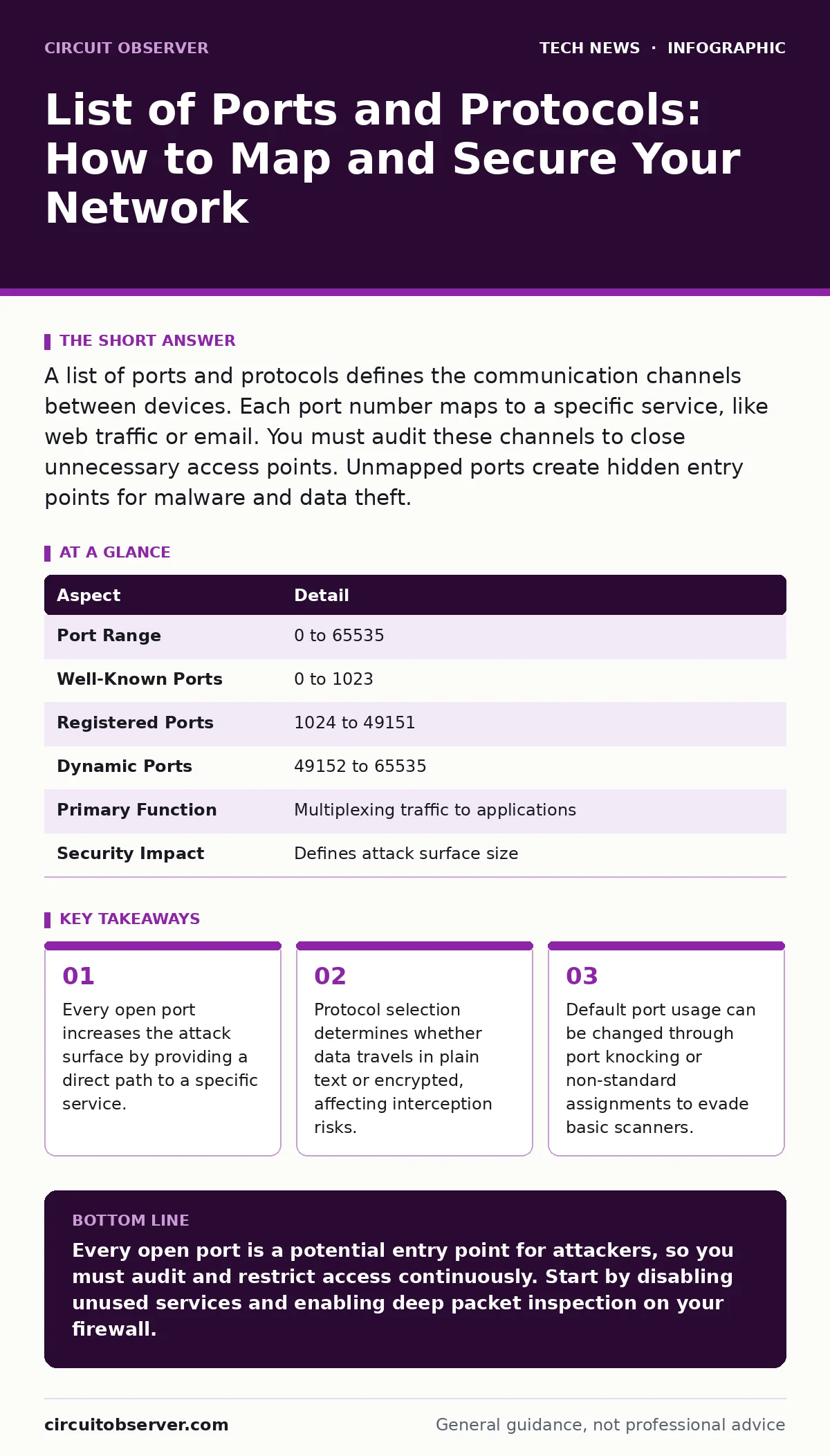
A list of ports and protocols defines the communication channels between devices. Each port number maps to a specific service, like web traffic or email. You must audit these channels to close unnecessary access points. Unmapped ports create hidden entry points for malware and data theft.
The Doorway Analogy
Imagine a large warehouse with 65,535 numbered doors. Each door allows a specific type of cargo to enter or leave. Some doors are always open for standard deliveries, while others remain locked. A network port functions exactly like one of these doors. It is a logical endpoint for communications within a computer network.
The protocol acts as the language spoken by the cargo handlers. If the language matches the door’s expectation, the data passes through. If the language is wrong, the connection fails. This system organizes the chaotic flow of digital information into structured, manageable streams. Without this numbering system, servers would not know which application should handle incoming data.
What Is a List of Ports and Protocols?
A list of ports and protocols is a catalog of assigned numbers and their corresponding communication rules. The Internet Assigned Numbers Authority maintains the official registry for well-known ports. These assignments ensure that different software can interact without confusion. Port 80, for example, is universally recognized as the channel for unencrypted web traffic.
Port 443 handles encrypted web traffic using TLS. Protocols define the syntax and semantics of the data exchange. TCP ensures reliable delivery by confirming receipt of each packet. UDP sends data without confirmation, prioritizing speed over accuracy. Understanding this mapping is the first step in securing your infrastructure. You cannot protect what you cannot identify.
| Aspect | Detail |
|---|---|
| Port Range | 0 to 65535 |
| Well-Known Ports | 0 to 1023 |
| Registered Ports | 1024 to 49151 |
| Dynamic Ports | 49152 to 65535 |
| Primary Function | Multiplexing traffic to applications |
| Security Impact | Defines attack surface size |
How Port Mapping Works
When a client device requests data, it creates a socket connection. This socket combines an IP address with a specific port number. The operating system uses this pair to route the incoming data to the correct application. The protocol stack processes the data layer by layer. The transport layer checks the port number and validates the protocol type.
If the target application is listening on that port, it accepts the connection. If no application is listening, the system rejects the request. This rejection usually sends a reset packet back to the sender. Attackers scan networks by sending probes to thousands of ports simultaneously. They look for ports that respond, indicating an active service. A silent port offers no information, making it harder to exploit.
Who It Affects
Every device connected to a network relies on port and protocol definitions. Server administrators manage the most critical ports. They must ensure that services like SSH, HTTP, and DNS remain accessible to authorized users. Home users are affected by router configurations. Default administrative ports on routers often use weak credentials.
Malware frequently uses specific ports to establish command-and-control channels. Remote work security depends on correctly configured VPN tunnels. These tunnels encapsulate traffic, hiding the original port numbers from external observers. Incorrect configuration can leak internal IP addresses and port structures. This exposure allows attackers to map your internal network topology.
List of Ports and Protocols: Common Assignments
You need to know which ports host your most sensitive services. Well-known ports are reserved for system-level processes. Port 22 handles Secure Shell connections for remote administration. Port 25 manages Simple Mail Transfer Protocol for email transmission. Port 53 resolves domain names to IP addresses via DNS. Port 110 and 143 handle older email retrieval protocols.
Port 993 and 995 provide encrypted alternatives for email retrieval. Port 3306 is commonly used for MySQL database traffic. Port 5432 serves PostgreSQL databases. Knowing these defaults helps you recognize unauthorized activity. If you see traffic on port 22 from an unexpected location, you should investigate immediately. Changing these default ports can reduce noise from automated scanners.
See also: OSI Model Acronym: What Each Layer Does for Your Network Security · Detect Eavesdropping: Log Signals and Network Anomalies
What People Usually Get Wrong
Many administrators assume that closing a port eliminates the risk. This assumption fails when services bind to unexpected ports. Attackers often use port knocking techniques. These methods require a specific sequence of connection attempts before the actual port opens. Another common error is trusting the protocol name. Just because traffic claims to be HTTP does not mean it is safe.
Attackers can tunnel malicious traffic through standard ports. This technique bypasses simple firewall rules that only check port numbers. You must inspect the payload, not just the header. Data center security relies on deep packet inspection to catch these anomalies. Relying solely on port numbers leaves blind spots in your defense.
Securing Your Network Configuration
Start by auditing all listening services on your servers. Disable any service that is not required for business operations. This reduction shrinks your attack surface significantly. Use firewalls to block inbound traffic on all ports except those explicitly needed. Implement the principle of least privilege. Applications should only access the ports they strictly require.
Encrypt traffic using modern protocols. Disable older versions of TLS and SSL. These older protocols contain known vulnerabilities. Regularly update your software to patch security flaws. Monitor logs for unusual connection patterns. A sudden spike in failed login attempts on port 22 indicates a brute-force attack. Automate the blocking of offending IP addresses.
Beyond Basic Port Management
Advanced security requires more than just closing ports. You must understand the context of the traffic. Email security solutions analyze content, not just delivery ports. They detect phishing attempts that arrive through standard channels. Mobile device security policies often restrict app access to certain ports. This prevents malicious apps from exfiltrating data. macOS security settings include a firewall that blocks incoming connections by default.
This default stance is safer than allowing all connections. FileVault encryption protects data at rest, but it does not secure network traffic. You must combine these measures for layered defense. SAML authentication adds another layer by verifying user identity before granting access. End-of-life hardware often lacks support for modern encryption protocols. Replace such devices to maintain secure communications.
Key takeaways
- Every open port increases the attack surface by providing a direct path to a specific service.
- Protocol selection determines whether data travels in plain text or encrypted, affecting interception risks.
- Default port usage can be changed through port knocking or non-standard assignments to evade basic scanners.
Every open port is a potential entry point for attackers, so you must audit and restrict access continuously. Start by disabling unused services and enabling deep packet inspection on your firewall.
Frequently asked questions
Can I change the default port for SSH?
Yes, you can configure SSH to listen on a non-standard port. This reduces automated scanning noise but does not hide the service from determined attackers.
How do I find open ports on my system?
Use network scanning tools to probe your IP address. These tools send packets to various ports and report which ones respond.
Is UDP less secure than TCP?
UDP is connectionless, meaning it does not verify receipt. This makes it faster but easier to spoof. Security depends on the application layer, not the transport protocol.
Do firewalls block all malicious traffic?
Firewalls filter traffic based on rules. They cannot block encrypted malicious payloads unless you decrypt and inspect them. Application-layer firewalls provide deeper protection.
How this guide was produced: written by the Circuit Observer editorial team with AI assistance, checked against the public references listed below, and reviewed when the facts change. See our editorial policy or report an error.