
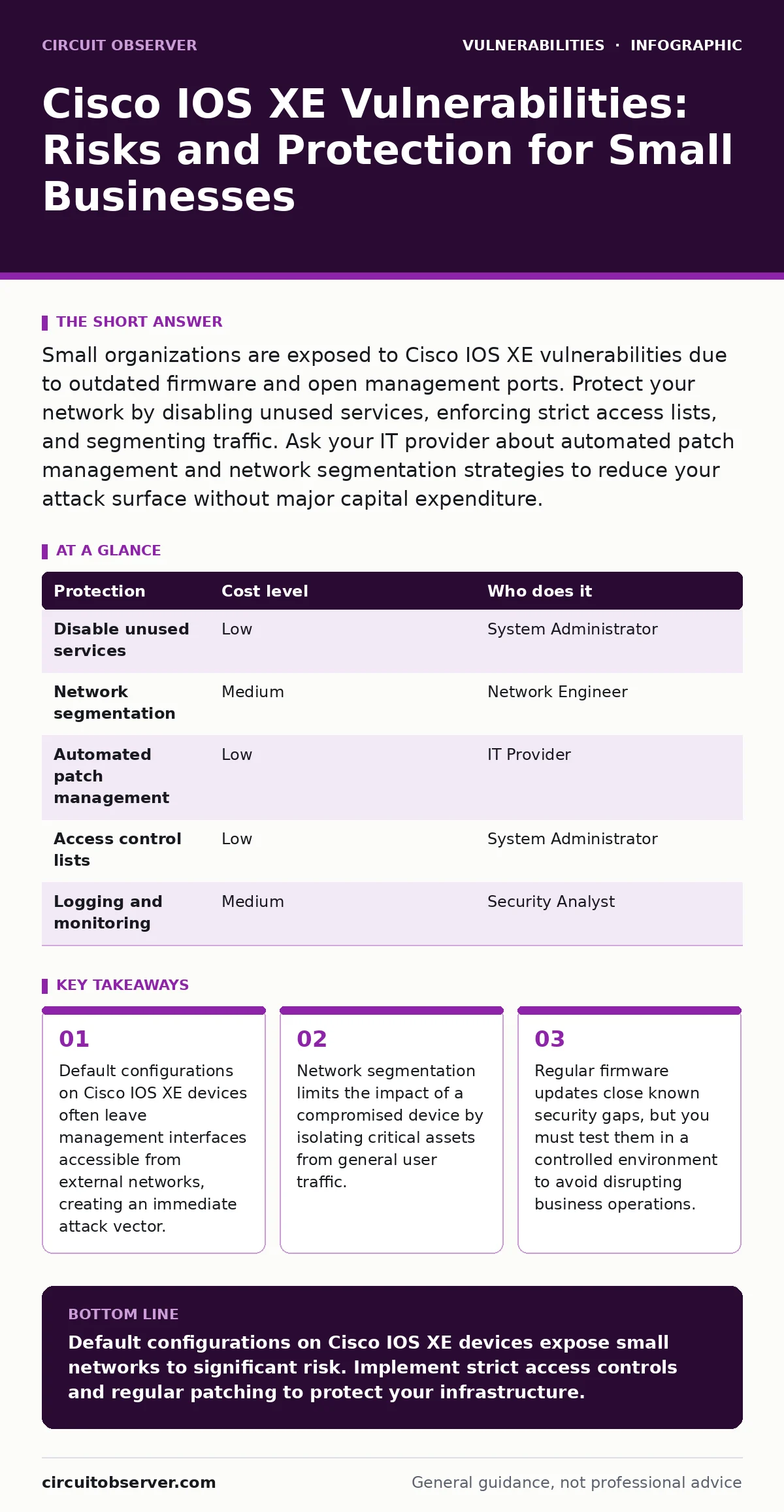
Small organizations are exposed to Cisco IOS XE vulnerabilities due to outdated firmware and open management ports. Protect your network by disabling unused services, enforcing strict access lists, and segmenting traffic. Ask your IT provider about automated patch management and network segmentation strategies to reduce your attack surface without major capital expenditure.
Why Small Organisations Are Exposed to IOS XE Flaws
Small businesses often lack dedicated security teams. They rely on default settings that prioritize ease of setup over security. Cisco IOS XE is a hybrid operating system that combines the stability of IOS with Linux kernel features. This complexity increases the attack surface. Many small networks connect directly to the internet without an intermediate firewall or proxy. This direct exposure allows attackers to probe for open ports and vulnerable services.
The operating system manages routing, switching, and security policies. When a vulnerability exists in the code, it can affect all these functions. Attackers look for devices that have not been updated. Small organisations often delay updates to avoid downtime. This delay creates a window of opportunity for exploitation. The risk is not just theoretical. Unpatched systems are easy targets for automated scanning tools.
Understanding Remote Code Execution Risks
Remote code execution vulnerabilities allow an attacker to run arbitrary commands on a device. This is one of the most severe types of flaws. If an attacker gains command-line access, they can change configurations, steal data, or pivot to other parts of the network. Cisco IOS XE devices often run multiple services simultaneously. A flaw in one service, such as the web management interface, can compromise the entire device.
You must understand the difference between a local and a remote vulnerability. A remote code execution vulnerability can be triggered from outside the network. This means you do not need physical access or an existing foothold. The attacker sends a specially crafted packet to the device. If the device is vulnerable, it processes the packet incorrectly and executes the attacker's code. This bypasses standard authentication mechanisms.
The Cost of Default Configurations
Default configurations are designed to work out of the box. They are rarely designed to be secure by default. Many Cisco IOS XE devices ship with Telnet enabled. Telnet transmits data, including passwords, in plain text. This makes it easy for attackers to intercept credentials. Other defaults include SNMP community strings that are easy to guess. These settings provide attackers with low-hanging fruit.
Changing these defaults is a simple step that provides significant protection. You should disable Telnet and use SSH instead. SSH encrypts the communication channel. You should also change default SNMP strings to complex, random values. These changes reduce the noise in your logs and make automated attacks less likely to succeed. Small businesses often overlook these settings because they seem minor. They are not minor. They are the first line of defense.
Low-Cost Protections for Your Network
You do not need expensive hardware to improve your security posture. Several low-cost measures can significantly reduce your risk. These measures focus on reducing the attack surface and improving visibility. You can implement them with existing resources and minimal downtime. The goal is to make it harder for attackers to succeed.
| Protection | Cost level | Who does it |
|---|---|---|
| Disable unused services | Low | System Administrator |
| Network segmentation | Medium | Network Engineer |
| Automated patch management | Low | IT Provider |
| Access control lists | Low | System Administrator |
| Logging and monitoring | Medium | Security Analyst |
Disabling unused services reduces the number of potential entry points. If a service is not needed, turn it off. This applies to web management interfaces, FTP, and other remote management tools. Network segmentation divides your network into smaller zones. This limits the spread of an infection. If one device is compromised, the attacker cannot easily move to other devices.
What to Ask Your IT Provider
Your IT provider plays a key role in maintaining your security. You need to ensure they are proactive rather than reactive. Ask specific questions about their processes. Vague answers indicate a lack of expertise or commitment. You want to know how they handle vulnerabilities and updates.
- How do you track and prioritize Cisco IOS XE updates?
- What is your process for testing patches before deployment?
- Do you implement network segmentation for our environment?
- How do you monitor for unauthorized configuration changes?
- What is your incident response plan for a compromised device?
These questions help you evaluate their competence. They also set expectations for ongoing support. A good provider will have clear answers and documented procedures. They should be able to explain the trade-offs of different security measures. They should also be transparent about their limitations. Do not accept generic promises of total security.
See also: OSI Model Acronym: What Each Layer Does for Your Network Security · Detect Eavesdropping: Log Signals and Network Anomalies
The Role of Least Privilege Access
Least privilege access ensures that users and systems have only the permissions they need. This principle applies to network devices as well. Administrators should not have full access to all devices. You should create separate accounts for different roles. Each account should have limited permissions. This reduces the risk of accidental misconfiguration and intentional abuse.
If an attacker compromises a low-privilege account, they cannot do much damage. They cannot change routing tables or disable security features. You should also enforce multi-factor authentication for administrative access. This adds an extra layer of security. Even if an attacker steals a password, they cannot log in without the second factor. Multi-factor authentication is a simple but effective control.
Monitoring and Incident Response
You cannot prevent all attacks. You must be prepared to detect and respond to them. Monitoring helps you identify suspicious activity early. You should log all configuration changes and access attempts. Analyze these logs regularly. Look for patterns that indicate an attack. Automated tools can help with this analysis. They can alert you to unusual behavior.
Incident response is the process of handling a security breach. You need a plan that outlines the steps to take. This includes isolating affected devices, preserving evidence, and restoring services. Test your plan regularly. Ensure that your team knows their roles. A well-executed response can minimize the impact of an attack. Delayed response leads to greater damage.
Balancing Security and Business Needs
Security measures can impact business operations. You must find a balance. Overly strict controls can disrupt workflows. Underly strict controls leave you exposed. You need to assess your risk tolerance. Identify your critical assets and protect them first. This approach ensures that you get the most value from your security investments.
Regular reviews help you adjust your strategy. Technology changes. Threats evolve. Your security posture must evolve with them. Stay informed about new vulnerabilities and best practices. Engage with your IT provider regularly. Ask for updates on their security practices. Ensure that they are aligned with your business goals. Security is an ongoing process, not a one-time project.
Key takeaways
- Default configurations on Cisco IOS XE devices often leave management interfaces accessible from external networks, creating an immediate attack vector.
- Network segmentation limits the impact of a compromised device by isolating critical assets from general user traffic.
- Regular firmware updates close known security gaps, but you must test them in a controlled environment to avoid disrupting business operations.
Default configurations on Cisco IOS XE devices expose small networks to significant risk. Implement strict access controls and regular patching to protect your infrastructure.
Frequently asked questions
How often should I update Cisco IOS XE firmware?
You should update firmware as soon as critical patches are released. Delaying updates leaves you exposed to known vulnerabilities. Test updates in a non-production environment first.
Is network segmentation expensive for small businesses?
Network segmentation can be implemented with existing hardware. It requires configuration changes, not necessarily new equipment. The cost is primarily in planning and implementation time.
What is the biggest risk of using default settings?
Default settings often include insecure services and weak credentials. Attackers exploit these known weaknesses to gain initial access. Changing defaults removes this easy entry point.
Can I rely on my IT provider for all security tasks?
You should rely on your provider for technical implementation, but you must define the security policy. You remain responsible for understanding the risks and approving changes.
How this guide was produced: written by the Circuit Observer editorial team with AI assistance, checked against the public references listed below, and reviewed when the facts change. See our editorial policy or report an error.