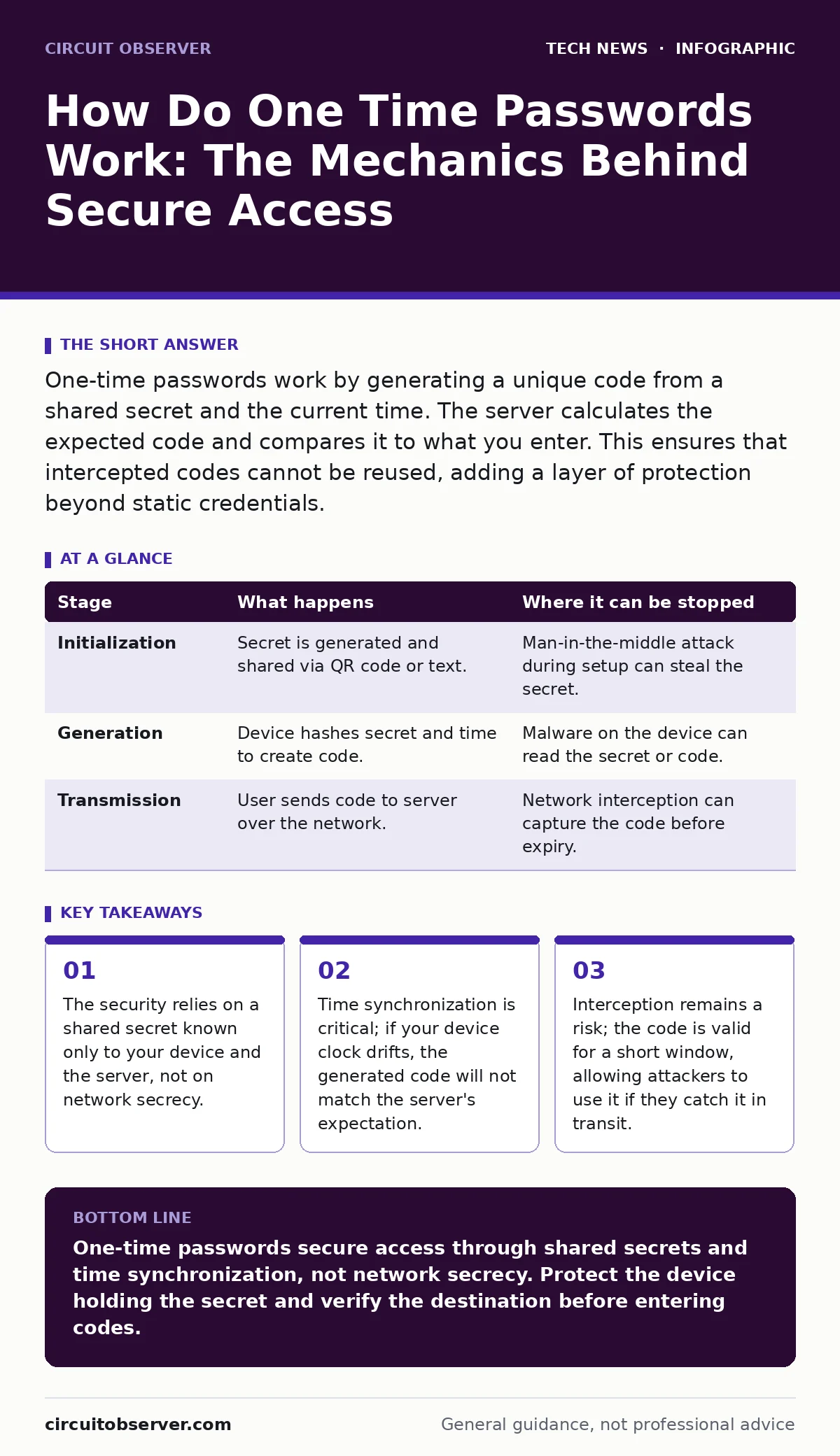
One-time passwords work by generating a unique code from a shared secret and the current time. The server calculates the expected code and compares it to what you enter. This ensures that intercepted codes cannot be reused, adding a layer of protection beyond static credentials.
The Core Mechanism of One Time Passwords
One-time passwords, often called OTPs, solve the problem of static password reuse. A static password remains valid until you change it, creating a long window for attackers to exploit if they steal it. An OTP changes frequently, rendering stolen codes useless after a single use or a short time window. The system does not rely on the secrecy of the communication channel. Instead, it relies on a shared secret that both parties possess. This mechanism ensures that even if an attacker sees the code, they cannot use it again.
The process begins with a setup phase where you and the service provider establish a shared secret. This secret is a random string of characters, typically encoded in Base32. You scan a QR code or enter a key manually. Your device stores this secret. The server stores the same secret, linked to your account. Both sides now hold the identical key material. This key never travels over the network after the initial setup. It stays on your device and on the server.
How Do One Time Passwords Work
The generation of the code happens locally on your device. You do not need an internet connection to create the code. Your device reads the current time from its internal clock. It combines this timestamp with the shared secret. It then applies a cryptographic hash function, such as SHA-256, to this combination. The result is a large, complex number. The system takes a small portion of this number, usually the last 6 or 8 digits. This slice becomes your one-time password. The server performs the exact same calculation at the same moment. It expects the same result.
This method ensures that the code is unpredictable. Without the shared secret, an attacker cannot guess the next code. The hash function makes it computationally infeasible to reverse-engineer the secret from the code. The time component ensures that the code changes. Most systems use a 30-second window. If you enter the code within that window, the server accepts it. After the window passes, the server moves to the next time step. The old code becomes invalid.
Stage 1: Initialization and Secret Exchange
The first stage is the creation of the shared secret. The server generates a random key. It encodes this key into a QR code or a text string. You input this data into your authenticator application. The application decodes the input and stores the secret securely. This step is critical. If you lose this secret, you lose access to the account. The server also stores the secret in its database. It links this secret to your user identity. This binding allows the server to know which secret to use for verification.
Stage 2: Code Generation on the Client
When you need to log in, you open your authenticator app. The app checks the current time. It aligns the time to the nearest 30-second interval. It takes the shared secret and the time interval number. It feeds these two values into the hash algorithm. The algorithm produces a fixed-length output. The app extracts the final digits. These digits are displayed on your screen. This process happens instantly. It requires no network communication. Your device is entirely self-sufficient in creating the credential.
Stage 3: Transmission and Verification
You enter the displayed code into the login field. The application sends this code to the server over the network. The server receives the code and your user identifier. It looks up the shared secret associated with your account. It calculates the current time interval. It performs the same hash operation using the secret and the time. It extracts the expected digits. The server compares your entered code with the expected code. If they match, access is granted. If they do not match, access is denied.
| Stage | What happens | Where it can be stopped |
|---|---|---|
| Initialization | Secret is generated and shared via QR code or text. | Man-in-the-middle attack during setup can steal the secret. |
| Generation | Device hashes secret and time to create code. | Malware on the device can read the secret or code. |
| Transmission | User sends code to server over the network. | Network interception can capture the code before expiry. |
The Hidden Costs and Failure Points
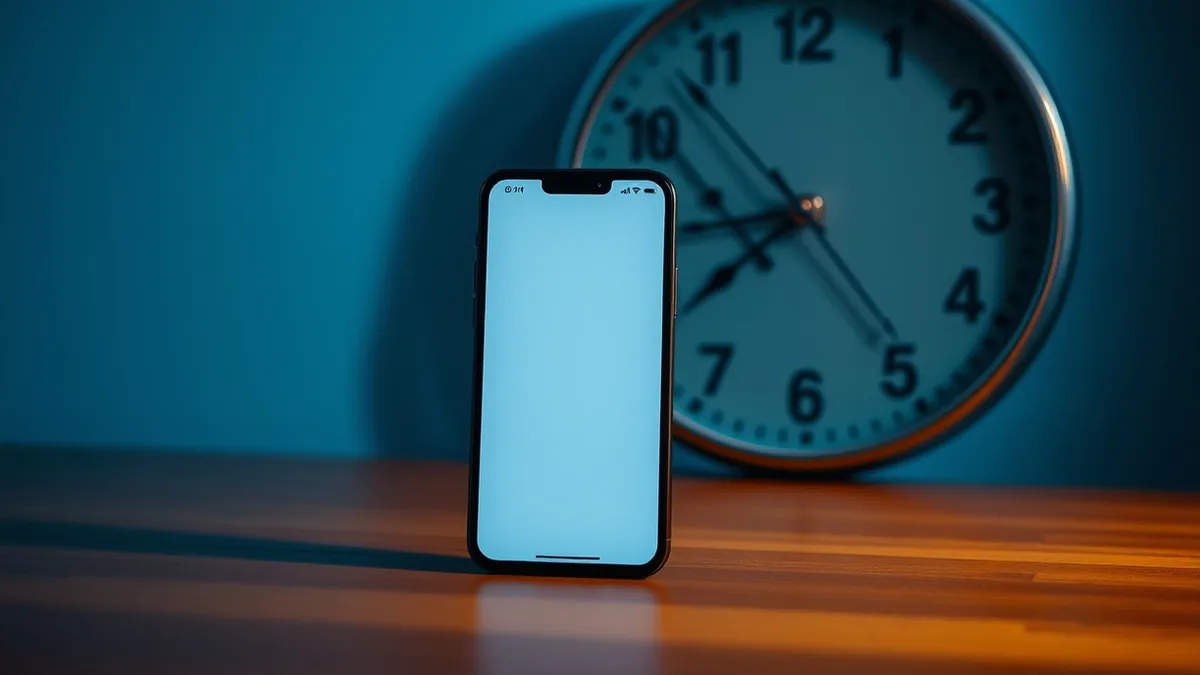
The system is not immune to failure. Time synchronization is the most common point of failure. If your device clock is off by more than a few seconds, the calculated time interval may differ from the server's. The codes will not match. Some servers allow a small window of tolerance, checking the previous or next time interval. This prevents lockouts due to minor clock drift. However, significant drift will always cause authentication failure.
Another failure point is the interception of the code. While the code expires quickly, an attacker with access to your network or device can capture it. They can submit it before it expires. This is known as a relay attack. The code works exactly as intended, but the intent is malicious. The system cannot distinguish between a legitimate user and an attacker who has the current code. This is why email security remains relevant for account recovery, as OTPs alone do not protect against session hijacking.
The shared secret is the single point of failure. If an attacker obtains the secret, they can generate valid codes indefinitely. They do not need to intercept codes. They can become you. This is why protecting the authenticator app on your device is critical. Malware that can read the app's memory or storage can extract the secret. The security of the OTP depends entirely on the security of the endpoint where the secret is stored.
Integration with Broader Security Systems
One-time passwords are rarely used in isolation. They are part of a multi-factor authentication strategy. The first factor is something you know, like a password. The second factor is something you have, like the device with the shared secret. This combination raises the barrier for attackers. They need both the password and the device to gain access.
This approach complements other security measures. For instance, when managing remote work security, OTPs provide a consistent way to verify identity regardless of location. They do not rely on IP addresses, which can change or be spoofed. The OSI model helps administrators understand where the verification happens. The application layer handles the OTP logic, while the transport layer ensures the code reaches the server. Understanding these layers helps in troubleshooting failures.
Mitigating Risks and Best Practices
You must protect the device holding the shared secret. Use a strong device password or biometric lock. This prevents unauthorized access to the authenticator app. Regularly back up your secrets if the application supports encrypted backups. This protects against device loss. However, ensure the backup is secure. An unencrypted backup is as risky as the original secret.
Be aware of phishing attacks. Attackers may create fake login pages that ask for your OTP. If you enter the code on a fake page, the attacker can use it immediately. Always verify the URL of the site you are logging into. Do not trust the code generation process if you suspect the site is compromised. The code is only as secure as the destination it is sent to.
See also: Passkeys vs Yubikey: Which Authentication Method Secures Your Account · SHA-256 vs SHA-1: Why Your Hashes Are Already Broken
Long-Term Considerations for System Administrators
As technology evolves, the reliance on time-based OTPs may shift. Some systems are moving toward push notifications or hardware tokens. These methods offer different trade-offs. Push notifications are more convenient but can be susceptible to social engineering. Hardware tokens are more secure but less convenient. Understanding the mechanics of OTPs helps in evaluating these alternatives.
The expiration of the shared secret is another consideration. If an employee leaves, the secret must be revoked. This requires administrative access to the authentication system. Proper lifecycle management of secrets is necessary. End-of-life hardware presents a challenge here. If the device holding the secret is decommissioned, the secret must be migrated or revoked. Failure to manage this can lead to orphaned access or locked accounts.
Key takeaways
- The security relies on a shared secret known only to your device and the server, not on network secrecy.
- Time synchronization is critical; if your device clock drifts, the generated code will not match the server's expectation.
- Interception remains a risk; the code is valid for a short window, allowing attackers to use it if they catch it in transit.
One-time passwords secure access through shared secrets and time synchronization, not network secrecy. Protect the device holding the secret and verify the destination before entering codes.
Frequently asked questions
Can two different devices generate the same one-time password?
Yes, if both devices have the same shared secret and their clocks are synchronized. This is why you should only share the secret with trusted devices.
What happens if my phone battery dies and the clock resets?
The clock will likely reset to a default time, causing the generated codes to be invalid. You will need to sync the time or use a backup code to regain access.
Are one-time passwords more secure than SMS codes?
Yes, because they do not rely on the cellular network, which can be intercepted or SIM-swapped. The secret stays on your device, not in transit.
Do I need an internet connection to generate a one-time password?
No, the generation is local. You only need an internet connection to send the code to the server for verification.
How this guide was produced: written by the Circuit Observer editorial team with AI assistance, checked against the public references listed below, and reviewed when the facts change. See our editorial policy or report an error.