
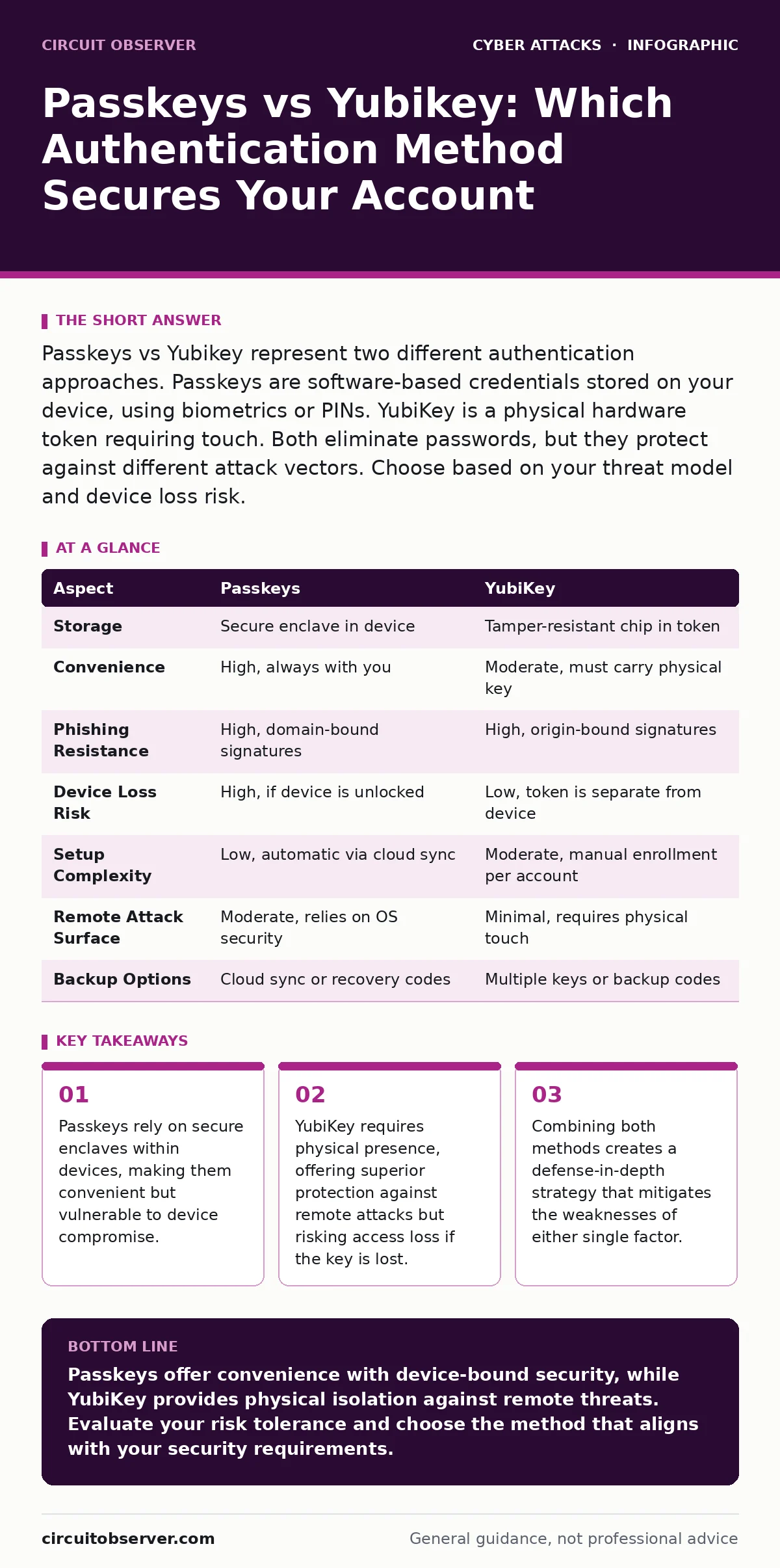
Passkeys vs Yubikey represent two different authentication approaches. Passkeys are software-based credentials stored on your device, using biometrics or PINs. YubiKey is a physical hardware token requiring touch. Both eliminate passwords, but they protect against different attack vectors. Choose based on your threat model and device loss risk.
The Core Difference Between Passkeys vs Yubikey
Passkeys and YubiKey serve the same goal: eliminating passwords. They achieve this through fundamentally different mechanisms. A passkey is a cryptographic credential stored in the secure enclave of your smartphone or computer. It proves identity through something you have (the device) and something you are (biometrics) or know (a PIN). A YubiKey is a physical hardware security key. It proves identity through something you have (the physical token) and requires a deliberate touch. The core difference lies in the boundary of trust. Passkeys trust the device ecosystem. YubiKey trusts the physical object. This distinction dictates how each method responds to theft, loss, and remote compromise.
What Is a Passkey?
A passkey replaces a password with a public-key cryptography pair. Your device generates a private key that never leaves the secure hardware element. The public key is sent to the service provider. When you log in, the service sends a challenge. Your device signs it with the private key. The service verifies the signature. This process relies on WebAuthn, an open standard for passwordless authentication.
Because the private key is bound to the device, it cannot be extracted or reused elsewhere. If your device is stolen, the thief still needs your biometric data or PIN to use the passkey. This makes passkeys resistant to phishing, as the signature is tied to the specific domain. However, if the device itself is compromised by malware with elevated privileges, the passkey may be exposed during the signing process.
What Is a YubiKey?
A YubiKey is a USB or NFC hardware token that acts as a cryptographic authenticator. It stores private keys in a tamper-resistant chip. Unlike a passkey, it does not rely on the host computer’s security. When you plug it in and touch the sensor, it signs the authentication challenge. This physical interaction prevents remote attacks.
Even if your computer is fully infected with malware, the attacker cannot authenticate without physically touching the YubiKey. This makes it highly resistant to eavesdropping attacks and remote session hijacking. The YubiKey works across platforms and operating systems, providing consistency. However, it requires carrying a physical object. Losing the key means losing access to accounts unless you have backup methods configured.
Passkeys vs Yubikey: Point-by-Point Comparison
| Aspect | Passkeys | YubiKey |
|---|---|---|
| Storage | Secure enclave in device | Tamper-resistant chip in token |
| Convenience | High, always with you | Moderate, must carry physical key |
| Phishing Resistance | High, domain-bound signatures | High, origin-bound signatures |
| Device Loss Risk | High, if device is unlocked | Low, token is separate from device |
| Setup Complexity | Low, automatic via cloud sync | Moderate, manual enrollment per account |
| Remote Attack Surface | Moderate, relies on OS security | Minimal, requires physical touch |
| Backup Options | Cloud sync or recovery codes | Multiple keys or backup codes |
When to Choose Passkeys
Choose passkeys when convenience and ease of use are primary concerns. They integrate seamlessly into modern operating systems and browsers. You do not need to carry extra hardware. They are ideal for personal accounts where the device is highly secured with biometrics. Passkeys also reduce friction for users who frequently switch between devices within the same ecosystem. Cloud sync allows recovery if a device is lost, provided the backup is secure. This method reduces the administrative burden of managing physical tokens. However, it assumes the device operating system remains uncompromised. If you suspect your device has malware, passkeys offer less isolation than hardware keys.
See also: How Do One Time Passwords Work: The Mechanics Behind Secure Access · Why End-of-Life Hardware Creates Silent Security Gaps
When to Choose YubiKey
Choose YubiKey when you need maximum protection against remote compromise. It is ideal for high-value accounts, such as root access, financial services, or administrative portals. The physical requirement eliminates the risk of keylogging or session hijacking. It is also suitable for environments where device security cannot be fully guaranteed.
For example, shared computers or public terminals benefit from the isolation of a hardware token. YubiKey provides a clear audit trail of physical access. It forces a deliberate action, reducing accidental logins. This method is preferred by security teams who prioritize possession over convenience. It complements a cyber incident response team by providing a verified identity source during investigations.
Overlapping Use Cases and Best Practices
Both methods eliminate passwords and resist phishing. They can be used together for layered security. Imagine using a passkey for daily access and a YubiKey for critical operations. This approach balances convenience with high security. It mitigates the risk of device loss while maintaining ease of use. You should also consider hardware security keys as part of a broader strategy.
Do not rely on a single factor. Use recovery codes stored securely. Regularly review active sessions. This practice helps detect unauthorized access early. It also ensures you can recover accounts if credentials are compromised. Combining these methods creates a resilient authentication framework. It addresses the limitations of each individual technology.
Protecting Against Social Engineering
Authentication is only one layer of defense. Attackers often bypass technical controls through social engineering. Vishing attacks trick users into revealing credentials or disabling security measures. Even with passkeys or YubiKey, a user can be manipulated into granting access. Training users to recognize suspicious requests is vital.
Never share authentication codes or confirm login prompts remotely. Verify the identity of anyone requesting access. This human element remains the weakest link. Technical controls must be supported by organizational policies. Regular drills help maintain awareness. This reduces the likelihood of successful manipulation. It ensures that security measures are not undermined by human error.
Key takeaways
- Passkeys rely on secure enclaves within devices, making them convenient but vulnerable to device compromise.
- YubiKey requires physical presence, offering superior protection against remote attacks but risking access loss if the key is lost.
- Combining both methods creates a defense-in-depth strategy that mitigates the weaknesses of either single factor.
Passkeys offer convenience with device-bound security, while YubiKey provides physical isolation against remote threats. Evaluate your risk tolerance and choose the method that aligns with your security requirements.
Frequently asked questions
Can passkeys be stolen remotely?
Passkeys are resistant to remote theft due to domain binding, but malware on the device can potentially intercept signatures during use.
Do I need a YubiKey for every account?
No, prioritize high-value accounts. Use passkeys for lower-risk services to balance security and convenience effectively.
What happens if I lose my YubiKey?
You lose access unless you have backup keys or recovery codes. Always register multiple keys or secure backup methods.
Are passkeys better than passwords?
Yes, passkeys eliminate phishing risks and credential stuffing attacks by using cryptographic signatures instead of shared secrets.
How this guide was produced: written by the Circuit Observer editorial team with AI assistance, checked against the public references listed below, and reviewed when the facts change. See our editorial policy or report an error.