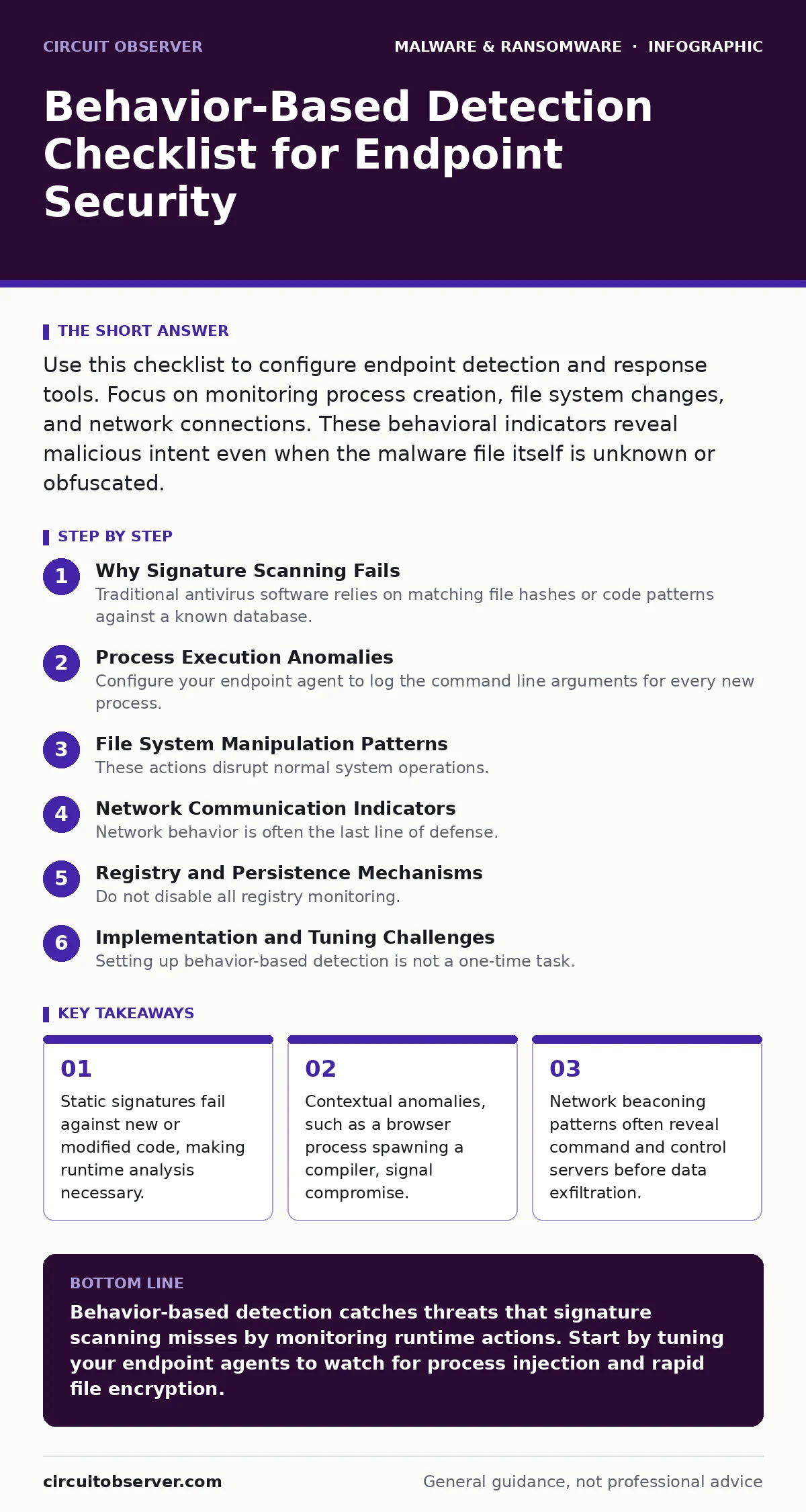
Use this checklist to configure endpoint detection and response tools. Focus on monitoring process creation, file system changes, and network connections. These behavioral indicators reveal malicious intent even when the malware file itself is unknown or obfuscated.
Why Signature Scanning Fails
Traditional antivirus software relies on matching file hashes or code patterns against a known database. This method is fast but blind to anything new. When attackers modify their code slightly, the signature changes, and the detection fails. This is why behavior-based detection exists. It watches what a program does, not just what it is.
You must shift your focus from the file to the action. A legitimate application can be abused, and a malicious file can mimic a legitimate one. By observing runtime behavior, you catch the intent. This approach catches zero-day threats that have no known signature yet. It also identifies living-off-the-land attacks where standard system tools are used maliciously.
Process Execution Anomalies
- Monitor parent-child process relationships: A web browser spawning a command shell is rare and usually indicates drive-by download execution.
- Detect process hollowing attempts: This technique replaces a legitimate process memory with malicious code to hide from task managers.
- Flag unauthorized script execution: PowerShell or Python scripts running from temporary directories often bypass application whitelisting.
- Identify process injection events: Injecting code into another process allows malware to hide its activity within a trusted system process.
- Track process masquerading: Renaming malicious executables to match system binaries like svchost.exe is a common evasion tactic.
File System Manipulation Patterns
- Alert on rapid file encryption: A sudden surge in file write operations with changing extensions suggests ransomware activity.
- Monitor shadow volume deletion: Attackers delete volume shadow copies to prevent system restoration before encrypting files.
- Detect unauthorized file creation in system directories: Dropping executables in Windows System32 or /usr/bin indicates persistence attempts.
- Watch for mass file renaming: Changing file extensions in bulk is a precursor to encryption or data staging.
- Identify hidden file creation: Creating files with the hidden attribute often stores configuration data or stolen credentials.
These actions disrupt normal system operations. Legitimate software rarely deletes system backups or encrypts user documents without explicit consent. By setting thresholds for file operations, you can distinguish between a slow backup job and a fast-acting ransomware strain. This reduces false positives from standard administrative tasks.
Network Communication Indicators
- Detect DNS tunneling attempts: Excessive DNS queries with long subdomains often exfiltrate data or receive commands.
- Monitor for beaconing behavior: Regular, periodic connections to external IPs suggest communication with command and control servers.
- Flag connections to non-standard ports: Malware often uses ports other than 80 or 443 to avoid firewall rules.
- Identify data exfiltration spikes: Unusual outbound traffic volume from a workstation may indicate stolen data leaving the network.
- Watch for certificate anomalies: Self-signed or invalid certificates in HTTPS traffic can signal a man-in-the-middle attack or C2 channel.
Network behavior is often the last line of defense. Even if malware hides locally, it must communicate to be useful. Understanding your baseline network traffic helps you spot these deviations. For deeper insights into how attackers structure these channels, review our guide on command and control servers.
Registry and Persistence Mechanisms
- Monitor run key modifications: Adding entries to the Windows Registry Run keys ensures malware starts with the system.
- Detect service creation events: Creating new system services is a common way for malware to achieve high privileges.
- Watch for scheduled task creation: Attackers use scheduled tasks to execute payloads at specific times or intervals.
- Identify bootloader modifications: Changing the master boot record or EFI variables allows malware to load before the operating system.
See also: Adware Prevention Checklist: Stop Silent Infection and Data Theft · Android Malware Explained: How Spy Apps Steal Data
Implementation and Tuning Challenges
Setting up behavior-based detection is not a one-time task. You must tune your rules to avoid alert fatigue. Every organization has unique software that performs unusual actions. If you do not tune your sensors, you will drown in false positives. Start with a small set of high-confidence rules. Gradually expand your monitoring scope as you understand your environment.
You must also consider the performance impact. Monitoring every system call can slow down endpoints. Balance security with user experience. Use sampling techniques for low-risk processes. For detailed methods on testing these rules, see our article on dynamic malware analysis. Additionally, understanding how malware droppers and loaders operate helps you prioritize which behaviors to watch first.
Integration with Existing Defenses
Behavior-based detection works best when combined with other security layers. It complements static analysis by catching what signatures miss. It also provides context for incident response. When an alert fires, you have a timeline of actions. This timeline helps you determine the scope of the breach.
Ensure your detection platform integrates with your logging infrastructure. Centralized logs allow you to correlate events across multiple endpoints. This holistic view is necessary for identifying lateral movement. For information on protecting your data from the final stage of an attack, read our guide on offline backups. Also, consider how Linux malware behaves differently than Windows threats when configuring your agents.
Key takeaways
- Static signatures fail against new or modified code, making runtime analysis necessary.
- Contextual anomalies, such as a browser process spawning a compiler, signal compromise.
- Network beaconing patterns often reveal command and control servers before data exfiltration.
Behavior-based detection catches threats that signature scanning misses by monitoring runtime actions. Start by tuning your endpoint agents to watch for process injection and rapid file encryption.
Frequently asked questions
Does behavior-based detection replace antivirus?
No, it complements traditional antivirus. Signature-based detection is faster for known threats, while behavior-based detection handles unknown or modified malware.
How do I reduce false positives?
Tune your rules by whitelisting known legitimate applications and adjusting thresholds for file and network activity. Monitor your environment to establish a baseline.
Can behavior detection catch fileless malware?
Yes, fileless malware lives in memory and uses system tools. Behavior-based detection monitors process execution and script activity, making it effective against these threats.
Is this effective against ransomware?
Yes, it can detect early stages like shadow volume deletion or rapid file encryption before data is lost. It stops the attack before the payload fully executes.
How this guide was produced: written by the Circuit Observer editorial team with AI assistance, checked against the public references listed below, and reviewed when the facts change. See our editorial policy or report an error.