
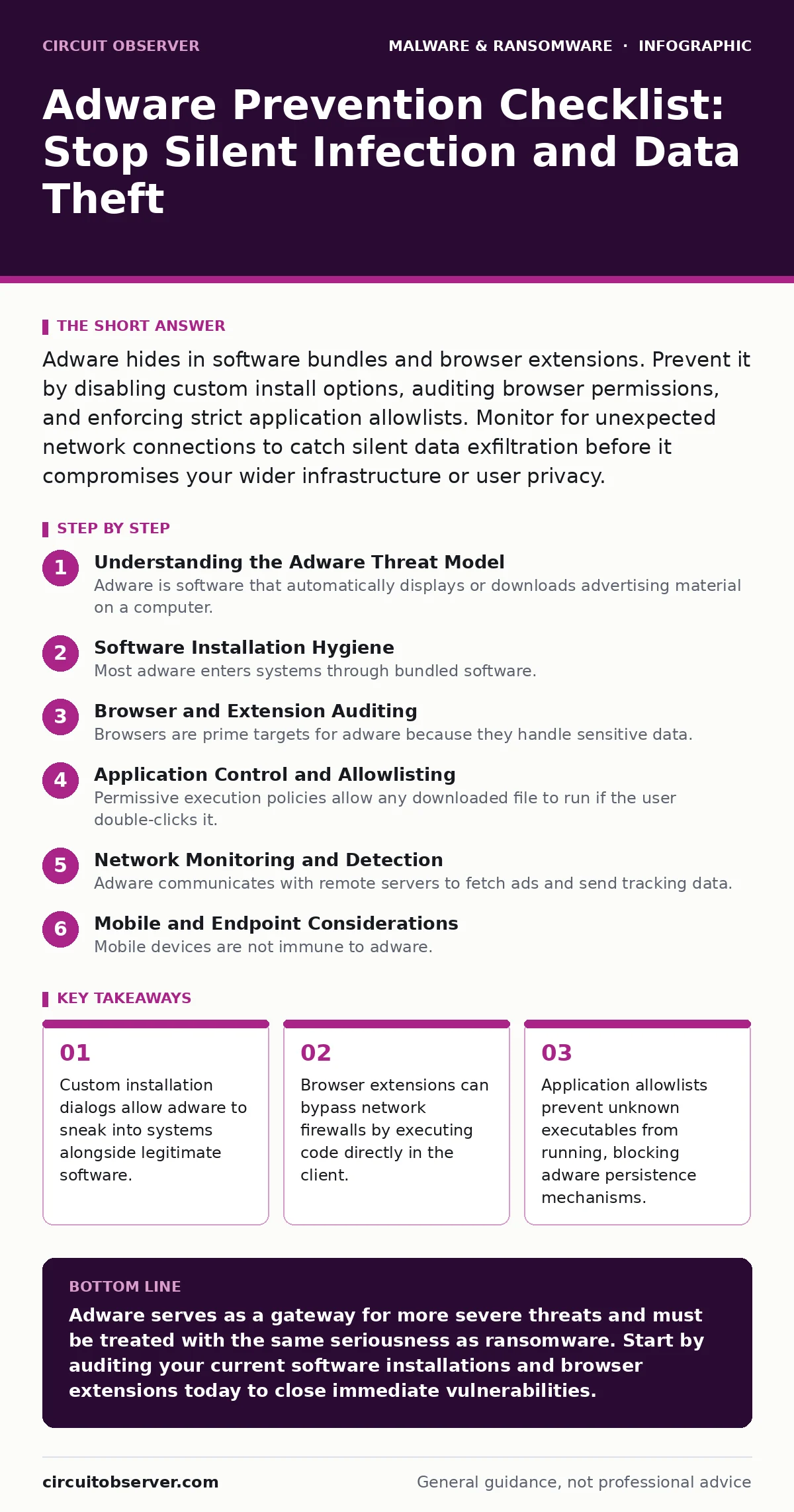
Adware hides in software bundles and browser extensions. Prevent it by disabling custom install options, auditing browser permissions, and enforcing strict application allowlists. Monitor for unexpected network connections to catch silent data exfiltration before it compromises your wider infrastructure or user privacy.
Understanding the Adware Threat Model
Adware is software that automatically displays or downloads advertising material on a computer. Unlike viruses, it does not always seek to damage the system. Instead, it seeks profit through clicks, impressions, or data collection. Modern adware often includes tracking modules that monitor user behavior. These modules can harvest browsing history, search queries, and sometimes credentials. The financial incentive drives developers to hide their code deeply within legitimate-looking applications.
You must treat adware as a precursor to more serious malware. Many infostealers begin as benign adware that gains trust before escalating privileges. The connection between adware and ransomware is indirect but real. Adware degrades system performance and security hygiene, creating an environment where ransomware thrives. Understanding this chain helps you prioritize prevention measures that address root causes rather than symptoms.
Software Installation Hygiene
Most adware enters systems through bundled software. Developers pack free utilities with additional programs to generate revenue. The installation process often uses dark patterns to trick users into accepting these extras. Default settings usually include the adware component. You must override these defaults every time you install new software.
- Choose custom or advanced installation options: This reveals optional components that would otherwise install silently in the background.
- Read every screen during installation: Quick clicks skip critical warnings about additional software or browser modifications.
- Uncheck pre-selected boxes for toolbars: These toolbars often inject ads into web pages and track your online activity.
- Verify the publisher before downloading: Unknown sources are more likely to include unwanted software alongside the requested utility.
- Use offline backups for recovery: If you accidentally install adware, a clean restore point prevents data loss and saves time.
Browser and Extension Auditing
Browsers are prime targets for adware because they handle sensitive data. Extensions have broad permissions that allow them to read and modify data on all websites you visit. A single malicious extension can bypass network defenses by initiating outbound connections from within the trusted browser process. These connections often look like legitimate web traffic to standard firewalls.
Regular audits of installed extensions are necessary. Many users install extensions for convenience and forget about them. Over time, these extensions may change ownership or update with malicious code. Removing unused extensions reduces the attack surface significantly. You should also review which sites have permission to send push notifications, as adware often abuses this feature to display alerts.
- Remove unused browser extensions: Each extension increases the risk of a security breach through outdated code or compromised permissions.
- Disable unnecessary push notifications: Adware uses these to bypass ad blockers and display persistent alerts that mimic system warnings.
- Check for browser hijackers: Look for changes in your default search engine or homepage that you did not authorize.
- Use browser isolation for high-risk sites: This technique runs web content in a separate environment, preventing adware from reaching your local system.
Application Control and Allowlisting
Permissive execution policies allow any downloaded file to run if the user double-clicks it. Adware relies on this convenience to establish persistence. Once executed, it can modify system settings to ensure it runs at startup. Application allowlisting restricts execution to known, trusted programs. This blocks adware from running even if it lands on the disk.
Implementing allowlisting requires careful planning. You must identify all legitimate business applications and create a baseline. New software must go through a validation process before being added to the allowlist. This process introduces friction but significantly reduces the risk of unauthorized code execution. It is more secure than relying on signature-based detection alone.
- Implement application allowlisting: This ensures only approved software runs, blocking unknown adware executables from launching.
- Monitor for unsigned scripts: Scripts without valid digital signatures are common vectors for adware and should be blocked by default.
- Review scheduled tasks regularly: Adware often creates scheduled tasks to restart itself after reboots or system updates.
- Limit administrative privileges: Standard users cannot modify system-wide settings, making it harder for adware to persist.
Network Monitoring and Detection
Adware communicates with remote servers to fetch ads and send tracking data. This traffic can be monitored at the network level. Unusual outbound connections may indicate the presence of adware or other malware. Behavior-based detection systems analyze traffic patterns rather than just file signatures. This approach catches new variants of adware that have not been seen before.
DNS logs are particularly useful. Adware often communicates with domains that have no legitimate business purpose. Blocking known malicious domains prevents the adware from functioning. You should also monitor for connections to IP addresses in unexpected geographic locations. This traffic often indicates data exfiltration or command-and-control communication.
- Monitor DNS query logs: Look for requests to domains with random strings or known advertising networks.
- Block advertising domains at the firewall: This prevents adware from receiving new instructions or downloading additional payloads.
- Use behavior-based detection: This identifies suspicious activity patterns that signature-based tools might miss.
- Investigate unexpected outbound traffic: Connections to unknown servers can indicate that adware is sending data out of your network.
See also: Malware Payloads: Small Business Defense Strategies · Infostealers Prevention Checklist: Stop Credential Theft at the Source
Mobile and Endpoint Considerations
Mobile devices are not immune to adware. Android malware often includes adware components that display intrusive pop-ups. These apps may be disguised as flashlight utilities or battery savers. Users often install them without realizing they have permission to overlay other applications. This allows the adware to cover the screen with ads that are difficult to close.
Endpoint protection must extend to mobile devices. Mobile device management solutions can enforce restrictions on app installations. You should restrict sideloading, which allows installation from sources outside the official app store. This reduces the risk of installing compromised applications that contain adware or other malicious code.
- Restrict app installation sources: Sideloading allows unvetted apps to bypass security checks and install adware.
- Audit app permissions: Apps that request overlay permissions or accessibility services may be trying to monitor your activity.
- Keep mobile operating systems updated: Updates often patch vulnerabilities that adware could exploit to gain higher privileges.
- Review dynamic malware analysis reports: These reports can reveal hidden behaviors of apps before you deploy them widely.
Maintenance and Recovery Procedures
Preventing adware is an ongoing process. New variants emerge regularly, and old ones adapt to bypass defenses. Regular maintenance ensures that your defenses remain effective. This includes updating software, reviewing security policies, and training users. Users are the first line of defense and must understand how to recognize suspicious installation prompts.
If adware is detected, immediate action is required. Disconnect the affected device from the network to prevent further data exfiltration. Run a full scan with updated detection tools. If the adware has modified system files, you may need to restore from a clean backup. Document the incident to improve future prevention measures.
- Keep security software updated: New signatures and behavior rules are needed to detect evolving adware techniques.
- Train users on social engineering: Many adware installations are triggered by users clicking on deceptive links or buttons.
- Maintain offline backups: These provide a reliable recovery option if adware corrupts system files or encrypts data.
- Review incident response plans: Ensure that procedures for handling adware infections are clear and tested.
Key takeaways
- Custom installation dialogs allow adware to sneak into systems alongside legitimate software.
- Browser extensions can bypass network firewalls by executing code directly in the client.
- Application allowlists prevent unknown executables from running, blocking adware persistence mechanisms.
Adware serves as a gateway for more severe threats and must be treated with the same seriousness as ransomware. Start by auditing your current software installations and browser extensions today to close immediate vulnerabilities.
Frequently asked questions
Does antivirus software stop all adware?
Signature-based antivirus often misses new adware variants. Behavior-based detection and application allowlisting provide deeper protection against unknown threats.
How can I tell if my browser has adware?
Look for unexpected toolbars, changes to your homepage, or pop-ups that appear even on blank pages. Check your installed extensions for unfamiliar names.
Is adware the same as a virus?
No. Viruses replicate and spread to other files. Adware primarily displays ads and tracks data, though it can sometimes bundle with viruses or other malware.
Can adware steal passwords?
Yes. Many modern adware programs include key
How this guide was produced: written by the Circuit Observer editorial team with AI assistance, checked against the public references listed below, and reviewed when the facts change. See our editorial policy or report an error.