
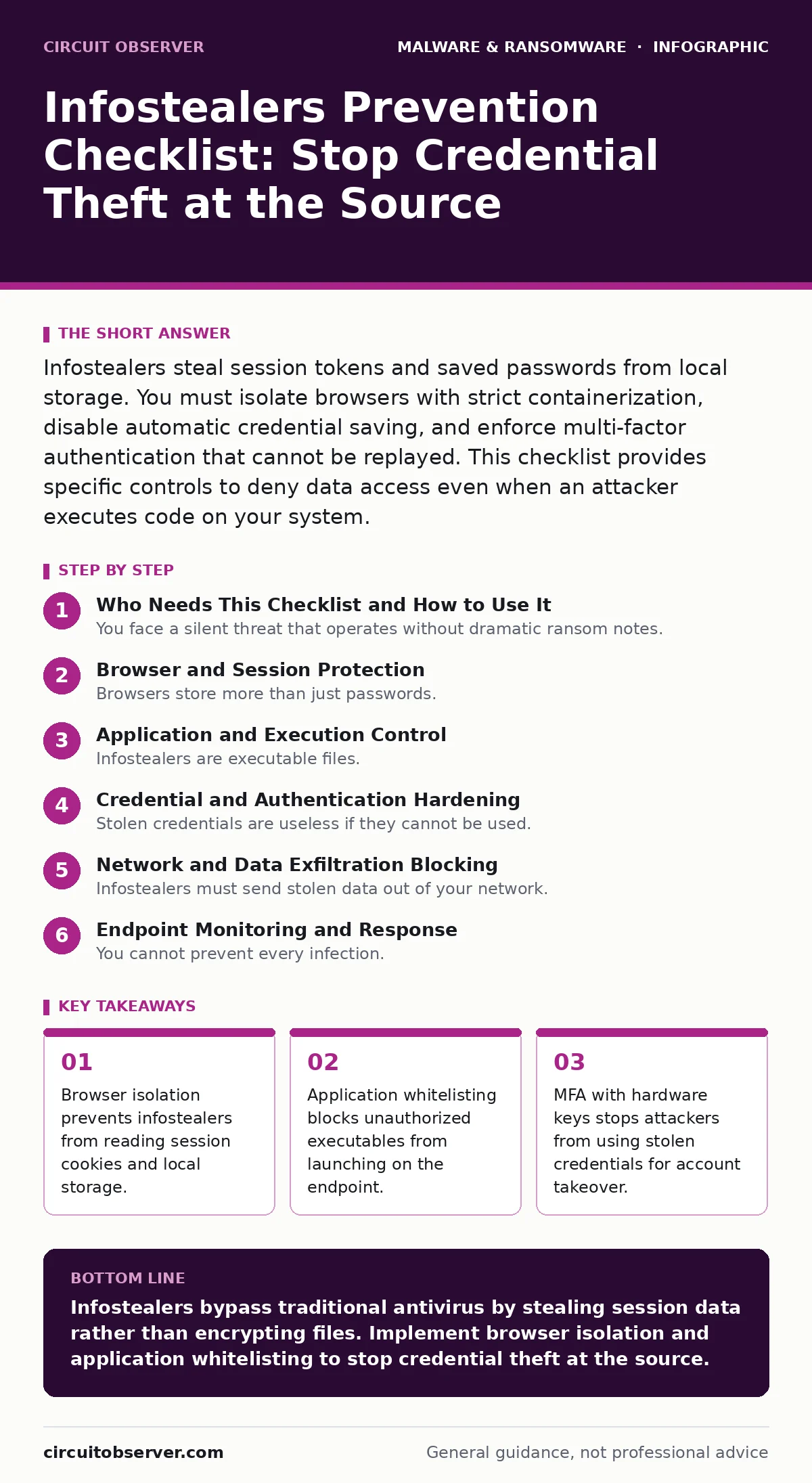
Infostealers steal session tokens and saved passwords from local storage. You must isolate browsers with strict containerization, disable automatic credential saving, and enforce multi-factor authentication that cannot be replayed. This checklist provides specific controls to deny data access even when an attacker executes code on your system.
Who Needs This Checklist and How to Use It
You face a silent threat that operates without dramatic ransom notes. Infostealers collect credentials, cryptographic wallets, and session tokens from the compromised system. They do not encrypt your files. They simply read them and send them to an external command and control server. This checklist targets the specific mechanisms these tools use to exfiltrate data. Use it to audit your endpoint security posture. Check each item against your current configuration. If an item is missing, add it to your remediation backlog immediately.
Browser and Session Protection
Browsers store more than just passwords. They hold session cookies that grant immediate access to web applications without authentication. Infostealers scrape these cookies to bypass login screens entirely. You must treat the browser as an untrusted environment.
- Enable browser isolation: Run web content in a remote container to prevent local access to cookies and JavaScript execution.
- Disable automatic password saving: Force users to use a dedicated password manager that does not write to the local filesystem.
- Clear cache on exit: Configure browsers to delete local storage and cookies when the application closes.
- Block clipboard access: Prevent web applications from reading system clipboard data to stop paste-based credential theft.
- Use strict cross-site scripting filters: Mitigate scripts that attempt to read sensitive data from the browser DOM.
Imagine a user logs into a corporate email portal. The infostealer reads the session cookie from the browser profile. The attacker now has email access without knowing the password. Browser isolation breaks this chain by keeping the session data on a remote server, never touching the local disk.
Application and Execution Control
Infostealers are executable files. They must run on your system to do harm. Traditional antivirus often misses them because they are signed or polymorphic. You must control what runs, not just what is known to be bad.
- Enforce application whitelisting: Allow only approved executables to run, blocking all other binary execution.
- Restrict PowerShell execution: Limit script execution to signed scripts only, preventing ad-hoc command execution.
- Disable unnecessary macros: Block macro execution in office documents unless explicitly approved by a policy.
- Monitor process injection: Alert when a legitimate process injects code into another process.
- Limit admin rights: Ensure standard users cannot install software or modify system directories.
This approach aligns with the principles of device hardening. You reduce the attack surface by removing the ability to execute arbitrary code. Even if a user clicks a malicious link, the payload cannot run if it is not on the whitelist.
Credential and Authentication Hardening
Stolen credentials are useless if they cannot be used. Infostealers target saved passwords and private keys. You must ensure that stolen data does not grant access.
- Enforce FIDO2 hardware keys: Use physical security keys for multi-factor authentication to prevent credential replay.
- Disable saved credentials in apps: Prevent desktop applications from storing passwords in the local registry or config files.
- Rotate API keys regularly: Invalidate old keys and issue new ones on a strict schedule.
- Monitor for impossible travel: Alert when logins occur from geographically distant locations in a short time.
- Use conditional access policies: Block access from unmanaged devices or unusual IP ranges.
Network and Data Exfiltration Blocking
Infostealers must send stolen data out of your network. They use HTTP, HTTPS, or DNS tunneling. You must detect and block these outbound connections.
- Monitor outbound DNS queries: Block requests to known malicious domains and unusual high-entropy subdomains.
- Inspect HTTPS traffic: Decrypt and inspect SSL/TLS traffic to detect data exfiltration patterns.
- Limit outbound ports: Allow only necessary outbound connections, blocking direct peer-to-peer traffic.
- Segment internal networks: Prevent compromised endpoints from accessing sensitive internal servers.
- Log all external connections: Maintain records of all outbound traffic for forensic analysis.
This mirrors the goals of behavior-based detection. You look for the action of sending large amounts of data to an unknown server, regardless of the file name. This stops the theft even if the malware evades signature detection.
See also: Browser Isolation Checklist: Secure Remote Access Without Compromise · Adware Prevention Checklist: Stop Silent Infection and Data Theft
Endpoint Monitoring and Response
You cannot prevent every infection. You must detect it quickly and limit the damage. Infostealers run quietly in the background. You need visibility into their actions.
- Deploy EDR solutions: Use endpoint detection and response to monitor process behavior in real time.
- Enable file integrity monitoring: Alert when critical system files or configuration files are modified.
- Monitor for registry changes: Detect changes to auto-start keys and service configurations.
- Keep systems patched: Apply security updates to operating systems and applications promptly.
- Conduct regular backups: Ensure you can restore systems from clean backups if needed.
Integrating with Broader Security Strategies
Infostealers are often delivered via malware droppers and loaders. These initial payloads are small and designed to download the actual infostealer. Your prevention strategy must address the initial infection vector.
- Scan incoming emails: Block attachments and links that match known dropper patterns.
- Isolate suspicious files: Move untrusted files to a sandbox for analysis before opening.
- Educate users on phishing: Train users to recognize social engineering attempts that deliver these payloads.
While ransomware encrypts data, infostealers steal it. Both are destructive, but they require different defenses. Understanding the difference between malware payloads helps you tailor your response. Infostealers are data thieves, not data destroyers.
Key takeaways
- Browser isolation prevents infostealers from reading session cookies and local storage.
- Application whitelisting blocks unauthorized executables from launching on the endpoint.
- MFA with hardware keys stops attackers from using stolen credentials for account takeover.
Infostealers bypass traditional antivirus by stealing session data rather than encrypting files. Implement browser isolation and application whitelisting to stop credential theft at the source.
Frequently asked questions
Do infostealers encrypt my files?
No, infostealers do not encrypt files. They copy and exfiltrate sensitive data such as passwords, cookies, and cryptocurrency wallets.
Can antivirus software detect infostealers?
Signature-based antivirus often misses infostealers because they change their code frequently. Behavior-based detection and application control are more effective.
Are cloud-based email services safe from infostealers?
Cloud services are safe from local file theft, but if an infostealer steals your session cookie, attackers can access your cloud accounts without your password.
How do I know if I have an infostealer?
Look for unexpected outbound network traffic, high CPU usage from unknown processes, or unauthorized logins to your accounts from strange locations.
How this guide was produced: written by the Circuit Observer editorial team with AI assistance, checked against the public references listed below, and reviewed when the facts change. See our editorial policy or report an error.