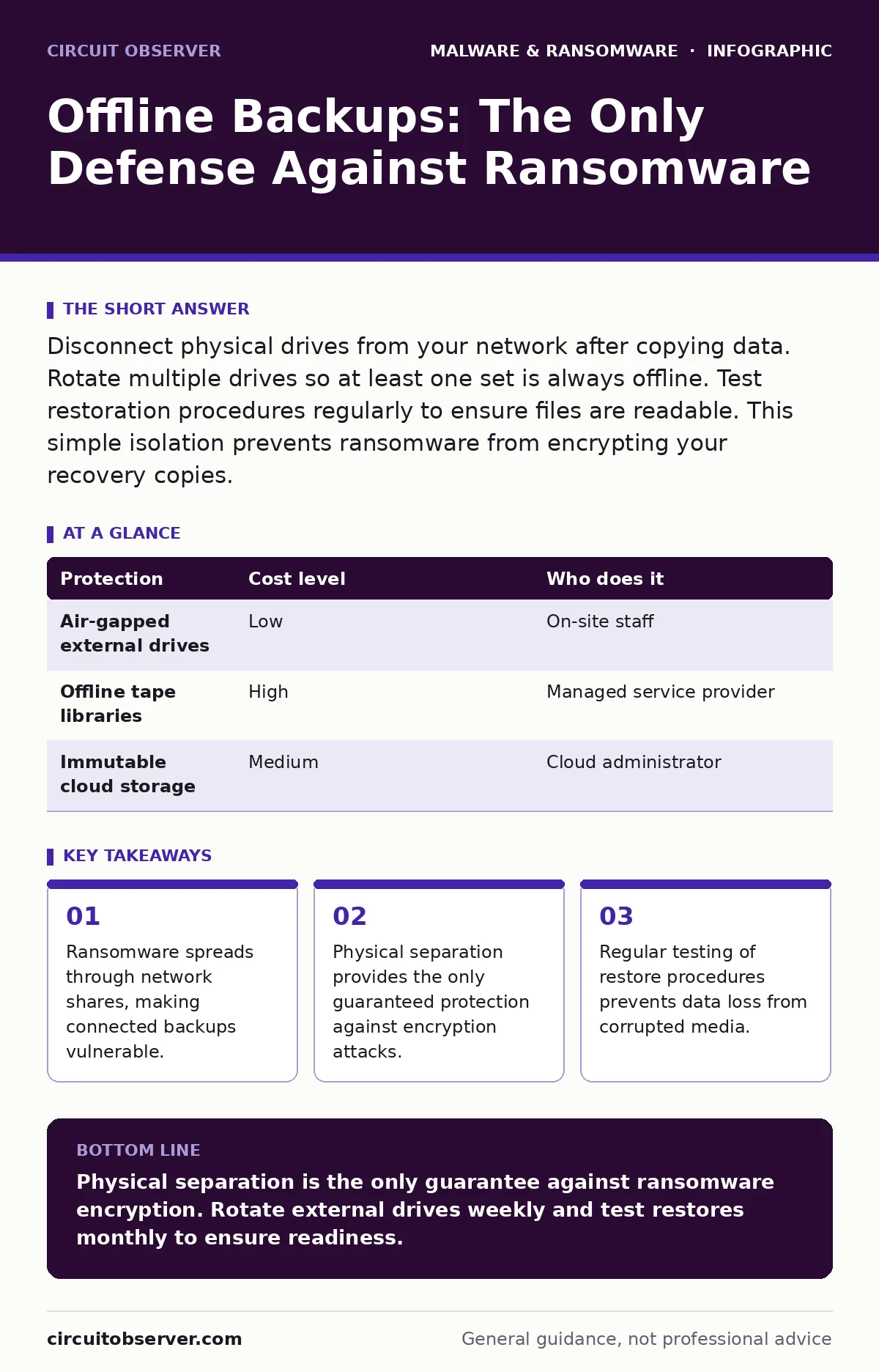
Disconnect physical drives from your network after copying data. Rotate multiple drives so at least one set is always offline. Test restoration procedures regularly to ensure files are readable. This simple isolation prevents ransomware from encrypting your recovery copies.
The Illusion of Networked Safety
Most organizations assume that backing up data to a secondary server or cloud account is sufficient. This assumption fails when malware gains administrative privileges. Ransomware operates by seeking out writable storage locations. If your backup solution is mounted on the same network as your production servers, it is just another target.
The malware does not need to guess your password to destroy the backup. It only needs the credentials already cached by the backup service. Once the encryption routine starts, it treats the backup volume identically to the primary volume. You lose both the live data and the recovery point.
This is why the concept of an "offline" backup is distinct from a "remote" backup. Remote implies connectivity. Offline implies disconnection. The physical state of the storage medium determines its safety, not its location in the cloud.
Mechanics of Physical Isolation
An offline backup requires a storage medium that is not electrically connected to the infected network. Hard drives, solid-state drives, and tape cartridges all qualify if they are unplugged. The key mechanism is the air gap, a physical separation between the threat and the data.
When you connect a drive to copy data, you create a window of vulnerability. The drive must be disconnected before the next scheduled scan or before any user interaction with the network occurs. If the drive remains plugged in, even without active transfer, it is visible to the operating system.
Some operating systems mount drives automatically upon connection. This feature is convenient for daily use but dangerous for security. You must configure the system to not auto-mount removable media. This forces a deliberate action to access the backup, adding a step that slows down automated malware.
Affordable Storage Strategies
You do not need enterprise-grade hardware to create an effective air gap. Standard external hard drives are cost-effective and widely available. The strategy relies on rotation rather than capacity.
Keep three or four drives. Connect one drive to the system, perform the full backup, and then disconnect it. Store this drive in a physically separate location, such as a locked cabinet or a different building. Rotate to the next drive for the following cycle.
This rotation ensures that at least one drive is always offline and uninfected. Even if malware infects the system and the currently connected drive, the previous day’s backup remains safe. The cost is limited to the price of the drives and the time required to swap them.
| Protection | Cost level | Who does it |
|---|---|---|
| Air-gapped external drives | Low | On-site staff |
| Offline tape libraries | High | Managed service provider |
| Immutable cloud storage | Medium | Cloud administrator |
The Hidden Cost of Inaction
The most significant risk with offline backups is not the hardware failure, but the human error of skipping the step. It is easy to leave a drive plugged in "just for today." This habit breaks the air gap.
Another hidden cost is the time required for restoration. Offline backups are not instant. You must physically retrieve the drive, connect it, and wait for the data to copy back. This downtime can last hours or days.
Plan for this delay. Your business continuity plan must account for the time it takes to restore from cold storage. If your operations cannot tolerate a four-hour outage, you need a different strategy for critical services, while still maintaining offline copies for long-term recovery.
Delegating to IT Providers
Small teams often lack the discipline to maintain strict rotation schedules. Delegating this task to a managed service provider can improve consistency. However, you must verify that their "offline" backups are truly disconnected.
Many providers use cloud replication, which is convenient but not offline. Ensure the provider uses a separate physical medium that is removed from their network. Ask for proof of the air gap, such as photos of the drives being stored in a secure vault.
See also: Browser Isolation Checklist: Secure Remote Access Without Compromise · Malware Payloads: Small Business Defense Strategies
Questions for Your Vendor
Before hiring an IT provider for backup management, ask these specific questions. Their answers will reveal whether they understand the threat model.
- Is the backup storage physically disconnected from the network during the retention period?
- How many rotation cycles do you maintain, and where are the offline drives stored?
- What is the maximum time to restore a full system from your offline media?
- Do you test the integrity of the offline backups, and how often?
Testing and Verification
A backup is only as good as its last successful restore. Malware can corrupt files silently. If you do not test the backup, you will not know it is broken until you need it.
Schedule monthly restore tests. Pick a random file or folder from the offline drive and copy it to a clean system. Verify that the file opens and matches the original. This process confirms that the data is intact and the drive is readable.
Integrating with Detection
Offline backups are a recovery tool, not a prevention tool. You still need to detect the intrusion quickly to limit damage. Behavior-based detection helps identify ransomware by watching for mass file encryption, rather than looking for known virus signatures.
Understanding how malware payloads execute helps you see why prevention fails. The payload is the final component that does the damage. If you can stop the execution chain earlier, you reduce the need for recovery.
For systems running Linux malware, the principles of air-gapped backups remain the same. File systems differ, but the network connectivity risk is identical. Ensure your backup scripts for Linux servers also disconnect the storage medium after completion.
Key takeaways
- Ransomware spreads through network shares, making connected backups vulnerable.
- Physical separation provides the only guaranteed protection against encryption attacks.
- Regular testing of restore procedures prevents data loss from corrupted media.
Physical separation is the only guarantee against ransomware encryption. Rotate external drives weekly and test restores monthly to ensure readiness.
Frequently asked questions
Can I use cloud storage as an offline backup?
No. Cloud storage is connected to the internet. If your credentials are compromised, ransomware can encrypt or delete cloud files. True offline backups require physical disconnection.
How often should I rotate backup drives?
Rotate at least daily. If daily rotation is impossible, weekly is the minimum. More frequent rotation reduces the amount of data loss if a breach occurs.
What if I lose the physical drive?
Loss of hardware is a separate risk from data corruption. Keep drives in secure, fire-resistant containers. The risk of theft is lower than the risk of encryption, but both must be managed.
Do I need offline backups if I use Microsoft Defender Antivirus?
Yes. Antivirus software prevents known threats but can miss new or customized ransomware. Offline backups provide a safety net when prevention fails, ensuring you can recover without paying a ransom.
How this guide was produced: written by the Circuit Observer editorial team with AI assistance, checked against the public references listed below, and reviewed when the facts change. See our editorial policy or report an error.