
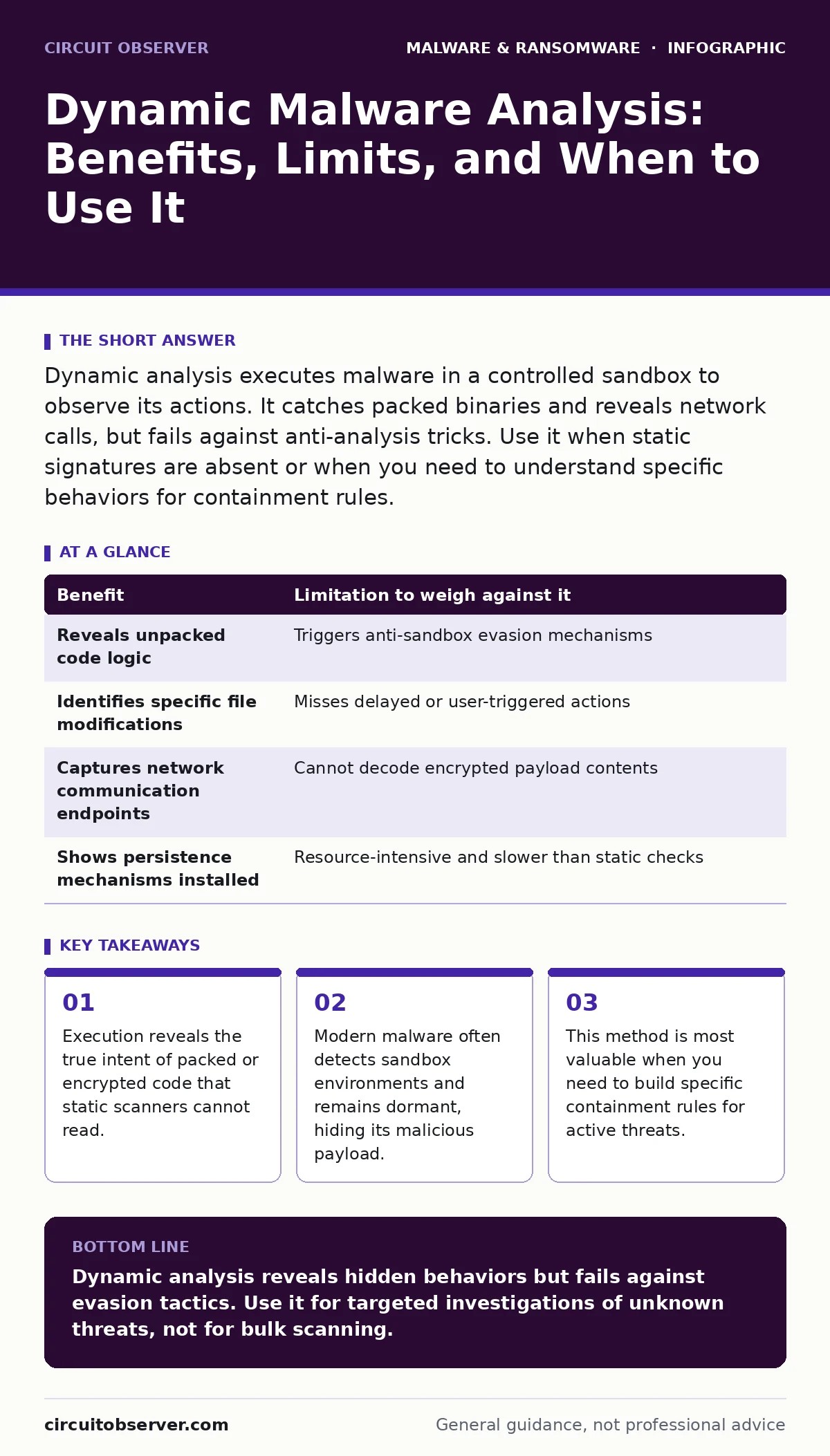
Dynamic analysis executes malware in a controlled sandbox to observe its actions. It catches packed binaries and reveals network calls, but fails against anti-analysis tricks. Use it when static signatures are absent or when you need to understand specific behaviors for containment rules.
The Execution Gap in Static Defense
Static analysis examines a file without running it. It looks for known signatures, suspicious strings, or structural anomalies. This method is fast and safe, but it is blind to code that changes its appearance at runtime. Many modern threats use packing or encryption to hide their true instructions until the moment of execution.
When you run the file in an isolated environment, you bridge this gap. The code unpacks itself and executes its logic. You see which files it creates, which processes it spawns, and what network connections it attempts. This behavioral data is often the only way to identify a novel threat that has no known signature.
However, execution carries risk. Even in isolation, a bug in the sandbox software could allow escape. More commonly, the malware simply refuses to run. It detects that it is being watched and stays silent. You must weigh the depth of insight against the possibility of a false negative.
What Dynamic Analysis Reveals
The primary benefit is visibility into action. You can see exactly how a threat interacts with the operating system. It might inject code into a legitimate process to hide. It might create scheduled tasks to ensure persistence after a reboot. These actions are invisible to a static scanner that only reads the file bytes.
You also gain intelligence on the command and control servers. By monitoring outbound traffic, you can identify the domains or IP addresses the malware contacts. This allows you to block communication at the firewall, even if you cannot yet remove the file. Blocking the channel often neutralizes the threat, preventing it from downloading additional payloads or exfiltrating data.
Another advantage is identifying the impact scope. Does the threat only encrypt user documents, or does it also wipe system restore points? Knowing the specific targets helps you prioritize your response and assess the damage. This precision prevents overreaction and focuses resources on what actually changed.
The Illusion of Safety in Sandboxes
Malware authors know that defenders use sandboxes. They build detection mechanisms directly into their code. If the environment lacks a mouse movement history, or if the operating system has no user profiles, the malware assumes it is in a test lab. It then exits cleanly or performs benign actions.
Some threats delay their execution. They may sleep for hours or days, waiting for a real user to interact with the system. A short sandbox run misses this entirely. Others check for the presence of analysis tools. If they detect debugging hooks or virtual machine drivers, they alter their behavior or self-destruct.
This cat-and-mouse game means a clean dynamic analysis is not proof of safety. It only proves the malware did not trigger in that specific environment. You must treat a negative result as inconclusive, not as a clearance. The hidden cost is the time spent running tests that yield no data because the threat remained dormant.
Weighing Insight Against Evasion
Every benefit of dynamic analysis has a corresponding limitation. You gain behavioral data, but you risk triggering the malware’s anti-analysis defenses. You see network activity, but the malware may use fast-flux domains that change before you can block them. You understand the file’s intent, but you may not understand the broader campaign it belongs to.
| Benefit | Limitation to weigh against it |
|---|---|
| Reveals unpacked code logic | Triggers anti-sandbox evasion mechanisms |
| Identifies specific file modifications | Misses delayed or user-triggered actions |
| Captures network communication endpoints | Cannot decode encrypted payload contents |
| Shows persistence mechanisms installed | Resource-intensive and slower than static checks |
The table above highlights the trade-offs. You cannot have perfect visibility without execution, but execution invites deception. You must decide if the specific threat requires behavioral proof or if static indicators are sufficient for your risk tolerance.
When It Is Worth It
Use dynamic analysis when static tools return conflicting results. If one scanner flags the file and another does not, execution can clarify the intent. It is also necessary when you encounter a new type of malware droppers and loaders that change their appearance with every drop. Static signatures expire quickly against these shifting targets.
You should also run dynamic analysis when you need to create specific containment rules. If you suspect a threat is using behavior-based detection evasion, you need to know exactly which APIs it calls. This allows you to block those calls in your endpoint protection, stopping the malware even if you cannot identify its signature.
Suppose you find a suspicious script in a shared directory. Static analysis might see it as harmless text. Running it in a sandbox reveals if it attempts to modify system configurations or reach out to external servers. This confirms whether the script is a benign automation tool or a malicious agent.
See also: Virus vs Worm: The Structural Difference That Dictates Spread · Adware Prevention Checklist: Stop Silent Infection and Data Theft
When It Is Not
Do not use dynamic analysis for every file. It is too slow for high-volume traffic. If you are scanning thousands of files per hour, static analysis is the only viable option. Dynamic analysis is a targeted investigation tool, not a bulk screening method. Use it for samples that static analysis flags as suspicious or unknown.
Avoid it when you lack proper isolation. If your sandbox is not fully air-gapped or if it shares resources with production systems, the risk of escape is too high. A compromised sandbox can become a foothold for attackers. Ensure your environment is disposable and fully reset after each run.
It is also not worth it for simple, known threats. If a file matches a signature for a common trojan, you already know what it does. Running it adds no value and wastes time. Focus your dynamic efforts on the unknown, the packed, and the behaviorally complex.
Handling Obfuscation and Packing
Many threats use malware obfuscation to hide their code. They encrypt their instructions and include a small decryptor stub. Static analysis sees only the encrypted blob. Dynamic analysis runs the stub, which decrypts the code in memory. You can then dump this memory to analyze the true payload.
This technique is particularly useful against Linux malware that uses packing tools designed to evade static scanners. The executable appears smaller and different from the original source. Only by running it does the full size and functionality emerge.
However, some packers are designed to prevent memory dumping. They may use anti-debugging techniques to crash the process if you try to extract the code. In these cases, you may need to use advanced debugging tools to step through the code manually. This requires significant expertise and time.
Integrating with Your Defense Stack
Dynamic analysis should not stand alone. It works best when combined with static analysis and network monitoring. Use static tools to filter out the obvious benign files. Use dynamic analysis on the remainder to find the hidden threats. Then use network logs to confirm if the observed behaviors are happening in your production environment.
If you detect a threat, use the behavioral data to update your behavior-based detection rules. This allows your endpoint protection to catch similar threats in the future, even if they change their appearance. This creates a feedback loop that improves your defense over time.
For critical data, ensure you have offline backups that are not connected to the network. If a threat escapes your sandbox and infects your systems, these backups are your last line of defense. They allow you to restore clean files without paying a ransom or rebuilding from scratch.
Key takeaways
- Execution reveals the true intent of packed or encrypted code that static scanners cannot read.
- Modern malware often detects sandbox environments and remains dormant, hiding its malicious payload.
- This method is most valuable when you need to build specific containment rules for active threats.
Dynamic analysis reveals hidden behaviors but fails against evasion tactics. Use it for targeted investigations of unknown threats, not for bulk scanning.
Frequently asked questions
Can dynamic analysis catch all types of malware?
No. It misses malware that detects sandbox environments and remains dormant or changes its behavior to appear benign.
What if the malware doesn't execute in the sandbox?
Treat the result as inconclusive. Use static analysis, memory forensics, or manual debugging to further investigate the sample.
How this guide was produced: written by the Circuit Observer editorial team with AI assistance, checked against the public references listed below, and reviewed when the facts change. See our editorial policy or report an error.