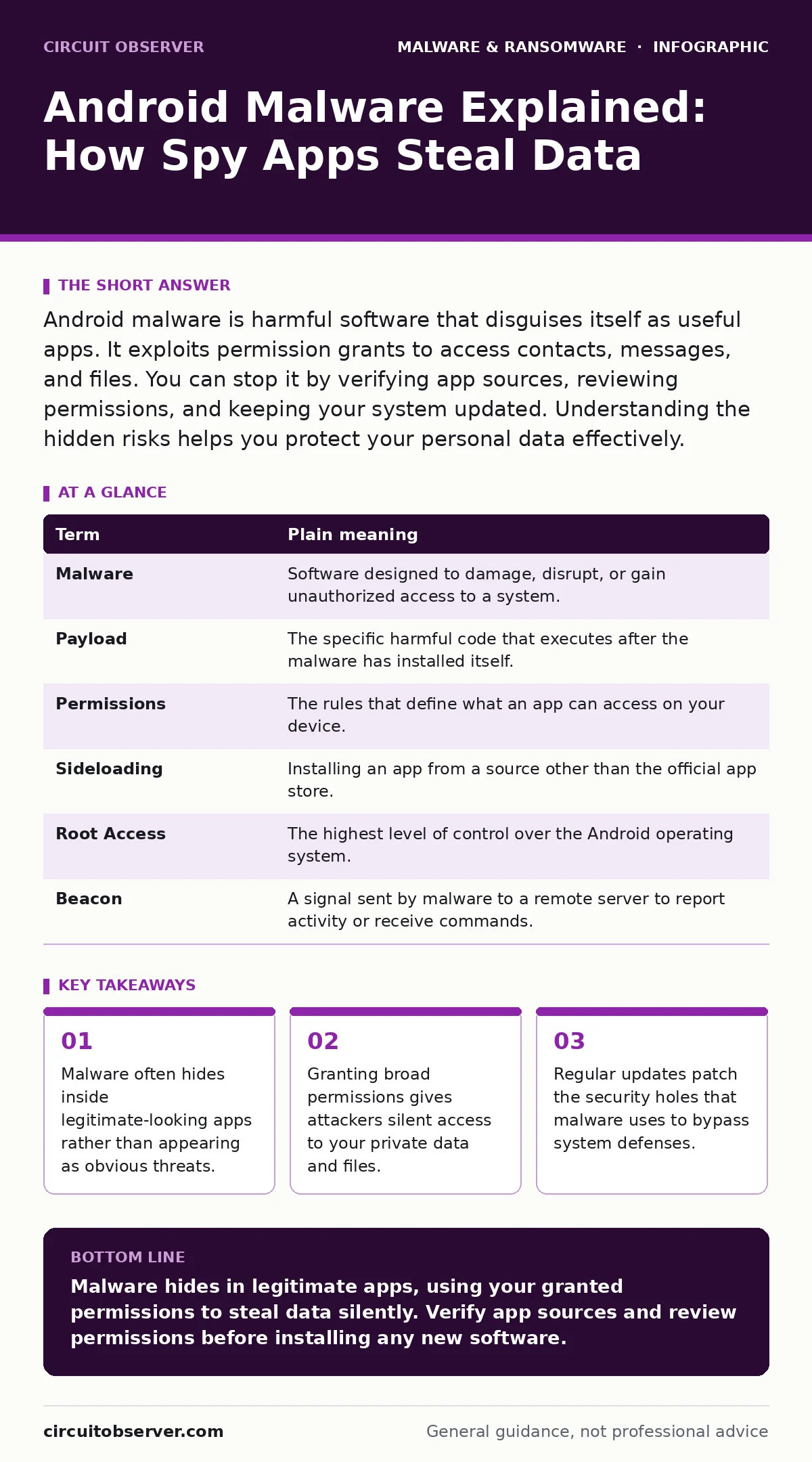
Android malware is harmful software that disguises itself as useful apps. It exploits permission grants to access contacts, messages, and files. You can stop it by verifying app sources, reviewing permissions, and keeping your system updated. Understanding the hidden risks helps you protect your personal data effectively.
The Uninvited Guest Analogy
Imagine your Android phone is your home. You invite guests over for dinner, trusting they will stay in the living room. Most guests behave. Some, however, slip into your bedroom while you are in the kitchen. They do not break in through the front door. You invited them in. They just lied about who they were. This is how Android malware operates. It does not always force its way in. It waits for you to grant access, then moves silently through your digital house.
Key Terms Defined
Understanding the mechanics requires clear definitions. These terms describe how the threat moves and hides.
| Term | Plain meaning |
|---|---|
| Malware | Software designed to damage, disrupt, or gain unauthorized access to a system. |
| Payload | The specific harmful code that executes after the malware has installed itself. |
| Permissions | The rules that define what an app can access on your device. |
| Sideloading | Installing an app from a source other than the official app store. |
| Root Access | The highest level of control over the Android operating system. |
| Beacon | A signal sent by malware to a remote server to report activity or receive commands. |
How Permissions Enable Theft
When you install an app, you grant it permissions. A flashlight app needs no access to your contacts. A messaging app needs access to your microphone and camera. Malware tricks you into granting unnecessary permissions. Once granted, the app can read your SMS messages, which often contain two-factor authentication codes. It can access your clipboard, stealing copied passwords or credit card numbers. You are handing the keys to the house to a stranger. The system trusts the app because you signed the permission slip.
The Hidden Cost of Convenience
Convenience often conflicts with security. You might install an app from a third-party website because the official store version costs money or has ads. This is called sideloading. Sideloading bypasses the security checks that the official store performs. You are removing the bouncer from your door. The app you install might contain malware payloads that hide in plain sight. These payloads can turn your phone into a bot, sending spam or participating in attacks. You might not notice the extra data usage. The battery drain might seem minor. The damage is done silently.
Recognizing Infostealer Behavior
Not all malware tries to break your phone. Some, called infostealers, just want to watch. They log your keystrokes, capture screenshots, and steal login credentials. They do not encrypt your files. They do not demand ransom. They simply copy everything they can and send it to command and control servers in other countries. You might continue using your phone normally. Your accounts are compromised, but your device feels fine. This stealth approach makes detection difficult. You must look for signs of unusual behavior, like apps opening unexpectedly or settings changing without your input.
See also: Malware Payloads: Small Business Defense Strategies · Infostealers Prevention Checklist: Stop Credential Theft at the Source
The Role of Adware
Adware sits on the border between annoyance and threat. It displays excessive advertisements. It might redirect your browser to malicious sites. While not always destructive, adware can degrade performance and expose you to risky content. It often comes bundled with free software. You think you are downloading a wallpaper app. You are actually installing an ad generator. This clutter makes it harder to spot real threats. It creates noise that masks the signal of more dangerous malware. Cleaning adware is often the first step in restoring device health.
Simple Safety Habits
You can reduce risk without becoming a security expert. Start with three simple habits. These actions close the most common entry points.
- Install apps only from the official app store. This ensures the app has passed basic security scans.
- Review permissions before installing. Deny access to features the app does not need to function.
- Keep your Android version updated. Updates fix known security holes that attackers exploit.
Beyond Basic Protection
Basic habits are not enough for high-risk users. You might need device hardening techniques. This involves disabling unused features and restricting app installations. For sensitive data, consider offline backups. If your phone is compromised, having a clean copy of your data ensures you can start fresh. Browser isolation can also help by running web content in a separate environment. This prevents malicious websites from infecting your device directly. Combining these methods creates layers of defense. Each layer makes it harder for the threat to succeed.
Final Thoughts on Vigilance
Android malware is a persistent threat. It evolves to match user behavior. The analogy of the uninvited guest remains true. You control who enters your home. You control what they can do once inside. By understanding permissions and sources, you regain control. Do not assume an app is safe because it is popular. Do not ignore permission requests. Treat every installation as a potential risk. Your vigilance is the strongest firewall.
Key takeaways
- Malware often hides inside legitimate-looking apps rather than appearing as obvious threats.
- Granting broad permissions gives attackers silent access to your private data and files.
- Regular updates patch the security holes that malware uses to bypass system defenses.
Malware hides in legitimate apps, using your granted permissions to steal data silently. Verify app sources and review permissions before installing any new software.
Frequently asked questions
Can Android malware steal my bank details?
Yes, if you grant an app permission to read SMS or access your clipboard, it can intercept authentication codes and copied data.
Is sideloading apps always dangerous?
Not always, but it bypasses official security checks, significantly increasing the risk of installing malicious software.
How do I know if my phone has malware?
Look for unexpected battery drain, unusual data usage, or apps that open themselves without your input.
Does a antivirus app stop all Android malware?
No, antivirus apps detect known threats. They may miss new or sophisticated malware that hides behind legitimate permissions.
How this guide was produced: written by the Circuit Observer editorial team with AI assistance, checked against the public references listed below, and reviewed when the facts change. See our editorial policy or report an error.