
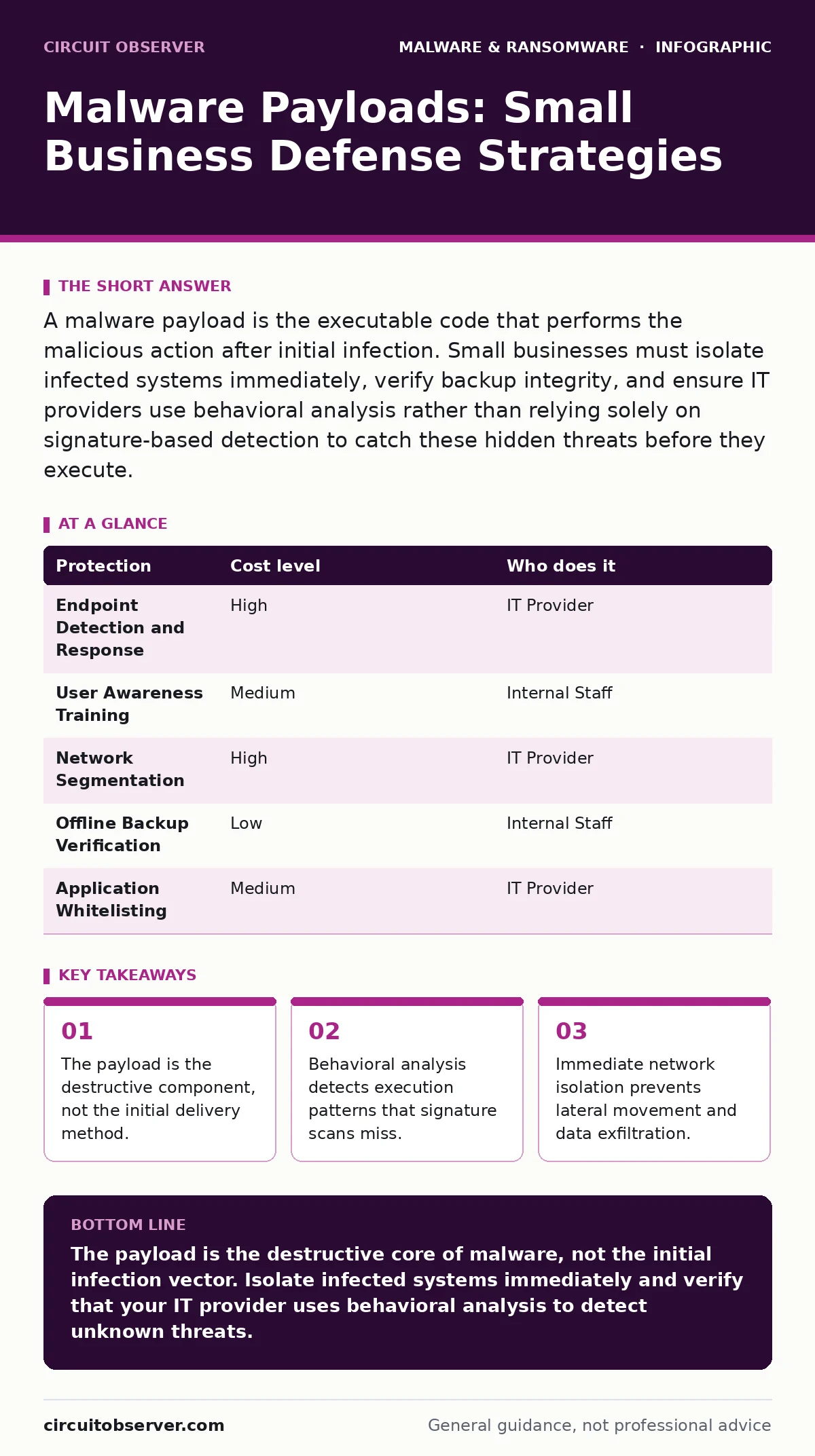
A malware payload is the executable code that performs the malicious action after initial infection. Small businesses must isolate infected systems immediately, verify backup integrity, and ensure IT providers use behavioral analysis rather than relying solely on signature-based detection to catch these hidden threats before they execute.
Defining the Malware Payload Mechanism
A malware payload is the specific block of code designed to cause harm or achieve a malicious objective. Most people confuse the delivery method with the damage itself. The email attachment, the phishing link, or the USB drive serves only as the vehicle. The payload is the engine that starts running once the vehicle reaches its destination. This distinction matters because security tools often block the vehicle but miss the engine if it arrives through a different channel.
You must understand that the payload does not always execute immediately. It may lie dormant for weeks, waiting for a specific trigger. This trigger could be a certain date, a specific user action, or the presence of another software component. This delay makes detection difficult because the initial infection appears benign. The system behaves normally until the payload activates, at which point the damage is already underway.
Why Small Scale Increases Risk
Small organizations often lack the dedicated security operations center that large enterprises maintain. This absence creates a blind spot where automated tools must do all the heavy lifting. Standard antivirus software relies on known signatures, which are digital fingerprints of previously identified threats. If a payload is new or slightly modified, the signature database will not recognize it. This is where malware obfuscation techniques thrive, as attackers alter the code structure without changing its function.
The limited staff size also means that one compromised account can grant access to the entire network. There is often no strict separation of duties. The person who handles payroll may also manage the file server. When a payload executes on a workstation with elevated privileges, it can move laterally to critical infrastructure within minutes. This rapid spread is why device hardening practices, which limit user permissions and remove unnecessary software, are the first line of defense.
The Hidden Cost of Signature Reliance
Relying solely on signature-based detection creates a false sense of security. Attackers know this and use dynamic malware analysis evasion techniques to bypass static scans. Static analysis examines the file code without running it. Dynamic analysis observes the behavior of the file as it executes in a controlled environment. Many small business solutions only perform static checks.
Imagine a payload that checks for virtual machines or sandboxes. If it detects an analysis environment, it remains inert. If it detects a real production server, it activates. This conditional execution means the file looks clean to security scanners but destroys data on live systems. You need tools that monitor process creation, registry changes, and network connections in real time. This behavioral monitoring catches the payload when it tries to do something harmful, regardless of its signature.
Practical Response to Payload Execution
When you suspect a payload has executed, speed is the priority. Do not attempt to clean the system while it is connected to the network. The payload may be communicating with command and control servers to receive new instructions or exfiltrate data. Disconnecting the device from the network stops this communication. Pull the Ethernet cable or disable Wi-Fi immediately.
Next, preserve the state of the system for forensic analysis. Do not reboot the machine if possible, as this clears volatile memory where evidence of the payload’s activity resides. If a reboot is necessary, document the time and actions taken. Contact your IT provider immediately and provide them with the timeline of events. Ask them to check other systems on the network for similar indicators. Isolation prevents the payload from spreading to backups, which is the final safeguard against permanent data loss.
Protection Strategies and Costs
Implementing defense requires a mix of technology and process. The table below outlines common protection methods, their relative cost levels, and who typically manages them.
| Protection | Cost level | Who does it |
|---|---|---|
| Endpoint Detection and Response | High | IT Provider |
| User Awareness Training | Medium | Internal Staff |
| Network Segmentation | High | IT Provider |
| Offline Backup Verification | Low | Internal Staff |
| Application Whitelisting | Medium | IT Provider |
Endpoint Detection and Response tools provide the behavioral analysis needed to catch unknown payloads. These tools are more expensive than traditional antivirus but offer deeper visibility. User awareness training reduces the likelihood of initial infection but does not stop a determined attacker. Network segmentation limits the spread of a payload by dividing the network into smaller, isolated zones.
See also: Behavior-Based Detection Checklist for Endpoint Security · Difference Between Unauthorized Access and Unauthorized Use Explained
Questions for Your IT Provider
You must verify that your IT provider is prepared for modern payload threats. Do not accept vague assurances about "strong security." Ask specific questions that reveal their technical depth and response capabilities.
- Do you use behavioral analysis or only signature-based scanning for endpoint protection?
- How often do you test the restoration of backups from offline storage?
- What is the average time to detect and isolate a compromised endpoint?
- Do you monitor for unusual outbound network traffic that indicates command and control communication?
- How do you handle ransomware variants that use fileless techniques to avoid detection?
These questions force the provider to explain their methodology. If they cannot answer clearly, your security posture may be weaker than you think. A provider who relies on outdated methods will leave you vulnerable to sophisticated payloads that bypass traditional defenses.
Integrating Broader Security Practices
Payload defense does not exist in isolation. It connects to how you manage mobile devices, advertising software, and fake security tools. Adware can serve as a delivery mechanism for more dangerous payloads by redirecting users to malicious sites. Android malware often targets mobile endpoints that connect to corporate networks via Wi-Fi. You must apply the same rigor to mobile devices as you do to desktops.
Be wary of fake antivirus software that claims to detect threats. These programs are often malware themselves, installing payloads that steal credentials or encrypt files. Ensure that your organization only uses legitimate security tools from trusted vendors. Regularly review installed applications to remove any that are unnecessary or unverified. This reduces the attack surface and limits the opportunities for a payload to gain a foothold.
Final Steps for Resilience
Building resilience against malware payloads requires continuous effort. You cannot set up a system once and forget it. Threats evolve, and so must your defenses. Regularly review your security logs and audit user permissions. Ensure that your IT provider provides clear reports on detected threats and blocked activities.
Test your incident response plan regularly. Simulate a payload execution scenario to see how quickly your team can isolate the affected system and restore data from backups. This practice reveals gaps in your procedures before a real attack occurs. By focusing on the payload mechanism rather than just the delivery method, you gain a deeper understanding of how to protect your data.
Key takeaways
- The payload is the destructive component, not the initial delivery method.
- Behavioral analysis detects execution patterns that signature scans miss.
- Immediate network isolation prevents lateral movement and data exfiltration.
The payload is the destructive core of malware, not the initial infection vector. Isolate infected systems immediately and verify that your IT provider uses behavioral analysis to detect unknown threats.
Frequently asked questions
Can a firewall stop a malware payload?
A firewall controls network traffic but cannot inspect the internal behavior of a file once it is executed on a device. You need endpoint protection to detect payload activity after it bypasses the firewall.
How do I know if a payload is dormant?
Dormant payloads are difficult to detect without behavioral monitoring. Look for unusual scheduled tasks, new user accounts, or unexpected network connections that do not align with normal business operations.
Is cloud storage safe from malware payloads?
Cloud storage can be compromised if the credentials used to access it are stolen by a payload. Ensure you use multi-factor authentication and monitor for unauthorized access attempts to your cloud accounts.
What is the difference between a virus and a payload?
A virus is a type of malware that self-replicates, while a payload is the specific code that performs the malicious action. A virus may carry a payload, but not all payloads are viruses.
How this guide was produced: written by the Circuit Observer editorial team with AI assistance, checked against the public references listed below, and reviewed when the facts change. See our editorial policy or report an error.