
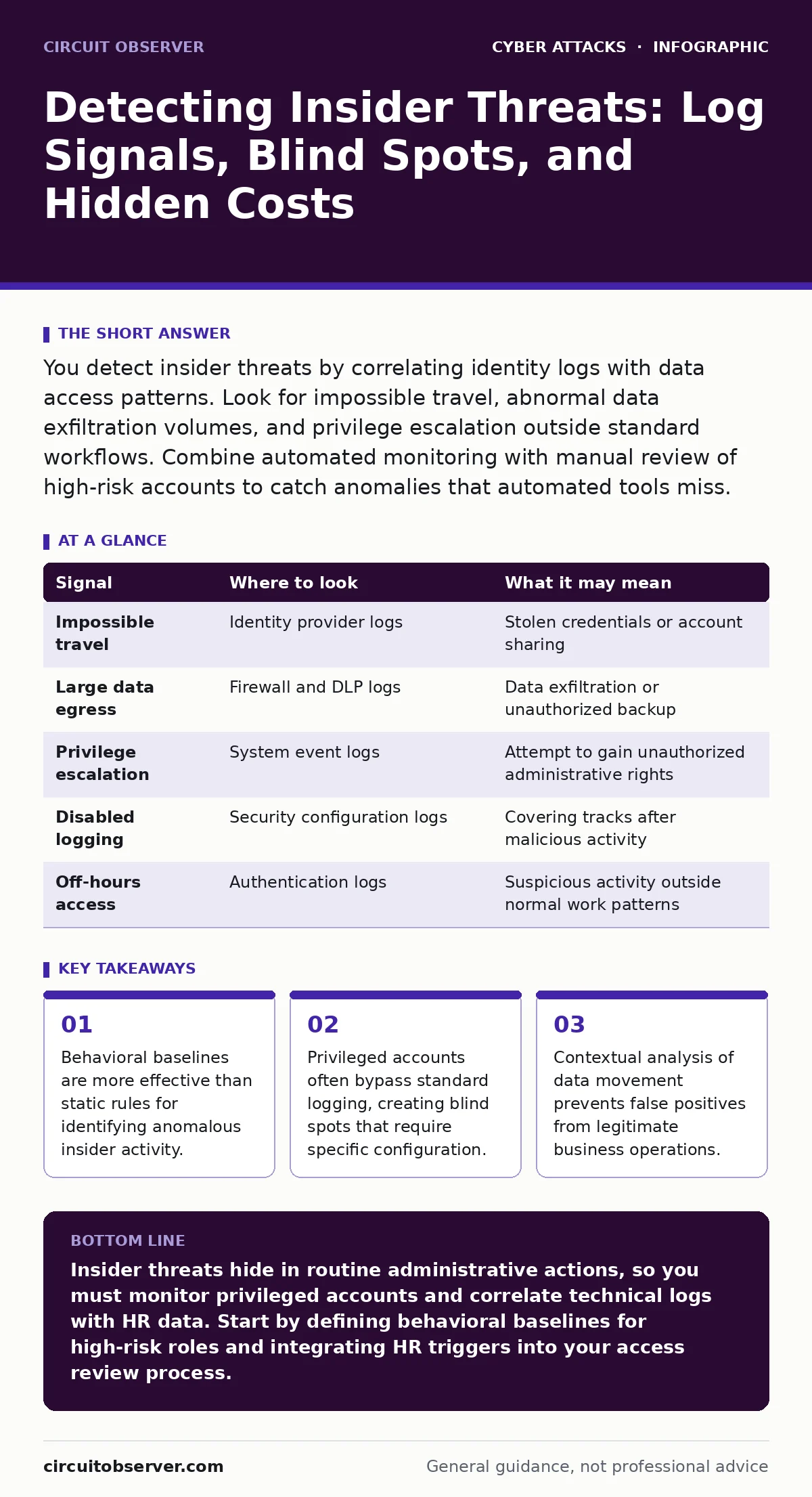
You detect insider threats by correlating identity logs with data access patterns. Look for impossible travel, abnormal data exfiltration volumes, and privilege escalation outside standard workflows. Combine automated monitoring with manual review of high-risk accounts to catch anomalies that automated tools miss.
The Baseline of Normal Behavior
Detection begins with defining what normal looks like for each user and system. You cannot identify an anomaly if you do not have a reference point for standard activity. This baseline includes typical login times, usual data access patterns, and common network destinations.
Without this foundation, every alert looks like a potential threat, leading to alert fatigue. You must establish these baselines through continuous observation rather than one-time setup. Users change roles, projects shift, and tools evolve, so your definition of normal must adapt.
Static rules fail because they do not account for context. A user downloading a large file at 3 a.m. might be suspicious, but if that user is a database administrator performing a scheduled backup, it is benign. You need systems that understand the "why" behind the action, not just the "what."
Identity and Access Anomalies
Identity logs are your first line of defense. Look for login attempts from unusual geographies or devices. This is known as impossible travel, where a user logs in from two distant locations within a timeframe that makes physical travel impossible.
Suppose an administrator logs in from New York and then from London ten minutes later. Even if the credentials are correct, this suggests credential theft or account sharing. You must check for concurrent sessions, which indicate that the same account is active in multiple places at once.
Pay attention to failed login attempts followed by success. A sudden spike in failures, followed by a successful login from a new IP address, often indicates a brute force attack or stolen credentials. This pattern is distinct from a user simply forgetting their password.
Privileged Account Blind Spots
Privileged accounts often operate with elevated permissions that bypass standard security controls. This is a significant blind spot because many logging mechanisms are configured to ignore administrative actions to reduce noise. You must ensure that administrative actions are logged separately and stored securely.
Imagine a scenario where an insider uses their admin rights to disable logging on a specific server. If you are not monitoring the management plane itself, you will never see this action. You need to monitor changes to security configurations, not just data access.
Privileged access management solutions can help by wrapping these sessions in recording and approval workflows. However, these tools are only effective if configured to capture every keystroke and command. Without granular recording, you have a gap in your evidence chain.
| Signal | Where to look | What it may mean |
|---|---|---|
| Impossible travel | Identity provider logs | Stolen credentials or account sharing |
| Large data egress | Firewall and DLP logs | Data exfiltration or unauthorized backup |
| Privilege escalation | System event logs | Attempt to gain unauthorized administrative rights |
| Disabled logging | Security configuration logs | Covering tracks after malicious activity |
| Off-hours access | Authentication logs | Suspicious activity outside normal work patterns |
Data Movement and Exfiltration
Data loss prevention tools monitor for sensitive data leaving the network. You must look for unusual spikes in data transfer volumes, especially to cloud storage services or personal email accounts. This is not just about file size, but about the type of data being moved.
Suppose a developer suddenly downloads the entire customer database to their local machine. Even if they have legitimate access, the volume and context are abnormal. You must correlate this with their role and recent project assignments.
Email filtering can catch some exfiltration attempts, but insiders often use encrypted channels or cloud collaboration tools. You need to monitor all egress points, not just email. Look for uploads to personal cloud accounts or transfers to unapproved USB devices.
Behavioral Context and HR Signals
Technical logs do not exist in a vacuum. Correlate security events with human resources data. Terminations, disputes, and performance issues often precede malicious insider activity. You should have a process for reviewing access rights during these life events.
Imagine an employee who is about to be terminated suddenly increases their data access. This is a classic precursor to data theft. You must have a workflow that triggers an immediate review of access rights when HR flags a departure.
Do not rely solely on automated systems for this context. Human intelligence is vital. Your security team should have a clear channel to HR for timely alerts. This integration helps distinguish between malicious intent and legitimate business need.
See also: Detect Credential Leaks: Log Signals, Blind Spots, and Hidden Risks · What Is a Vishing Attack: How Voice Phishing Bypasses Security
Tool Limitations and False Positives
Automated tools generate noise. You will see many false positives if you rely only on predefined rules. This leads to alert fatigue, where real threats are missed because the team is overwhelmed by irrelevant alerts. You must tune your detection engines regularly.
Machine learning models can help by learning normal behavior over time. However, these models can drift if the environment changes rapidly. You must validate their findings manually, especially for high-impact alerts.
Consider the cost of investigation. Every alert requires time and resources. You should prioritize alerts based on risk, not just volume. Focus on high-privilege accounts and sensitive data assets first.
The Hidden Cost of Over-Monitoring
Monitoring everything is not feasible. It creates privacy concerns and can damage employee morale. You must balance security needs with respect for employee privacy. Define clear policies on what is monitored and why.
Suppose you monitor every keystroke for all employees. This is likely to be seen as intrusive and may violate labor laws in some jurisdictions. Focus on high-risk areas and privileged accounts instead.
Transparency is key. Employees should know what is being monitored and how the data is used. This builds trust and encourages reporting of suspicious activity. It also reduces the legal risk associated with over-monitoring.
Incident Response Integration
Detection is only half the battle. You must have a plan for responding to confirmed insider threats. This includes isolating the account, preserving evidence, and notifying relevant stakeholders. Your cyber incident response team should have specific playbooks for insider threats.
Imagine a scenario where you detect data exfiltration. Your response must be swift to prevent further loss. This includes revoking access, blocking network egress, and securing the data. Delayed response can lead to significant damage.
Regular testing of your response plan is necessary. Simulate insider threat scenarios to ensure your team is prepared. This helps identify gaps in your detection and response capabilities.
Continuous Improvement
Insider threat detection is not a one-time project. It requires continuous improvement. You must review your detection rules, baselines, and response plans regularly. New tools, new threats, and new business processes require updates to your strategy.
Look for trends in your alerts. Are you seeing more false positives in certain areas? Are there gaps in your coverage? Use this data to refine your approach.
Engage with your team to gather feedback. They are on the front lines and can provide valuable insights into what works and what does not. This collaborative approach ensures your strategy remains effective and relevant.
Key takeaways
- Behavioral baselines are more effective than static rules for identifying anomalous insider activity.
- Privileged accounts often bypass standard logging, creating blind spots that require specific configuration.
- Contextual analysis of data movement prevents false positives from legitimate business operations.
Insider threats hide in routine administrative actions, so you must monitor privileged accounts and correlate technical logs with HR data. Start by defining behavioral baselines for high-risk roles and integrating HR triggers into your access review process.
Frequently asked questions
How do I distinguish between a clumsy user and a malicious insider?
Look for patterns and context. A clumsy user might make mistakes, but a malicious insider often shows deliberate attempts to hide tracks, such as disabling logs or accessing data outside their role.
Do I need specialized software to detect insider threats?
You can start with existing logging and identity management tools. However, specialized insider threat management platforms can help correlate data from multiple sources and reduce manual effort.
How often should I review insider threat detection rules?
Review them at least quarterly, or whenever there is a significant change in your environment, such as new applications, personnel changes, or security incidents.
Can an insider threat bypass multi-factor authentication?
Yes, if they have physical access to the user’s device or if the user shares their credentials. MFA protects against remote credential theft but not against compromised devices or insider collusion.
How this guide was produced: written by the Circuit Observer editorial team with AI assistance, checked against the public references listed below, and reviewed when the facts change. See our editorial policy or report an error.