OAuth misconfigurations occur when identity providers allow unsafe data flows. Attackers exploit loose redirect rules or overly broad permissions to hijack sessions. You face account takeover risks when apps request more access than needed. Verify app permissions and restrict redirect destinations to prevent silent identity theft.
The Hotel Key Card Analogy
Imagine you stay at a hotel. The front desk gives you a key card to your room. You do not give the front desk your house key. You only give them permission to open your hotel door. OAuth works like this digital key card system. It allows websites to access your data without sharing your password. The identity provider acts as the front desk. The application acts as the hotel room. You grant temporary, limited access.
Key Terms Defined
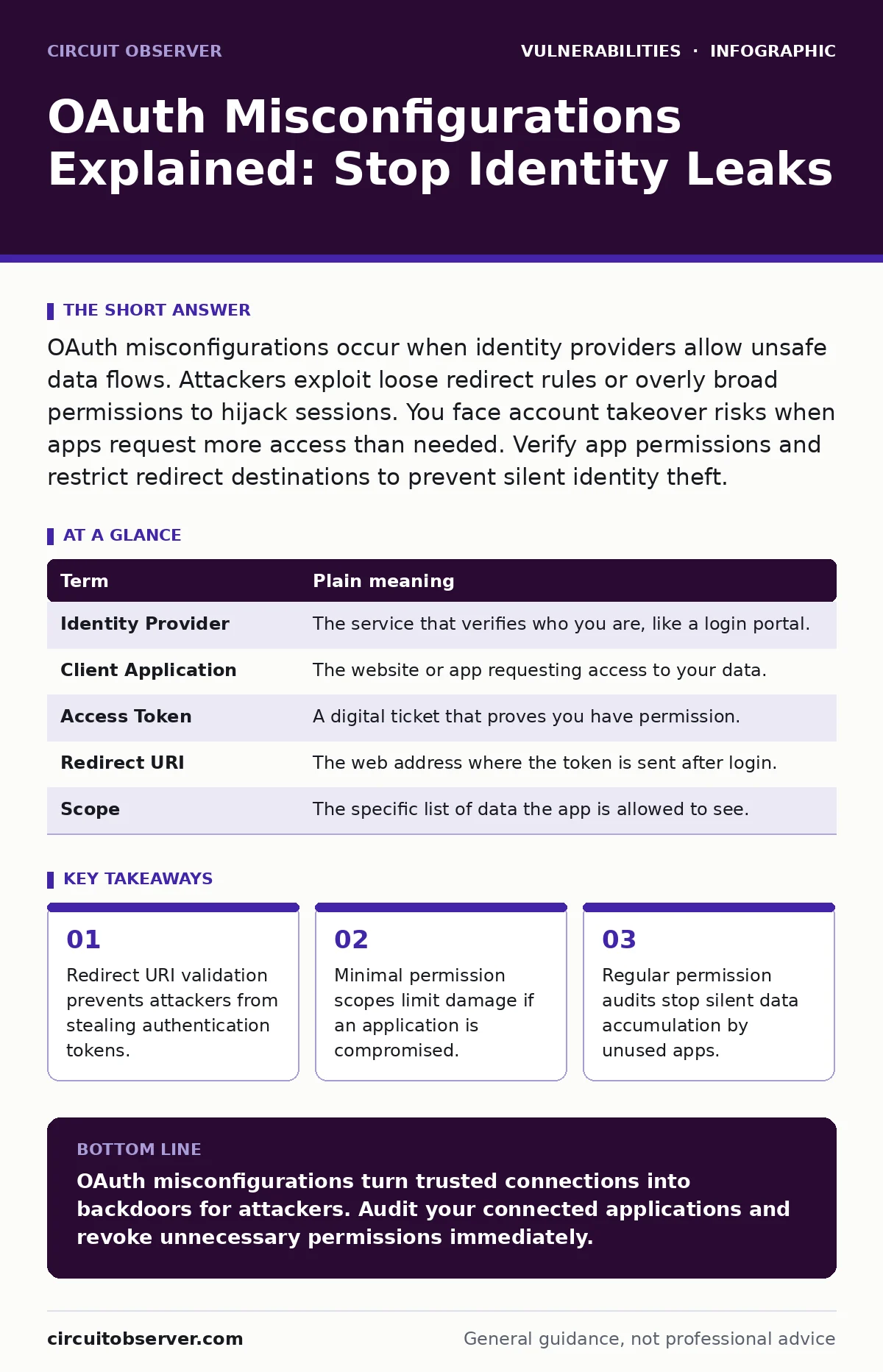
Understanding the mechanism requires knowing the parts. Each component has a specific job in the trust chain. Misunderstanding these roles leads to configuration errors that expose your data to theft.
| Term | Plain meaning |
|---|---|
| Identity Provider | The service that verifies who you are, like a login portal. |
| Client Application | The website or app requesting access to your data. |
| Access Token | A digital ticket that proves you have permission. |
| Redirect URI | The web address where the token is sent after login. |
| Scope | The specific list of data the app is allowed to see. |
How Redirect URIs Fail
The redirect URI is the most common failure point. This is the address the identity provider sends your token to. Developers often set this to a broad pattern. Imagine telling the hotel to deliver your key to "any room in the building." An attacker registers a website that matches that pattern. When you log in, the token goes to their site. They now have your access. This is a form of authorization bypass vulnerabilities where the system trusts the wrong destination.
The Danger of Broad Scopes
Scopes define what an application can do. Some apps request access to everything. They want your email, contacts, and private messages. You often click "Allow" without reading the list. This is like giving a cleaning crew your house key and your bank PIN. If that app is hacked, the attacker inherits all those permissions. This creates a large attack surface. You should treat broad scopes as a red flag.
What This Means for You
You are the gatekeeper of your digital identity. When you connect accounts, you create trust relationships. A misconfiguration on the server side is bad. But your choices on the client side matter too. If you grant unnecessary permissions, you increase the blast radius of a breach. You might not notice the leak immediately. The attacker can read emails or post messages. This is why SQL injection is not the only threat to consider. Identity theft often happens through trust, not code bugs.
See also: SAML Misconceptions: Why Your Single Sign-On Implementation Fails · User Access Provisioning: Secure Identity Without Friction
Simple Safety Habits
You can reduce risk with small actions. Review your connected apps regularly. Remove services you no longer use. Check the permissions each app holds. If a weather app asks for your contacts, deny the request. Look for the redirect URI in the app settings if possible. Ensure it points to a specific, known address. Do not accept generic links. This practice limits the damage if an application is compromised.
Try This Now
- Log into your primary identity provider and find the "Connected Apps" section.
- Delete any application you have not used in the last three months.
- Review the remaining apps and revoke permissions that seem excessive for their function.
These steps take minutes. They remove dormant access points. Attackers often target old, forgotten connections because they are less likely to be monitored. By cleaning up, you close doors that should have been locked years ago.
Understanding the Hidden Costs
Misconfigurations are not just technical errors. They represent a failure in trust management. When you delegate identity, you lose direct control. The identity provider enforces the rules, but you set the initial parameters. If you set them too loosely, no amount of server-side security can save you. This is similar to remote code execution vulnerabilities where a single input error causes total system failure. Here, the input is your consent. Be precise with it.
Key takeaways
- Redirect URI validation prevents attackers from stealing authentication tokens.
- Minimal permission scopes limit damage if an application is compromised.
- Regular permission audits stop silent data accumulation by unused apps.
OAuth misconfigurations turn trusted connections into backdoors for attackers. Audit your connected applications and revoke unnecessary permissions immediately.
Frequently asked questions
Can I use OAuth without a password?
Yes, OAuth allows passwordless login by using an identity provider to verify your identity. This reduces the risk of password theft but requires secure configuration.
Does OAuth protect my password?
OAuth ensures applications never see your password. They only receive a token. This isolates your credentials from third-party service breaches.
How do I know if an app is abusing OAuth?
Look for unusual activity in your account. Check for unknown devices or unexpected posts. Regularly review the permission list for anomalies.
Is OAuth secure for enterprise use?
OAuth is secure when configured correctly. Enterprises must enforce strict redirect URI validation and minimal scopes. Regular audits prevent configuration drift.
How this guide was produced: written by the Circuit Observer editorial team with AI assistance, checked against the public references listed below, and reviewed when the facts change. See our editorial policy or report an error.