
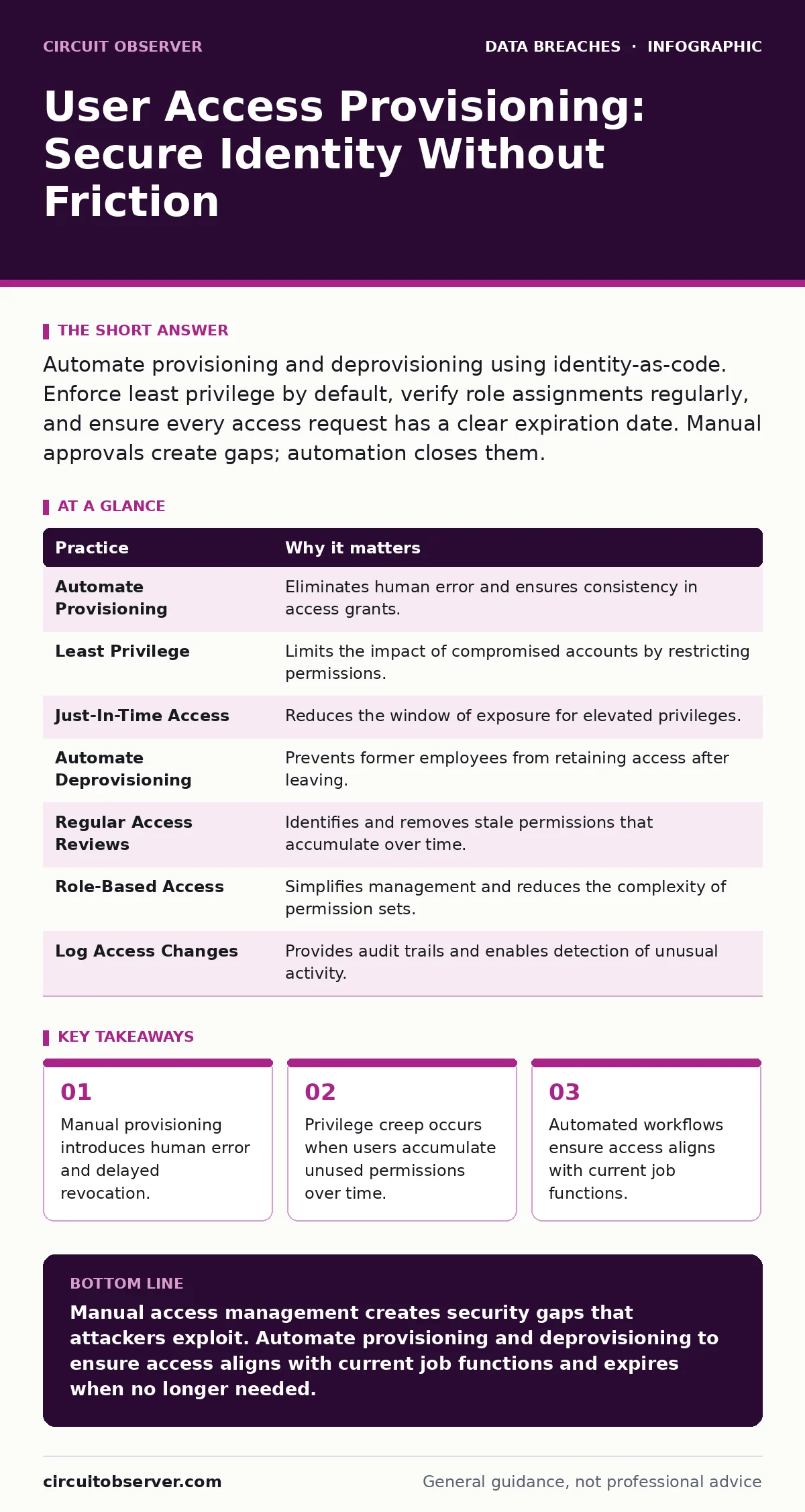
Automate provisioning and deprovisioning using identity-as-code. Enforce least privilege by default, verify role assignments regularly, and ensure every access request has a clear expiration date. Manual approvals create gaps; automation closes them.
The Hidden Cost of Manual Access Requests
Imagine a new engineer joins your team. The hiring manager sends an email to IT requesting access to the development environment. Someone types in the request, a supervisor approves it, and an administrator manually creates the account. This process takes days. In those days, the engineer cannot work. More importantly, the system remains open to error. If the administrator types the wrong role, the engineer gets too much access. If they forget to remove a test account later, that account remains active indefinitely.
Manual provisioning relies on human memory and attention. Humans are inconsistent. They miss details. They delay actions when busy. This inconsistency creates security gaps. An attacker does not need to break into a locked system. They only need to find an unlocked door left open by a busy administrator. You must remove the human from the critical path of access creation.
1. Automate Provisioning with Identity-as-Code
Treat access rights like software configuration. Define roles, permissions, and system connections in code repositories. When a user is added to the system, the code executes the necessary changes automatically. This method is called identity-as-code. It ensures that every account receives exactly the permissions defined in the repository. It eliminates typos. It ensures consistency across environments.
Practical Tip: Store role definitions in a version-controlled repository. Require peer review for any changes to permission sets before they are applied to the production identity provider. This adds a check before code runs, catching errors early.
2. Enforce Least Privilege by Default
Start every user with zero access. Grant permissions only as needed for specific tasks. This is the principle of least privilege. It limits the damage if an account is compromised. If an attacker steals credentials, they only get the minimal access that account held. They cannot move laterally to other systems. They cannot escalate privileges.
Practical Tip: Use baseline roles that contain only read-only access. Require explicit, time-bound requests for write or administrative permissions. This forces users to justify elevated access rather than assuming it.
3. Implement Just-In-Time Access
Permanent access is a liability. Users rarely need elevated permissions every day. Just-in-time access grants temporary privileges for a specific duration. The access expires automatically after the task is complete. This reduces the window of opportunity for attackers. It also simplifies audits because you can see exactly who had access and when.
Practical Tip: Configure your identity platform to issue temporary tokens for administrative tasks. Set the default expiration to four hours. If the user needs more time, they must re-approve the request. This creates friction that discourages unnecessary access.
4. Automate Deprovisioning Immediately
Offboarding is more critical than onboarding. When an employee leaves, their access must vanish instantly. Manual removal is too slow. Automated systems should trigger deprovisioning when HR updates employment status. The identity provider should disable the account and revoke all tokens within minutes. This prevents former employees from accessing data after their departure.
Practical Tip: Connect your human resources system directly to your identity provider via API. Test this integration regularly by simulating a termination event. Verify that all associated accounts and permissions are removed within five minutes.
See also: How Remote Work Security Works: The Zero Trust Mechanism · SAML Misconceptions: Why Your Single Sign-On Implementation Fails
5. Conduct Regular Access Reviews
Permissions accumulate over time. This is called privilege creep. A user might move from marketing to sales, retaining marketing access they no longer need. Regular access reviews force managers to confirm that each user still requires their current permissions. This process identifies and removes stale access.
Practical Tip: Schedule quarterly reviews for all users. Require managers to actively approve or deny each permission. Do not use auto-approve options. If a manager does not respond within a set period, automatically revoke the access. This ensures accountability.
6. Use Role-Based Access Control
Assign permissions to roles, not individuals. Roles are collections of permissions tied to job functions. When a user changes jobs, you change their role. You do not edit individual permissions. This simplifies management and reduces errors. It also makes it easier to audit who has access to what.
Practical Tip: Define roles based on business functions, not technical systems. A "Database Administrator" role should include access to all relevant databases, not just one. This ensures consistency and reduces the number of roles you must manage.
7. Log and Monitor Access Changes
Every change to user access must be logged. This includes creation, modification, and deletion. Monitor these logs for anomalies. Look for patterns that suggest abuse. For example, a user requesting access to unrelated systems might indicate insider threat. Logging provides evidence for audits and investigations.
Practical Tip: Centralize logs in a secure, immutable storage system. Set up alerts for unusual access patterns, such as a user accessing sensitive data outside of business hours. Review these alerts weekly to identify potential issues.
| Practice | Why it matters |
|---|---|
| Automate Provisioning | Eliminates human error and ensures consistency in access grants. |
| Least Privilege | Limits the impact of compromised accounts by restricting permissions. |
| Just-In-Time Access | Reduces the window of exposure for elevated privileges. |
| Automate Deprovisioning | Prevents former employees from retaining access after leaving. |
| Regular Access Reviews | Identifies and removes stale permissions that accumulate over time. |
| Role-Based Access | Simplifies management and reduces the complexity of permission sets. |
| Log Access Changes | Provides audit trails and enables detection of unusual activity. |
The Trade-Off Between Security and Productivity
Security measures often slow down work. Just-in-time access requires users to request permissions. Access reviews require manager time. These frictions are necessary. They prevent unauthorized access. However, excessive friction leads to workarounds. Users might share credentials to bypass delays. This creates greater risk.
You must balance security with usability. Automate the routine requests. Streamline the approval process for low-risk access. Reserve strict controls for high-risk actions. This approach maintains security without crippling productivity.
Conclusion of Access Management
User access provisioning is not a one-time setup. It is a continuous process. It requires automation, regular reviews, and strict controls. By implementing these practices, you reduce your attack surface. You ensure that users have only the access they need. You protect your organization from insider threats and external attacks.
Start by auditing your current access processes. Identify manual steps. Automate them. Implement just-in-time access for privileged accounts. Conduct regular reviews. These steps build a stronger security posture over time.
Key takeaways
- Manual provisioning introduces human error and delayed revocation.
- Privilege creep occurs when users accumulate unused permissions over time.
- Automated workflows ensure access aligns with current job functions.
Manual access management creates security gaps that attackers exploit. Automate provisioning and deprovisioning to ensure access aligns with current job functions and expires when no longer needed.
Frequently asked questions
How often should access reviews be conducted?
Conduct access reviews at least quarterly. For high-privilege accounts, review access monthly or after any significant role change.
What is the difference between RBAC and ABAC?
RBAC assigns permissions based on job roles. ABAC assigns permissions based on attributes like location or time. RBAC is simpler to manage; ABAC offers more granular control.
Can automation be bypassed by users?
Automation cannot be bypassed if it is the only method for granting access. Ensure that manual overrides require high-level approval and are logged for audit purposes.
How do you handle emergency access requests?
Use a break-glass account with strong monitoring. Require immediate justification and automatic expiration after a short period. Log all actions taken with this account.
How this guide was produced: written by the Circuit Observer editorial team with AI assistance, checked against the public references listed below, and reviewed when the facts change. See our editorial policy or report an error.