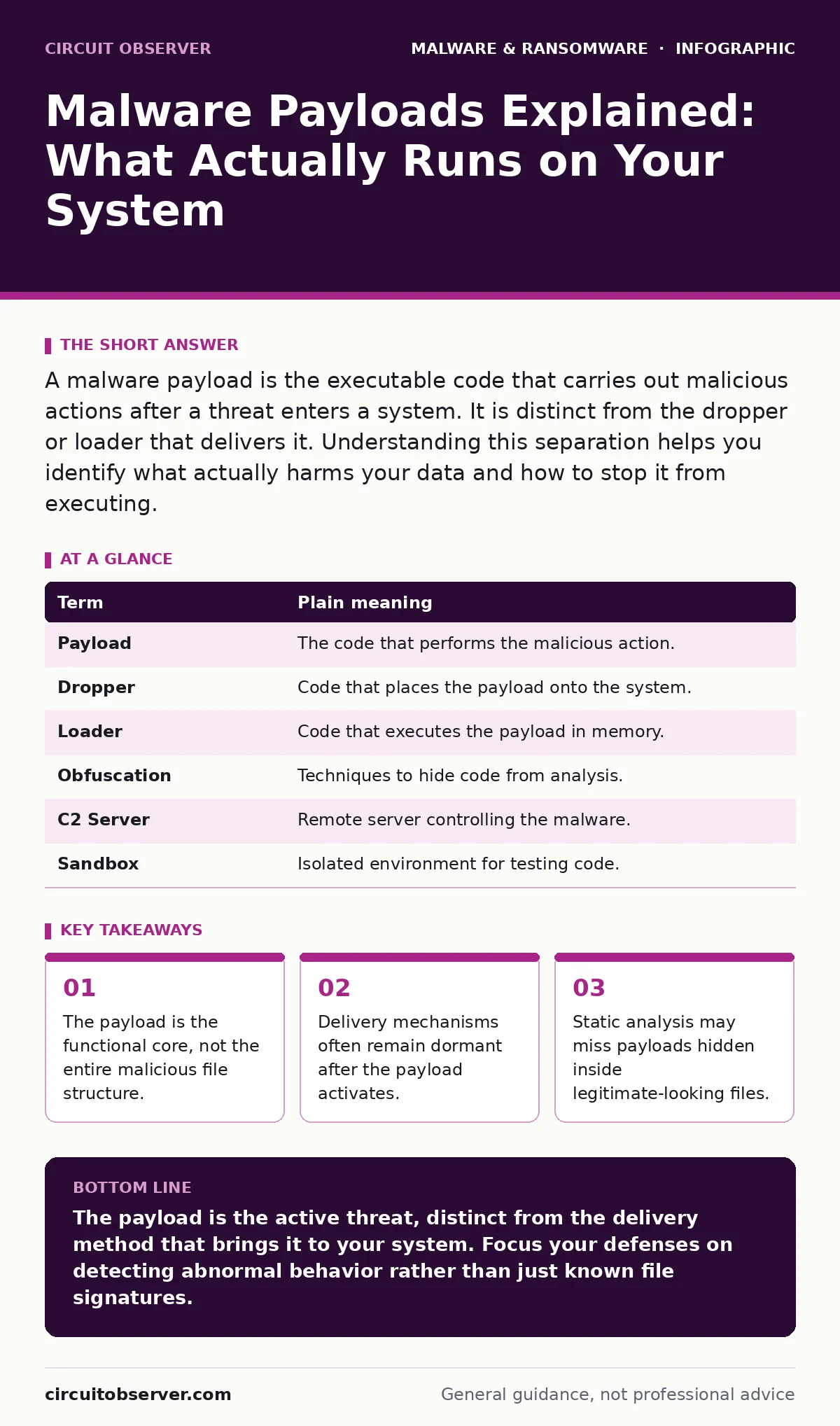
A malware payload is the executable code that carries out malicious actions after a threat enters a system. It is distinct from the dropper or loader that delivers it. Understanding this separation helps you identify what actually harms your data and how to stop it from executing.
The Delivery Truck Analogy
Imagine you order a package containing a hazardous chemical. The shipping box, the tape, and the delivery truck are merely the transport method. They get the item to your door, but they do not contain the substance itself. In cybersecurity, the truck and box are the delivery mechanism. The chemical inside is the malware payload.
Most people confuse the entire package with the danger. The delivery method matters for prevention, but the payload matters for impact. If you stop the truck, the chemical never arrives. If the truck arrives but you never open the box, the chemical stays inert. You must understand both to secure your environment.
Separating Transport from Action
A malware dropper or loader is code designed to place other code onto a system. It often looks like a harmless document or a legitimate installer. Its only job is to bypass initial security checks and write the actual malicious code to disk. Once that task is complete, the dropper may delete itself or remain hidden.
The payload is what executes next. It is the code that steals credentials, encrypts files, or opens a backdoor. This separation allows attackers to update the harmful code without changing the delivery method. If security tools block the dropper, the attacker simply creates a new dropper for the same payload.
| Term | Plain meaning |
|---|---|
| Payload | The code that performs the malicious action. |
| Dropper | Code that places the payload onto the system. |
| Loader | Code that executes the payload in memory. |
| Obfuscation | Techniques to hide code from analysis. |
| C2 Server | Remote server controlling the malware. |
| Sandbox | Isolated environment for testing code. |
Why Static Scans Fail
Traditional antivirus software often relies on static analysis. This method examines the file structure without running it. It looks for known signatures or patterns in the code. If the payload is heavily encrypted or compressed, it looks like random noise. The scanner sees a valid file format but cannot see the malicious intent inside.
This is where malware obfuscation becomes a problem. Attackers scramble the code to avoid detection. The payload remains identical in function, but its appearance changes every time it is generated. A static scan might miss it entirely because it does not match any known bad file. You need behavior-based detection to catch these threats.
The Hidden Cost of Execution
When a payload executes, it often establishes communication with a command and control server. This server tells the malware what to do next. It might wait for days before acting, lying dormant to avoid detection. This delay makes attribution difficult. You may not know you are infected until the attacker decides to act.
The payload might also spread laterally. It moves from one machine to another within your network. This movement often looks like normal administrative traffic. If you only monitor the entry point, you miss the internal spread. The payload operates in the shadows, using legitimate system tools to mask its activity.
Confusing the Source with the Effect
A common mistake is assuming that the file you clicked is the payload. Suppose you open a PDF that downloads an executable. The PDF is the lure. The download mechanism is the dropper. The executable is the payload. If you delete the PDF, the executable may already be running in memory.
Another confusion involves fake antivirus software. These programs claim to clean your system but are actually payloads themselves. They steal payment information and install further malware. The user thinks they are removing a threat, but they are installing one. The interface is a facade for the payload’s true purpose.
See also: Adware Prevention Checklist: Stop Silent Infection and Data Theft · Android Malware Explained: How Spy Apps Steal Data
Testing in Isolation
To understand a payload without risk, you use dynamic malware analysis. This involves running the code in a controlled, isolated environment. You observe what it does rather than what it looks like. You watch for network connections, file changes, and registry modifications.
This process reveals the payload’s true behavior. It shows if it tries to contact a C2 server. It shows if it attempts to disable security tools. You gain insight into the attack chain. This knowledge helps you create better detection rules. It also informs your incident response strategy.
Try This Now
- Review your endpoint detection policies to ensure they monitor for process creation and network connections, not just file hashes.
- Verify that your backup strategy includes offline backups that are disconnected from the network during normal operations.
- Test your incident response plan by simulating a payload execution in a isolated lab environment to measure detection time.
Key takeaways
- The payload is the functional core, not the entire malicious file structure.
- Delivery mechanisms often remain dormant after the payload activates.
- Static analysis may miss payloads hidden inside legitimate-looking files.
The payload is the active threat, distinct from the delivery method that brings it to your system. Focus your defenses on detecting abnormal behavior rather than just known file signatures.
Frequently asked questions
Is the payload the same as the virus?
The term virus is outdated. Modern malware includes various types, but the payload is always the part that performs the malicious action, regardless of the classification.
Can a payload exist without a dropper?
Yes, but it is rare. Most payloads require a mechanism to get onto the system. Direct execution from a user action acts as a manual dropper.
How do I know if a payload is running?
Look for unusual processes, unexpected network traffic, or changes to system files. Behavior-based detection tools are best for identifying these signs.
Does deleting the email remove the payload?
No. If you opened the attachment and the payload executed, deleting the email does not stop the malware. You must clean the system.
How this guide was produced: written by the Circuit Observer editorial team with AI assistance, checked against the public references listed below, and reviewed when the facts change. See our editorial policy or report an error.