Browser isolation protects users by executing web traffic in a remote, isolated container. This prevents malware from reaching local devices. You must configure session recording, policy enforcement, and secure data extraction. This checklist ensures your deployment blocks zero-day threats without breaking business workflows or user experience.
Remote Rendering Configuration
Remote rendering is the core mechanism of browser isolation. The user’s browser sends input to a remote server, which renders the page and sends back a visual stream. This prevents any code from executing on the local machine.
- Enable full remote rendering mode: This ensures that JavaScript, Flash, and other active content run only in the remote container, never on the user’s device.
- Disable local browser extensions: Extensions can bypass isolation by injecting code or reading the visual stream, creating a side-channel for data exfiltration.
- Verify container ephemeral nature: Each session must start with a clean, temporary environment that is destroyed immediately after the user disconnects, preventing persistent threats.
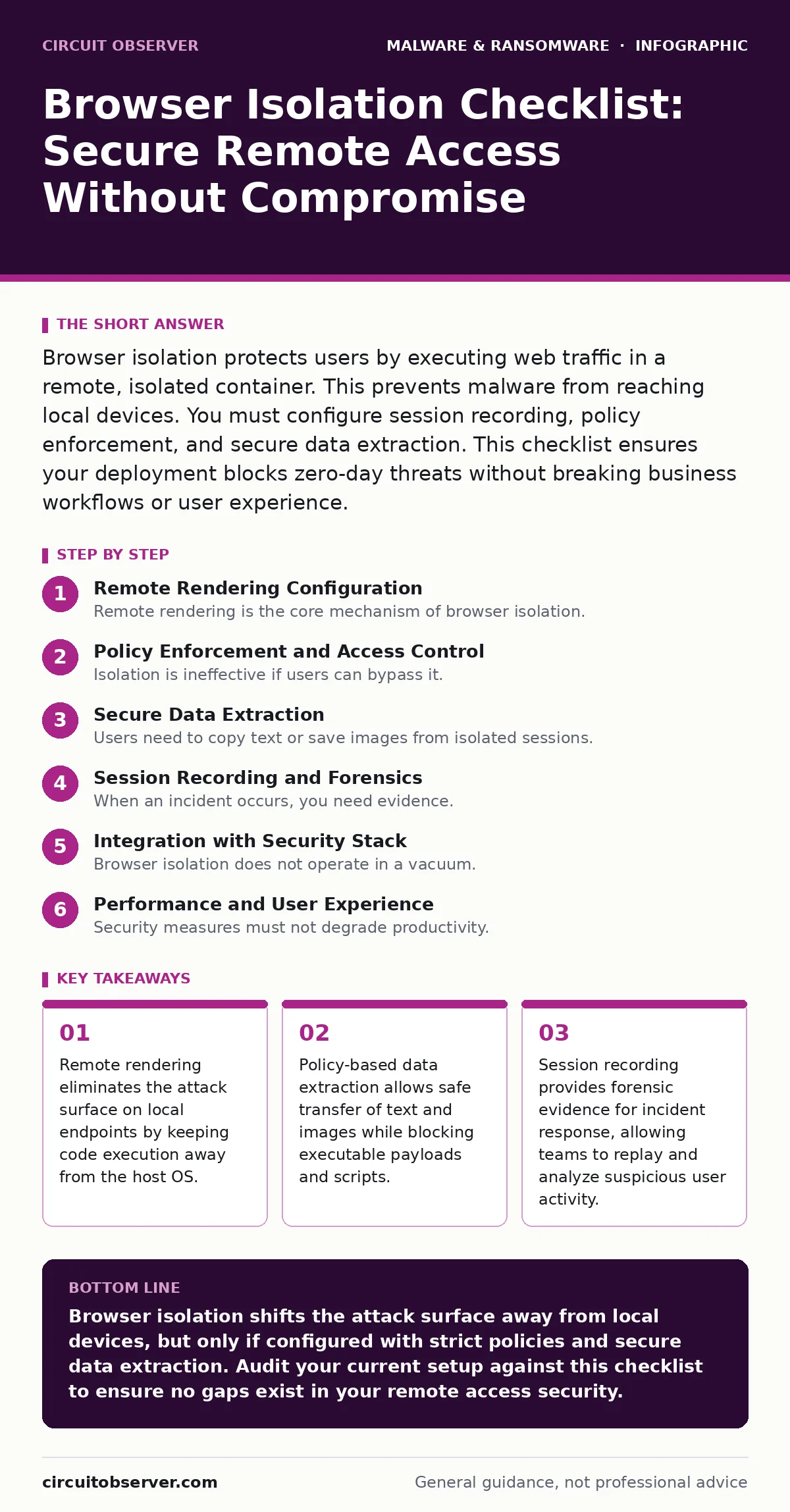
Policy Enforcement and Access Control
Isolation is ineffective if users can bypass it. You must define strict rules for when isolation applies. This prevents shadow IT and ensures that sensitive resources are always protected.
- Define URL classification policies: Categorize web traffic to apply isolation only to untrusted or high-risk sites, reducing performance overhead for safe internal resources.
- Integrate with identity providers: Use single sign-on to enforce isolation based on user role or device trust level, ensuring consistent security posture across all access methods.
- Block direct file downloads: Force all file transfers through a secure gateway that scans for malware before allowing the file to reach the local endpoint.
Imagine a user visiting a compromised news site. Without strict policy enforcement, the browser might attempt to download a payload directly. With proper controls, the isolation gateway intercepts the request and blocks the transfer before it reaches the user.
Secure Data Extraction
Users need to copy text or save images from isolated sessions. Data extraction policies determine what can leave the remote container. Poor configuration can lead to data leakage or blocked productivity.
- Enable text and image extraction: Allow users to copy readable content to their clipboard, but block binary data or executable code from being copied out.
- Configure print job interception: Route print requests through a secure channel that strips metadata and potential malicious scripts from documents before printing.
- Restrict file upload capabilities: Limit the types of files users can upload to the isolated session, preventing attackers from using the browser as a staging ground for attacks.
Session Recording and Forensics
When an incident occurs, you need evidence. Session recording captures every action taken in the isolated browser. This is critical for understanding how an attack unfolded.
- Enable full session recording: Record all mouse movements, clicks, and keystrokes to create a complete audit trail of user activity within the isolated environment.
- Configure automated alerting: Set up triggers for suspicious behaviors, such as rapid form submissions or attempts to access forbidden URLs, to notify security teams immediately.
- Store recordings securely: Ensure that session recordings are stored in a tamper-proof location with strict access controls, preserving their integrity for legal or forensic purposes.
This approach helps teams investigate incidents without needing to preserve the volatile state of the remote container, which is destroyed after the session ends.
Integration with Security Stack
Browser isolation does not operate in a vacuum. It must work with other security tools to provide layered defense. Integration ensures that threats detected in isolation are shared with other systems.
- Connect to SIEM platforms: Send logs and alerts from the isolation gateway to your security information and event management system for centralized monitoring and correlation.
- Integrate with endpoint protection: Share threat intelligence with endpoint detection and response tools to block related attacks on other parts of the network.
- Align with command and control server detection: Use isolation logs to identify traffic patterns that resemble known command and control communications, enhancing overall threat visibility.
See also: CRLF Injection Myths: Why Your WAF Rules Are Not Enough · Web Cache Poisoning: How to Trace and Stop the Attack
Performance and User Experience
Security measures must not degrade productivity. Poor performance leads to user frustration and attempts to bypass security controls. You must optimize the isolation setup for speed and reliability.
- Optimize video streaming quality: Adjust the resolution and frame rate of the remote rendering stream to balance visual fidelity with bandwidth consumption.
- Implement global load balancing: Distribute user sessions across multiple isolation servers to ensure low latency and high availability, even during peak usage times.
- Provide clear user feedback: Display status messages when isolation is active, helping users understand why certain actions are restricted and reducing support tickets.
Regularly review performance metrics to identify bottlenecks. Adjust server resources or network configurations as needed to maintain a smooth user experience.
Key takeaways
- Remote rendering eliminates the attack surface on local endpoints by keeping code execution away from the host OS.
- Policy-based data extraction allows safe transfer of text and images while blocking executable payloads and scripts.
- Session recording provides forensic evidence for incident response, allowing teams to replay and analyze suspicious user activity.
Browser isolation shifts the attack surface away from local devices, but only if configured with strict policies and secure data extraction. Audit your current setup against this checklist to ensure no gaps exist in your remote access security.
Frequently asked questions
Does browser isolation protect against ransomware?
Yes, by preventing ransomware code from executing on local devices. The malware remains trapped in the remote container, unable to encrypt local files or spread across the network.
Can users bypass browser isolation?
Users cannot bypass isolation if policies are enforced at the network level. However, they may try to use personal devices or unauthorized apps, which requires strict access controls to prevent.
How does browser isolation affect performance?
Remote rendering adds latency, which can slow down page loads. Proper optimization and global server distribution minimize this impact, ensuring acceptable performance for most users.
Is browser isolation a replacement for endpoint protection?
No, it complements endpoint protection. While isolation secures web traffic, endpoint tools protect against other threats like email attachments or USB drives, providing a layered defense strategy.
How this guide was produced: written by the Circuit Observer editorial team with AI assistance, checked against the public references listed below, and reviewed when the facts change. See our editorial policy or report an error.