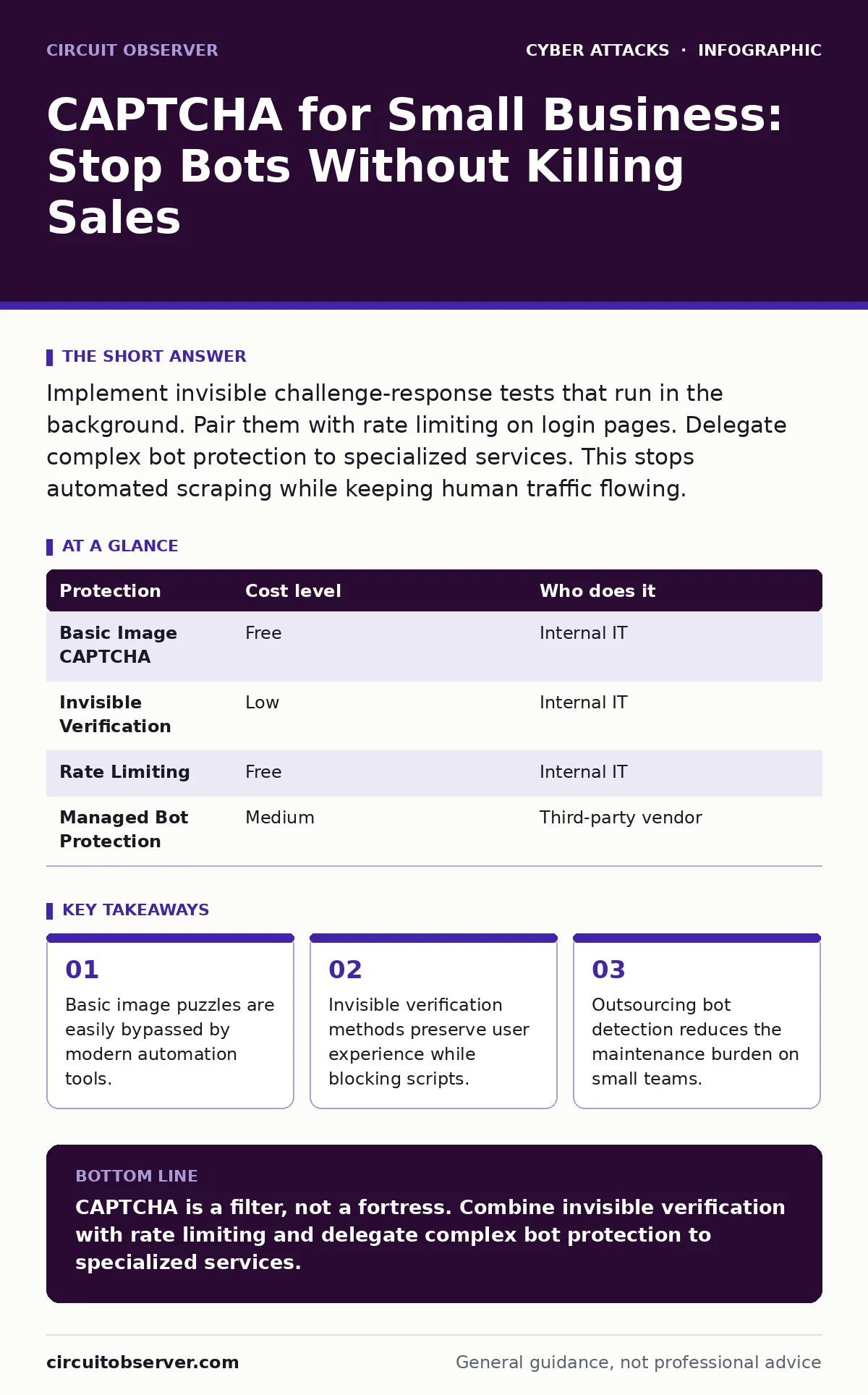
Implement invisible challenge-response tests that run in the background. Pair them with rate limiting on login pages. Delegate complex bot protection to specialized services. This stops automated scraping while keeping human traffic flowing.
The Hidden Cost of Broken Forms
You likely view CAPTCHA as a simple gatekeeper. It asks a question only a human can answer. This prevents automated software from flooding your forms with spam. At a small scale, however, the cost of a failed CAPTCHA is not just annoyance. It is lost revenue and wasted support time.
When a CAPTCHA is too difficult, legitimate users leave. When it is too easy, bots slip through. This trade-off defines your security posture. Small businesses often ignore this balance. They install a default solution and hope for the best. This approach fails because attackers adapt quickly.
Bots no longer look like clumsy scripts. They mimic human behavior. They move the mouse randomly. They pause between keystrokes. A simple "prove you are human" test cannot distinguish between a tired employee and a sophisticated bot. You need a mechanism that checks behavior, not just visual recognition.
Why Basic Puzzles Fail
Image recognition puzzles rely on the assumption that computers cannot identify objects. This assumption is no longer valid. Machine learning models can classify images with high accuracy. Attackers use these models to solve puzzles faster than you can blink.
This creates a false sense of security. You believe your login page is protected. In reality, an attacker is brute-forcing passwords in the background. Each failed attempt looks like a human error. You never see the attack. You only see the damage when credentials are compromised.
This is where replay attacks become relevant. An attacker records a successful CAPTCHA solution. They reuse that solution thousands of times. The system accepts the replayed data as valid. Your defense is bypassed without solving the puzzle again.
Affordable Verification Methods
You do not need expensive software to improve your defenses. The most effective method is invisible verification. This runs in the background. It analyzes how a user interacts with the page. It checks for mouse movements, scroll patterns, and timing.
If the behavior looks human, the user proceeds. If it looks automated, a challenge appears. This keeps the experience smooth for real users. It only interrupts those who trigger suspicion. This is a standard feature in many modern web frameworks.
Rate limiting is another affordable layer. This restricts the number of requests from a single IP address. If a bot tries to guess a password ten times a second, rate limiting blocks it. This does not stop a slow, patient attacker. It stops the noisy, automated ones.
| Protection | Cost level | Who does it |
|---|---|---|
| Basic Image CAPTCHA | Free | Internal IT |
| Invisible Verification | Low | Internal IT |
| Rate Limiting | Free | Internal IT |
| Managed Bot Protection | Medium | Third-party vendor |
What to Delegate
Small teams lack the resources to fight an arms race. Attackers update their tools daily. You cannot keep up alone. Delegating bot protection is not a sign of weakness. It is a strategic choice.
Specialized services maintain databases of known bot signatures. They update these lists in real-time. They analyze global traffic patterns. This gives you visibility you cannot build internally. You pay for their scale and expertise.
This is similar to bot protection services offered by cloud providers. They sit in front of your website. They filter traffic before it reaches your servers. This reduces your server load. It also improves performance for legitimate users.
Consider delegating payment verification procedures as well. If you process transactions, the risk is higher. A specialized service can verify that the person entering the card is real. This reduces chargebacks and fraud.
Questions for Your IT Provider
When you hire help, you need to ask the right questions. Do not accept vague promises. Ask for specific mechanisms. Here is what you should ask an IT provider.
- How do you distinguish between a headless browser and a real user?
- What happens when a legitimate user fails the verification?
- Do you monitor for eavesdropping attacks on the verification channel?
- How often do you update your bot signatures?
- Can you provide logs of blocked attempts?
These questions force the provider to explain their methodology. If they cannot answer clearly, look elsewhere. You need a partner who understands the nuance of bot behavior.
See also: Browser Isolation Checklist: Secure Remote Access Without Compromise · Web Cache Poisoning: How to Trace and Stop the Attack
The Privacy Trade-off
Invisible verification collects data. It tracks mouse movements and touch events. This data can be used to build a profile of the user. You must be transparent about this.
Users have the right to know what data you collect. You must provide a clear privacy policy. This policy must explain why you collect this data. It must explain how you protect it.
This is a legal requirement in many jurisdictions. Ignoring it can lead to fines. It can also damage your reputation. Trust is hard to build and easy to lose. Be honest about your data practices.
Integrating with Access Controls
CAPTCHA is not a standalone solution. It must work with your other security measures. For example, it should integrate with privileged access management.
If an administrator logs in, the risk is higher. You should require stronger verification. This might include multi-factor authentication. This ensures that even if a bot bypasses the CAPTCHA, it cannot access sensitive areas.
This layered approach is critical. No single control is perfect. By combining controls, you reduce the overall risk. You create a system where a failure in one layer is caught by another.
Maintaining Your Defenses
Security is not a one-time setup. It is an ongoing process. You must monitor your logs regularly. Look for unusual patterns.
If you see a spike in failed verifications, investigate. It might be a new attack vector. It might be a misconfiguration. Address it quickly.
Update your software regularly. New vulnerabilities are discovered constantly. Patches fix these vulnerabilities. Delaying updates leaves you exposed.
This discipline applies to all aspects of your security. It also applies to domain spoofing defenses. Ensure your DNS settings are secure. This prevents attackers from impersonating your site.
Key takeaways
- Basic image puzzles are easily bypassed by modern automation tools.
- Invisible verification methods preserve user experience while blocking scripts.
- Outsourcing bot detection reduces the maintenance burden on small teams.
CAPTCHA is a filter, not a fortress. Combine invisible verification with rate limiting and delegate complex bot protection to specialized services.
Frequently asked questions
Does CAPTCHA stop all bots?
No. CAPTCHA slows down automated attacks. It does not stop all bots. Determined attackers can bypass basic challenges. You need layered defenses.
Is invisible CAPTCHA more private?
It collects behavioral data. This can be more intrusive than image puzzles. You must disclose this data collection. Ensure you comply with privacy laws.
How often should I update my CAPTCHA?
You should review your settings regularly. Update your software patches immediately. Monitor logs for new attack patterns. Adjust your rules as needed.
Can I use CAPTCHA for mobile apps?
Yes. Mobile apps can use invisible verification. They can also use device fingerprinting. This helps distinguish between real devices and emulators.
How this guide was produced: written by the Circuit Observer editorial team with AI assistance, checked against the public references listed below, and reviewed when the facts change. See our editorial policy or report an error.