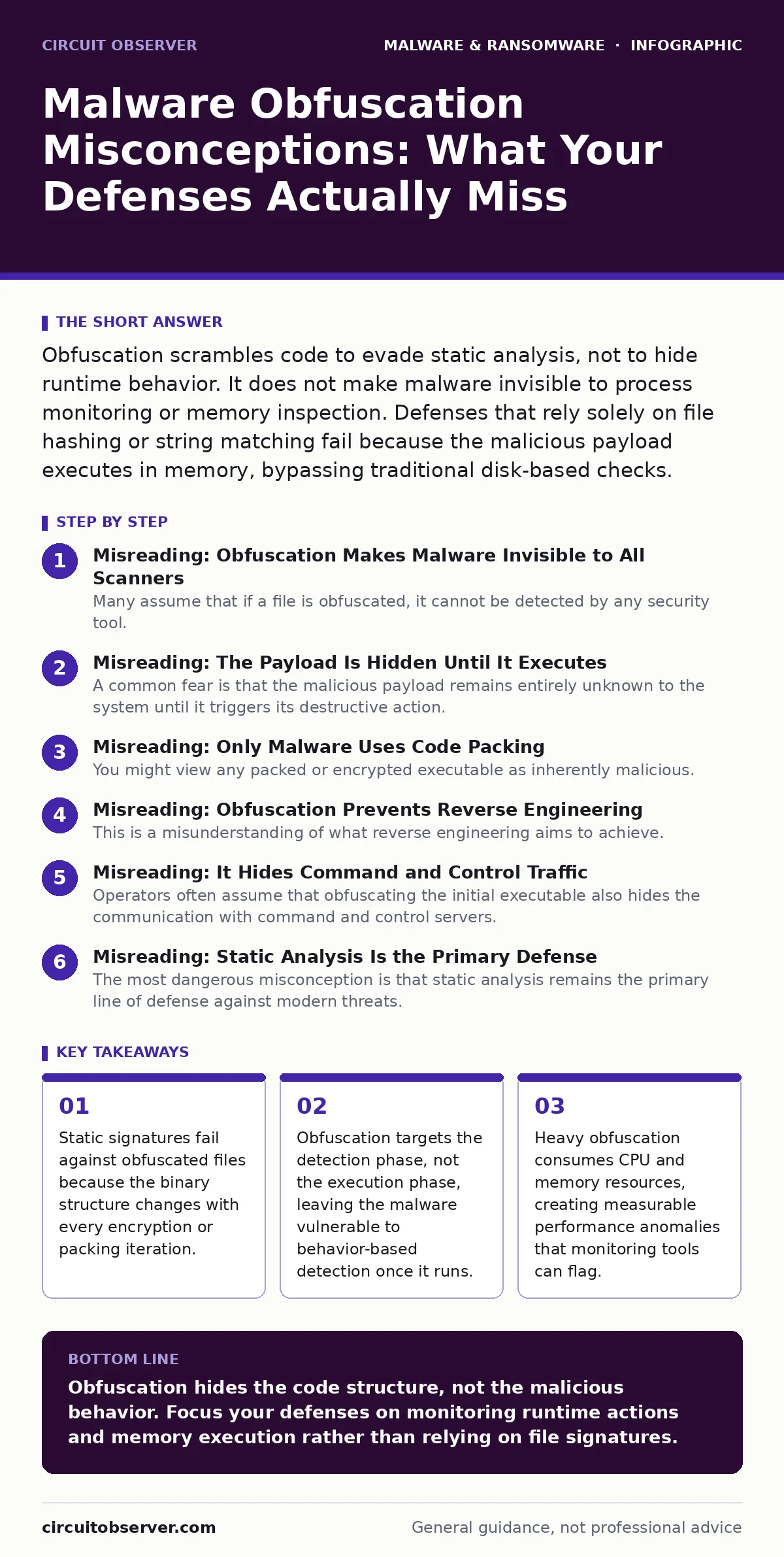
Obfuscation scrambles code to evade static analysis, not to hide runtime behavior. It does not make malware invisible to process monitoring or memory inspection. Defenses that rely solely on file hashing or string matching fail because the malicious payload executes in memory, bypassing traditional disk-based checks.
Misreading: Obfuscation Makes Malware Invisible to All Scanners
Many assume that if a file is obfuscated, it cannot be detected by any security tool. This belief stems from the failure of traditional antivirus engines that rely on static signatures. When code is scrambled, the unique fingerprint of the binary changes, rendering hash-based detection useless. However, this only applies to tools that inspect the file at rest without executing it.
Modern security stacks do not rely solely on static hashes. They use heuristic analysis and machine learning models that look for structural anomalies rather than exact matches. An obfuscated file often exhibits unusual entropy levels or suspicious imports that trigger alerts even before execution. You are not blind to the threat; you are simply using the wrong lens.
Correct reading: Obfuscation defeats static signature matching, but it does not defeat heuristic analysis or behavioral monitoring. The file remains visible to tools that inspect its structure or watch its runtime actions.
Misreading: The Payload Is Hidden Until It Executes
A common fear is that the malicious payload remains entirely unknown to the system until it triggers its destructive action. This view suggests that defenders have no chance to intervene before damage occurs. In reality, the payload must be decoded or unpacked in memory to run. This decoding process requires a loader or a dropper to transform the scrambled data into executable instructions.
This transformation is an active process that consumes system resources. It interacts with the operating system’s APIs to allocate memory and write code. These interactions create a trail of activity that is distinct from normal application behavior. The payload is not hidden; it is merely assembled in a location that static scanners do not inspect.
Correct reading: The payload must be reconstructed in memory to execute, creating observable system calls and resource usage that behavior-based detection can identify.
Misreading: Only Malware Uses Code Packing
You might view any packed or encrypted executable as inherently malicious. This assumption leads to alert fatigue and missed threats because legitimate software frequently uses these techniques for intellectual property protection and licensing enforcement. Commercial applications often pack their code to prevent reverse engineering and tampering.
If your detection logic flags all packed binaries as threats, you will block critical business applications. This creates a hidden cost in operational downtime and user frustration. The distinction lies not in the presence of obfuscation, but in the context of its execution and the source of the binary. Legitimate packers are well-known and trusted, whereas malicious packers often use custom or rare algorithms.
Correct reading: Code packing is a standard industry practice for both legitimate and malicious software. Detection must rely on context, reputation, and behavior, not just the presence of encryption or compression.
Misreading: Obfuscation Prevents Reverse Engineering
This is a misunderstanding of what reverse engineering aims to achieve. While obfuscation makes static analysis difficult, it does not prevent dynamic analysis. Analysts can run the malware in a sandboxed environment to observe its behavior. They can hook into system calls to see what the code requests from the operating system. They can dump the memory to capture the decoded payload after it has been unpacked. The obfuscation layer dissolves once the code executes. The effort required to analyze the malware increases, but the outcome remains the same: the true intent of the code is revealed.
Correct reading: Obfuscation delays reverse engineering but does not prevent it. Dynamic analysis and memory inspection reveal the true payload and its capabilities regardless of initial code scrambling.
Misreading: It Hides Command and Control Traffic
Operators often assume that obfuscating the initial executable also hides the communication with command and control servers. This is a logical error that confuses code protection with network security. Once the malware executes, it must communicate with external infrastructure to receive instructions or exfiltrate data. This traffic occurs at the network layer, separate from the file layer.
Obfuscation does not encrypt or disguise network packets unless the malware specifically includes a custom communication protocol. Standard protocols like HTTP or DNS are often used, making the traffic visible to network monitoring tools. The malware might use domain generation algorithms to change its destination, but the traffic itself is not hidden by the file’s obfuscation.
Correct reading: File obfuscation does not mask network activity. Communication with command and control servers is visible to network monitors and can be detected through traffic analysis.
See also: Virus vs Worm: The Structural Difference That Dictates Spread · Adware Prevention Checklist: Stop Silent Infection and Data Theft
Misreading: Static Analysis Is the Primary Defense
The most dangerous misconception is that static analysis remains the primary line of defense against modern threats. This view persists because static scanning is fast and cheap. It allows for rapid screening of large volumes of files. However, it is ineffective against polymorphic malware that changes its code structure with each infection. Relying on static analysis creates a false sense of security. It misses threats that are specifically designed to evade signature-based detection. A layered defense that includes runtime monitoring and memory inspection is necessary to catch these threats. You must watch what the code does, not just what it looks like.
Correct reading: Static analysis is insufficient for modern threats. Effective defense requires runtime monitoring and behavior-based detection to identify malicious actions after execution.
Misreading: Obfuscation Guarantees Evasion
Some assume that if a sample is obfuscated, it will bypass all security controls. This is a dangerous gamble that ignores the diversity of modern detection methods. While obfuscation may bypass a specific antivirus engine, it may trigger alerts in endpoint detection and response platforms. These platforms monitor process creation, registry changes, and file modifications. They look for patterns of behavior that indicate malicious intent. A heavily obfuscated file might run slower or use more memory, creating a performance footprint that stands out. No single technique guarantees evasion. Security is a cat-and-mouse game where defenders adapt to new obfuscation methods.
Correct reading: Obfuscation increases the difficulty of detection but does not guarantee evasion. Layered defenses that monitor behavior and performance can still identify and block obfuscated threats.
Key takeaways
- Static signatures fail against obfuscated files because the binary structure changes with every encryption or packing iteration.
- Obfuscation targets the detection phase, not the execution phase, leaving the malware vulnerable to behavior-based detection once it runs.
- Heavy obfuscation consumes CPU and memory resources, creating measurable performance anomalies that monitoring tools can flag.
- Legitimate software also uses packing and encryption, creating false positives if detection relies on obfuscation alone.
Obfuscation hides the code structure, not the malicious behavior. Focus your defenses on monitoring runtime actions and memory execution rather than relying on file signatures.
Frequently asked questions
Does obfuscation make ransomware undetectable?
No. While obfuscation hides the initial code, the ransomware must still encrypt files and modify the system, which behavior-based detection can identify.
Can I remove obfuscation from a file to analyze it?
You can use dynamic analysis tools to let the file decode itself in a safe environment, allowing you to inspect the resulting payload in memory.
Why do legitimate apps use obfuscation?
Legitimate software uses packing and encryption to protect intellectual property, prevent tampering, and enforce licensing, not to hide malicious intent.
How do I distinguish between malicious and legitimate packed files?
Look at the source reputation, the behavior during execution, and the specific packing algorithms used. Malicious files often use custom or rare packers.
How this guide was produced: written by the Circuit Observer editorial team with AI assistance, checked against the public references listed below, and reviewed when the facts change. See our editorial policy or report an error.