Dual booting Android and Windows matters for security because it enforces strict hardware boundary separation and exposes shared UEFI vulnerabilities that a single operating system cannot isolate during firmware-level attacks.
Why Dual Booting Alters Firmware Trust
Unified Extensible Firmware Interface, the modern initialization software replacing traditional basic input-output systems, manages hardware handoffs during boot sequences. Running both mobile and desktop operating systems forces firmware to load divergent boot image signatures into non-volatile memory. Desktop environments expect continuous disk encryption keys, whereas mobile environments rely on file-based decryption models tied to user credentials. Juggling these paradigms creates persistent state anomalies inside the motherboard storage registers.
Firmware attack surfaces expand significantly when you introduce two fundamentally different kernel architectures to the same silicon. Windows relies on a modular driver framework that permits extensive kernel-level debugging hooks. Android isolates user applications through Linux kernel namespaces and distinct permission sandboxes. Sharing the same physical storage controller means a compromised mobile build can modify partition tables before the desktop operating system ever initializes its own defensive services.
Boot managers intercept the initialization phase to present a selection menu to the user. Standard desktop bootloaders verify kernel binaries using strict cryptographic hashing algorithms stored in trusted platform modules. Injecting a secondary mobile operating system bypasses default trust chains unless you reconfigure the underlying endorsement keys manually. Misconfigured key registries leave the hardware vulnerable to unauthorized payload substitution before the primary operating system loads its first security daemon.
The Mechanics of Partition Isolation
Storage partitioning determines how completely two operating systems remain separated from each other's filesystem trees. Windows formatting utilities default to specific volume layouts that mobile kernels interpret differently during read-write operations. Shared data partitions often lack proper access control list enforcement, allowing mobile applications to read remnant desktop files if permissions are left unmanaged.
File systems dictate how data sits on magnetic or solid-state platters, bridging raw hardware blocks and user-readable files. Windows uses a proprietary journaling format that handles extensive metadata tracking for desktop applications. Android relies on Linux-native file structures optimized for flash memory wear-leveling and rapid journaling recovery. Bridging these formats requires third-party drivers that frequently lack rigorous security audits, creating potential privilege escalation vectors inside the storage stack.
Encryption mechanisms complicate partition sharing between desktop and mobile environments. Activating desktop disk encryption locks the entire storage volume behind a pre-boot authentication prompt managed by tools like BitLocker. Mobile environments often encrypt user spaces individually after the operating system kernel boots up. Mixing these approaches means a portion of the drive remains unencrypted or uses weaker cipher implementations to allow the secondary bootloader to read shared configuration files.
How Teams Use Multi-Boot Environments
Engineering teams deploy multi-platform hardware to test cross-device application compatibility without purchasing dedicated mobile testing units for every developer. Developers use dual-boot configurations to verify how software handles hardware sensor inputs across different operating systems. This practice reduces hardware procurement costs while ensuring software builds comply with varying platform security requirements before public deployment.
Quality assurance units rely on isolated dual-boot workstations to run automated regression scripts against mobile and desktop targets sequentially. Security analysts use these same physical machines to study how malware variants adapt their persistence mechanisms when transitioning between distinct kernel environments. Observing divergent behavior on identical hardware aids reverse engineering efforts and highlights undocumented firmware interaction flaws.
Organizations operating in restricted sectors leverage multi-boot setups to repurpose aging desktop units into compliant testing terminals. Reusing older silicon for secondary mobile operating systems extends the utility of end-of-life hardware while maintaining strict separation from corporate networks. Administrators enforce network isolation on these test machines to prevent experimental builds from communicating with production database clusters.
The Decisions It Informs
Architectural choices regarding device provisioning change permanently once an organization evaluates the security implications of multi-boot hardware. System administrators must decide whether the cost of physical device separation outweighs the operational efficiency of shared hardware testing platforms. These choices dictate how security teams monitor firmware integrity and manage cryptographic keys across diverse operating environments.
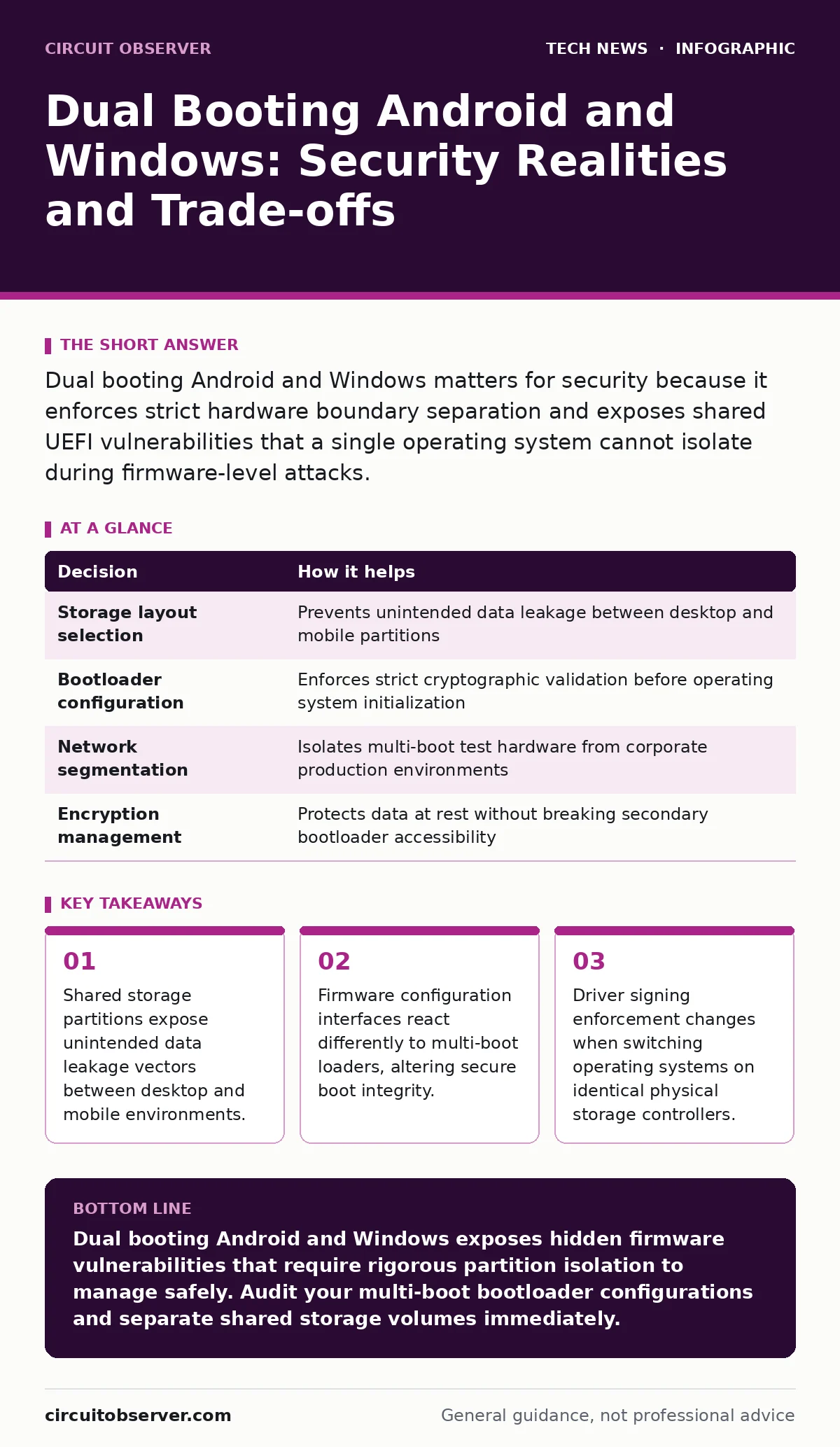
| Decision | How it helps |
|---|---|
| Storage layout selection | Prevents unintended data leakage between desktop and mobile partitions |
| Bootloader configuration | Enforces strict cryptographic validation before operating system initialization |
| Network segmentation | Isolates multi-boot test hardware from corporate production environments |
| Encryption management | Protects data at rest without breaking secondary bootloader accessibility |
Policy enforcement mechanisms must adapt to handle hardware capable of running multiple distinct operating systems. Traditional endpoint management tools assume a single operating system controls the physical platform from power-on to shutdown. Dual booting shatters this assumption, forcing security teams to deploy specialized monitoring agents capable of auditing firmware state changes across different operating system sessions.
What Goes Wrong Without Proper Separation
Without strict partition boundaries, a compromised mobile operating system can quietly alter desktop boot files during a routine shutdown sequence. Attackers target the shared bootloader directory to inject persistent malicious code that executes before the desktop security software activates. This technique bypasses traditional endpoint detection tools entirely because the compromise occurs prior to operating system initialization.
Memory persistence issues arise when running multiple operating systems on hardware with shared peripheral component interconnect buses. Firmware settings left in an insecure state by a mobile operating system can compromise the security posture of a subsequent Windows session. Without proper hardware reset protocols between reboots, residual data in volatile memory registers remains accessible to unauthorized execution threads.
Hidden Costs of Firmware Complexity
Maintaining a dual-boot environment demands specialized administrative overhead that offsets initial hardware cost savings. Technicians spend additional hours troubleshooting erratic bootloader behavior caused by routine operating system updates overwriting shared partition tables. System administrators must manually validate firmware updates against every installed operating system to prevent unexpected boot failures.
Compliance auditing becomes significantly more complex when endpoints run multiple operating systems on shared silicon. Regulatory frameworks often require verifiable proof of data isolation and complete disk encryption across all storage volumes. Demonstrating compliance for a dual-boot machine requires generating audit trails for every operating system instance, increasing the administrative burden on internal security teams.
Hardware lifecycle management suffers when multiple operating systems demand conflicting firmware feature sets from the same motherboard. Manufacturers frequently drop firmware support for older motherboards, leaving dual-boot systems vulnerable to unpatched vulnerabilities in low-level initialization code. Replacing these aging systems incurs unexpected capital expenditure and disrupts active development workflows across the organization.
Key takeaways
- Shared storage partitions expose unintended data leakage vectors between desktop and mobile environments.
- Firmware configuration interfaces react differently to multi-boot loaders, altering secure boot integrity.
- Driver signing enforcement changes when switching operating systems on identical physical storage controllers.
Dual booting Android and Windows exposes hidden firmware vulnerabilities that require rigorous partition isolation to manage safely. Audit your multi-boot bootloader configurations and separate shared storage volumes immediately.
Frequently asked questions
Does dual booting Android and Windows reduce overall hardware security?
Dual booting can reduce security if shared storage partitions lack strict access controls or if the bootloader bypasses cryptographic verification checks during system startup.
How do operating system updates affect dual-boot configurations?
Operating system updates frequently overwrite shared bootloader sectors or modify partition tables, which often breaks the secondary operating system's ability to start correctly.
Can endpoint management software monitor both operating systems on a dual-boot machine?
Standard endpoint management tools struggle to monitor multi-boot hardware effectively because they usually assume a single operating system controls the physical machine continuously.
What is the primary advantage of using a dual-boot setup for testing?
Dual-boot setups allow engineers to test software across mobile and desktop environments on a single physical machine, reducing hardware acquisition costs and desk space requirements.
How this guide was produced: written by the Circuit Observer editorial team with AI assistance, checked against the public references listed below, and reviewed when the facts change. See our editorial policy or report an error.